Einleitung
The Logitech Mouse, model 205, isn't as clear to take apart as later models. But once the steps are known, a teardown for this device is straightforward and requires only common tools. This guide will instruct the reader on how to take apart this particular model.
Werkzeuge


-
-
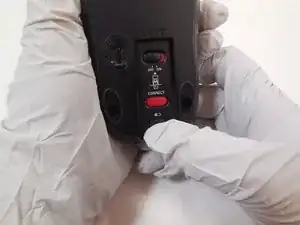
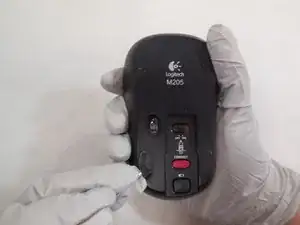
To remove the battery, turn the mouse over onto its back and press the square button bellow the battery icon.
-
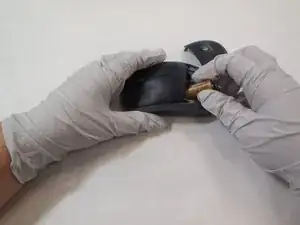
Pressing this button should release the cover on the top of the mouse, allowing you to remove the battery.
-
-
-
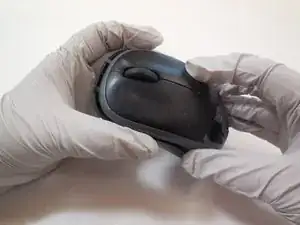
Flip the mouse over onto its back.
-
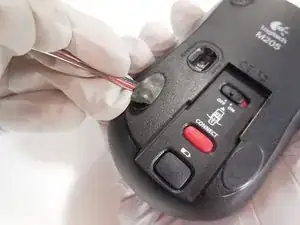
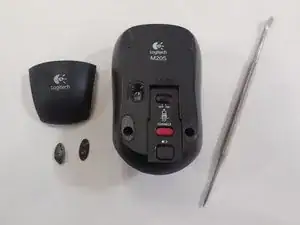
Using a metal spudger, scrape off the padding on the bottom two pads as shown.
-
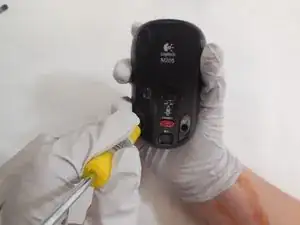
This will reveal a two holes, with a screw in each.
-
-
-
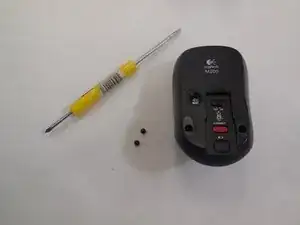
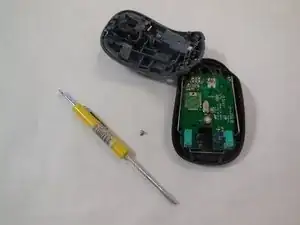
Using a phillips head screwdriver (J000 in ifixit toolkit), unscrew the screws holding the base in place.
-
-
-
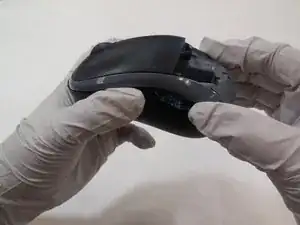
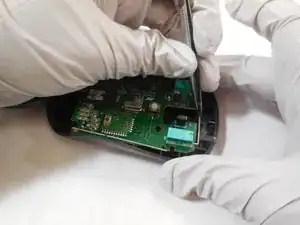
Lift up the back side of the mouse, then gently slide the front towards the back.
-
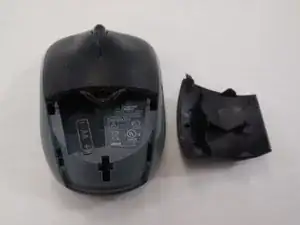
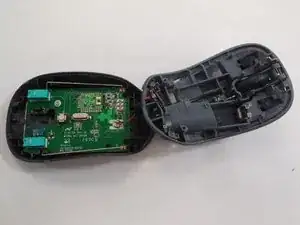
After sliding, then the mouse will open as shown.
-
-
-
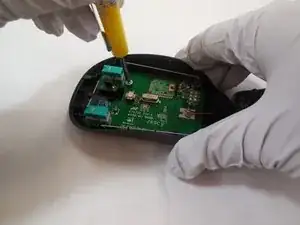
Using a phillps head screwdriver (head J000 in the ifixit toolkit), unscrew the circuit board from the mouse frame.
-
-
-
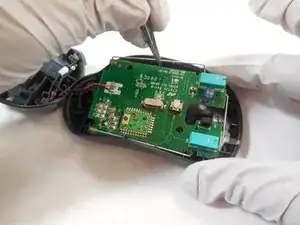
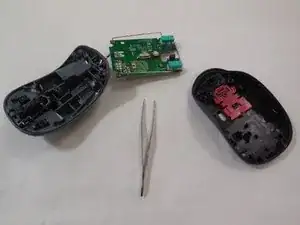
Using the tweezers, gently pull the circuit board from the mouse. Hold the circuit board by the metal frame that surrounds it, as shown.
-

2 Kommentare
Logitech M180 opens the same way.
ste -
I don’t quite understand the point of this. The mice fail occasionally but are inexpensive (~$15). It would be nice to be able to repair them but merely disassembling them doesn’t serve any purpose as far as I can see.