Einleitung
Ersatzteile
-
-
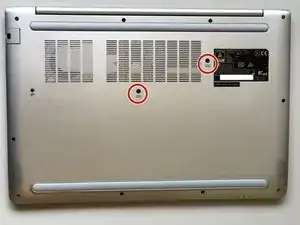
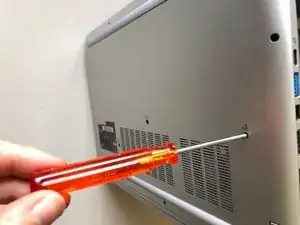
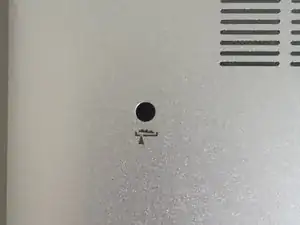
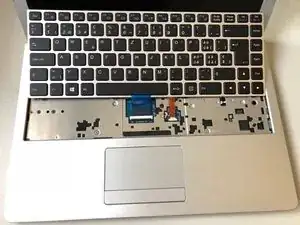
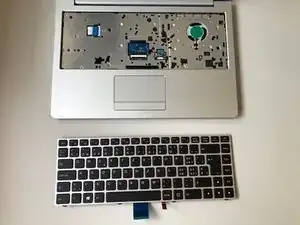
With a solid and thin object, unclipse the keyboard by pushing it through the holes you have unscrewed previously.
-
-
-
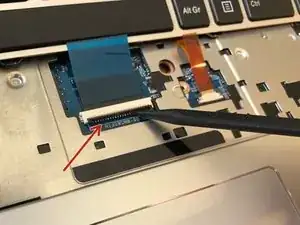
With an appropriate tool, carefully remove the blue connector.
-
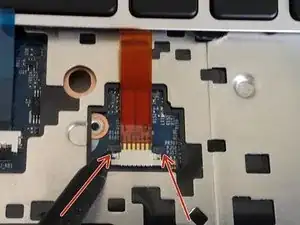
With an appropriate tool, carefully remove the orange connector.
-
Abschluss
To reassemble your device, follow the steps in reverse.
