Einleitung
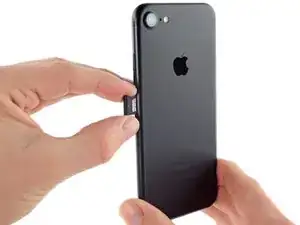
Folge dieser Anleitung, um die SIM-Karte in einem iPhone 7 zu entfernen oder zu ersetzen.
Werkzeuge

Ersatzteile

-
-
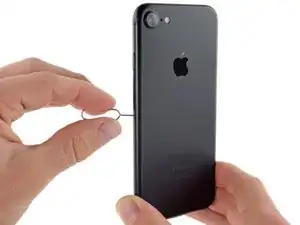
Führe das SIM-Auswurfwerkzeug oder eine Büroklammer in das Loch am SIM-Karteneinschub.
-
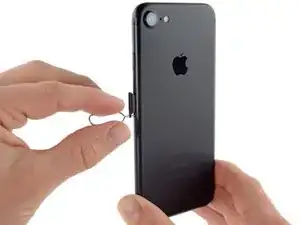
Drücke das Werkzeug in das Loch, um den SIM-Karteneinschub auszuwerfen.
-
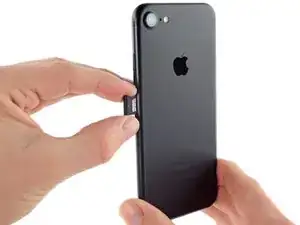
Entferne den SIM-Karteneinschub aus dem iPhone.
-
Abschluss
Arbeite die Schritte in umgekehrter Reihenfolge ab, um dein Gerät wieder zusammenzubauen.

Received a sim card tray from IFIXIT for my iphone 7. I can’t seem to get it to close flush no matter how hard I try. Any suggestions?
AJ Dereume -
Why would it require a significant amount of force? Is it because the iPhone 7 is water resistant? When I removed my tray it was like it was stuck in goop inside the phone and the tray had a glue like sticky substance on it? It did not ‘click’ back in smoothly like my other iPhones, I had to push it against the ‘goop’. Is this normal for iPhone 7??
Rebecca Diakun -
I used the tip of the super pointy tweezers, and it worked well.
Cynthia Lamb -