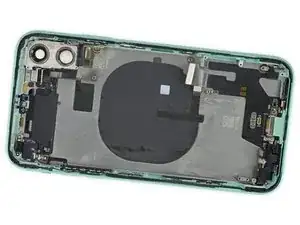


Abschluss
Um dein Gerät wieder zusammenzusetzen, folge der Anleitung in umgekehrter Reihenfolge.
Um dein Gerät wieder zusammenzusetzen, folge der Anleitung in umgekehrter Reihenfolge.
I really wish you had shown the size and kind of each screw and standoff.
I’m pretty sure I must have mixed them up a bit and now the screen doesn’t work.
A pic by pic instead of a video would have been awesome.
Kim Mace -
When you replace parts you always need to organize your screws the exact way you remove them… Mixing up screws will damage the motherboard. This goes for any repair.
Mason Miller -
So I've had an issue with a few iPhone 11 re-body jobs I've done. Out of about 30 that I've performed, two of them end up with an issue where the phone reboots randomly ever 2-5 minutes. (I've had to replace the phones outright for the customer.) It's not common but it is VERY frustrating.
Any idea what could be causing this?
TehachaScreens -