Einleitung
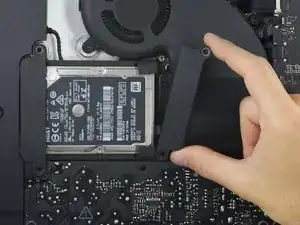
Nur eine Voraussetzung beim Ausbau der Festplatte am 21,5" Retina 4K Ende 2015 iMac.
Werkzeuge

-
-
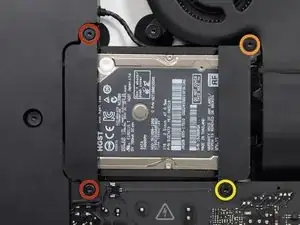
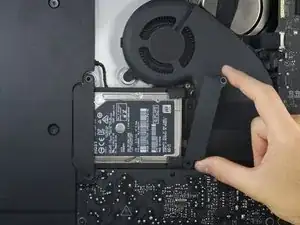
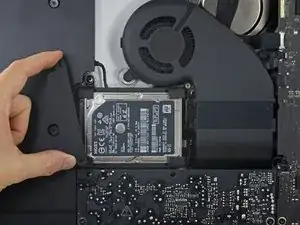
Entferne folgende Torx T10 Schrauben welche die Festplattenhalterungen am iMac befestigen:
-
Zwei 21 mm Schrauben
-
Eine 9 mm Schraube
-
Eine 27 mm Schraube
-
Abschluss
Um dein Gerät wieder zusammenzusetzen, folge den Schritten in umgekehrter Reihenfolge.

At step 26, when reassembling, it's super easy to over-tighten the 9mm screw and strip the brass ferrule out of its hole in the plastic bracket (%#*@).
roberttrevellyan -
Mine has 4 different length screws, the two red colored 21mm screws in this guide are actually two differ lengths
anonymous 523 -
Mi imac does not have a HDrive whats the steps to follow?
Charlie -