-
-
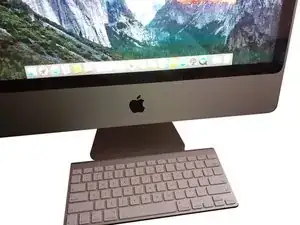
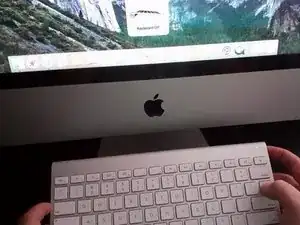
Schalte die Tastatur aus, indem du die Power Taste für mindestens 3 Sekunden drückst.
-
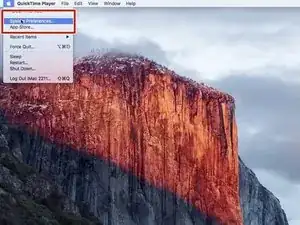
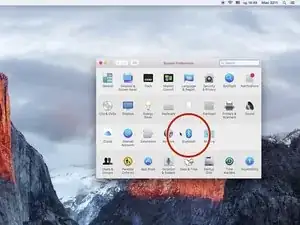
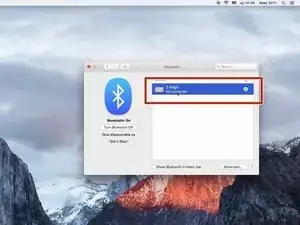
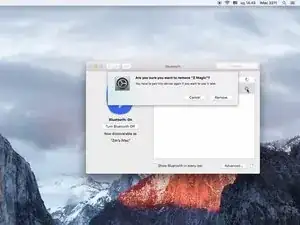
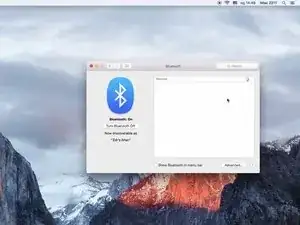
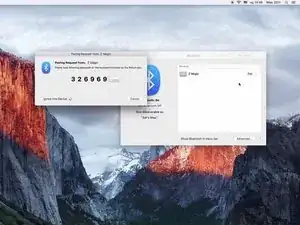
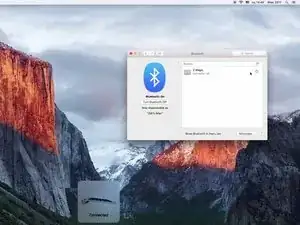
Öffne "Systemeinstellungen...", "Bluetooth"
-
Um dein Gerät wieder zusammenzubauen, folge den Schritten in umgekehrter Reihenfolge.

3 Kommentare
I bought a wireless keyboard at a flea market. When pairing I was able to enter all numbers, but the "Enter" key does not react. Is there some way to test the button?
Pairing my A1255 to my 2011 MacBook Pro, after many press and hold button attempts to reset, it was unsuccessful. Until I brought both the laptop and the keyboard to a insulated staircase of the building so no other Bluetooth devices are present, the two connected.
Vu Linh -
ho provato a resettarla ma niente da fare funziona solo parzialmente .l’ho collegata all’iPad 11 pro e funziona perfettamente
victor