Einleitung
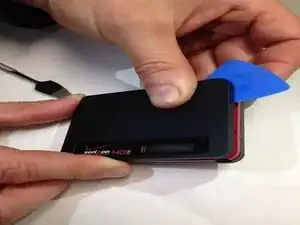
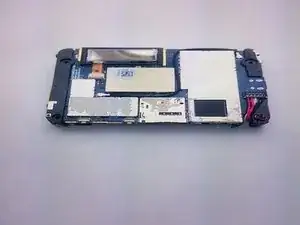
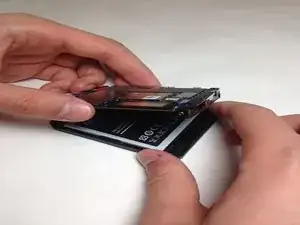
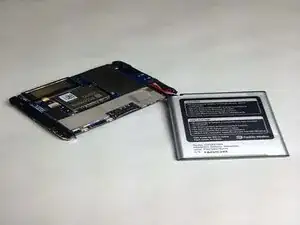
What you can expect from this guide is a step by step process on how to remove the LCD display screen on a Verizon Ellipsis Jetpack MHS800L.


-
-
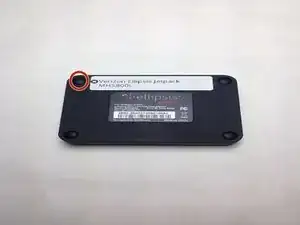
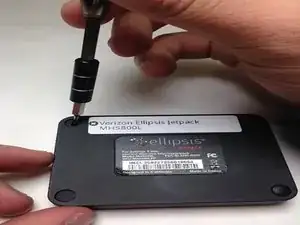
With the device on its back and the label facing you, remove the rubber screw cover on the top left corner of the device.
-
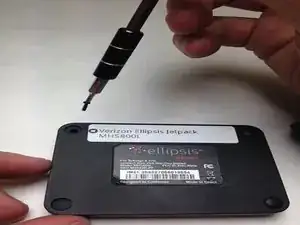
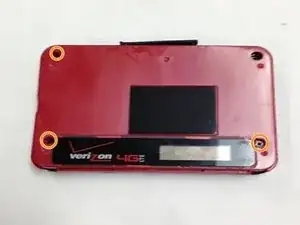
Under the rubber circle, remove the 1.25 mm screw using a Philips #00 screwdriver.
-
-
-
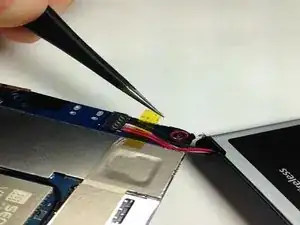
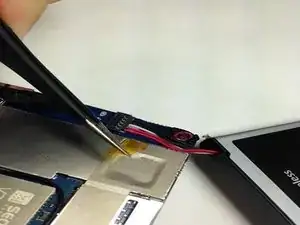
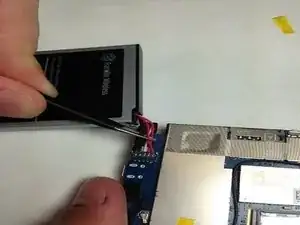
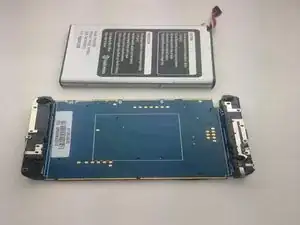
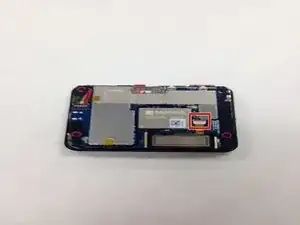
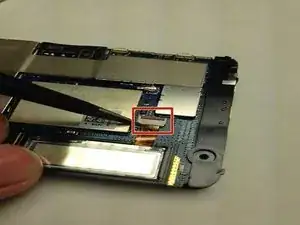
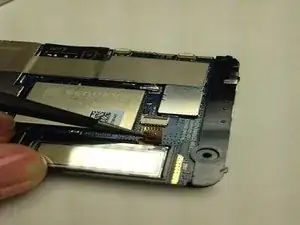
After removing the tape you may use the ESD Tweezers to remove the wiring harness from the circuit board.
-
-
-
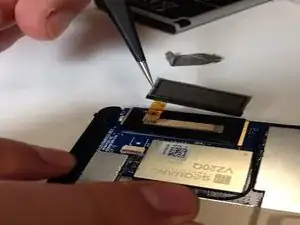
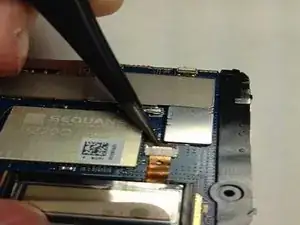
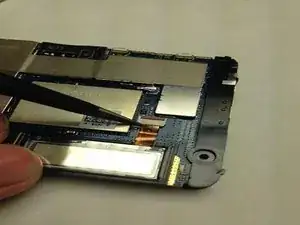
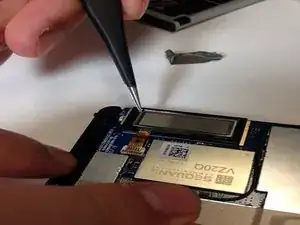
Using the ESD Tweezers gently coax the display data cable out of circuit board connector.
-
-
-
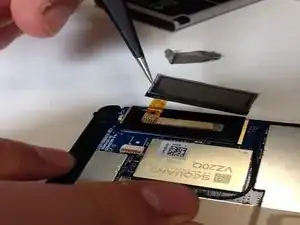
Gently insert the ESD Tweezers underneath the LCD screen and lift the LCD screen off of the circuit board.
-
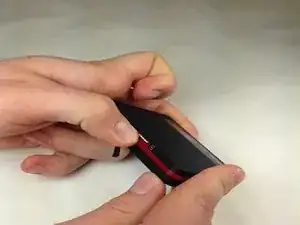
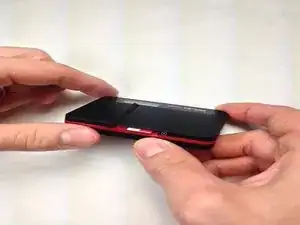
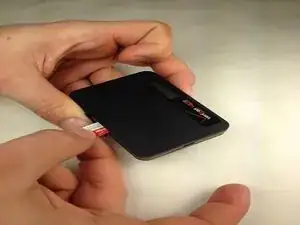
Abschluss
To reassemble your device, follow these instructions in reverse order.
