Einleitung
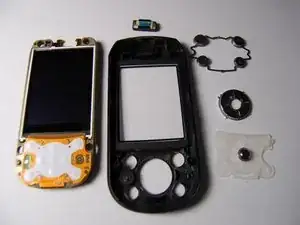
This guide will detail how to detach the two halves of the phone, remove the LCD screen, and gain access to the main control buttons.
Accessing this part of the phone will allow you to clean or replace any parts that are dirty or damaged.
Werkzeuge


-
-
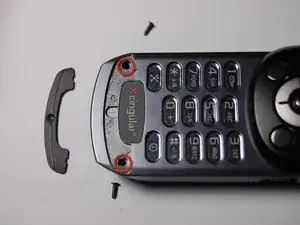
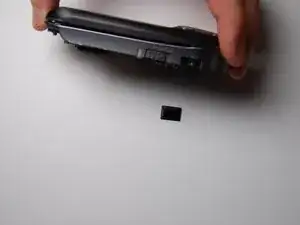
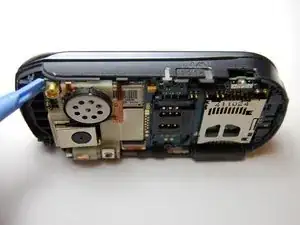
Remove the black plastic piece on the side.
-
This will allow for easier access while prying.
-
-
-
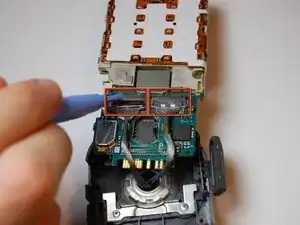
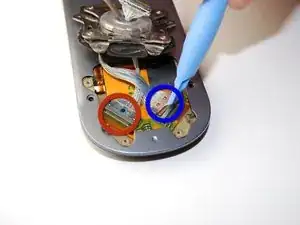
Remove the two cable connectors using a plastic opening tool.
-
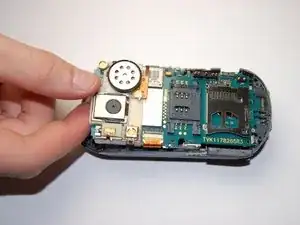
Place the motherboard aside in a safe location.
-
-
-
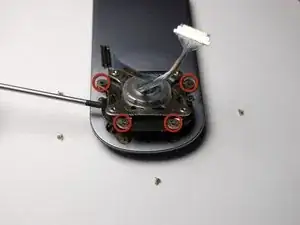
On the rotational assembly.
-
Unscrew the four 3mm screws
-
Unscrew the two 2.3mm screws
-
Lift this assembly off of the phone to allow access to the other half of the device.
-
-
-
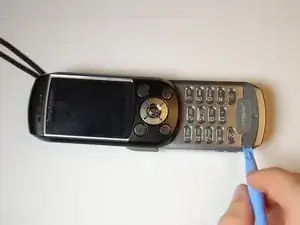
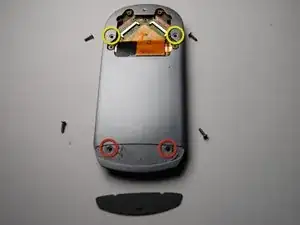
Remove the plastic cover on the back of the phone using a plastic opening tool.
-
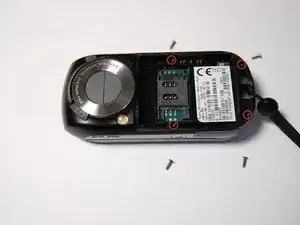
Remove the two 6mm screws beneath this cover.
-
Also remove the two 6mm screws near the top of the phone.
-
-
-
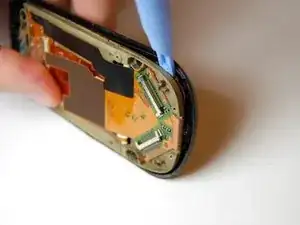
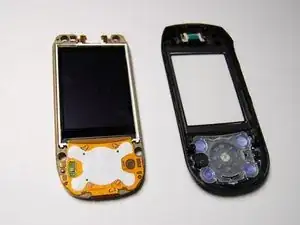
With face plate and LCD exposed, replace the existing cracked LCD with a new LCD if desired.
-
-
-
Remove the button and pad assembly as shown.
-
If desired, these items can now be cleaned or replaced.
-
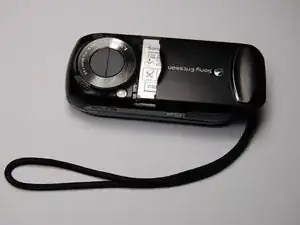
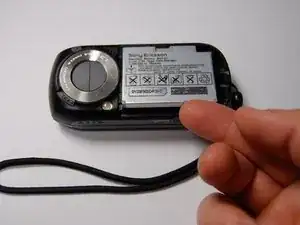
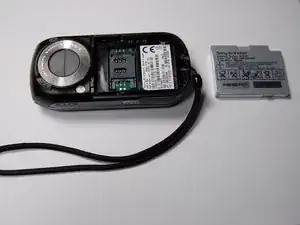
To reassemble your device, follow these instructions in reverse order.
