Einleitung
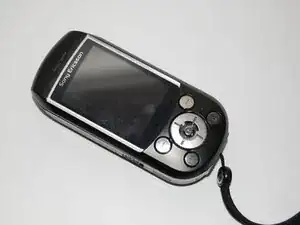
This guide will show you how to access and replace the main keypad of the phone. Use this guide if the keypad needs to be cleaned or repaired. You can also remove the keypad, decorate it, and have your phone stand apart from the crowd.
Werkzeuge


-
-
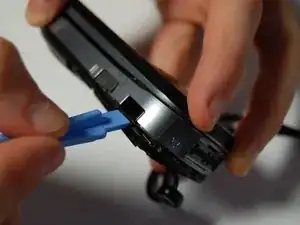
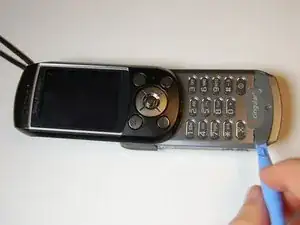
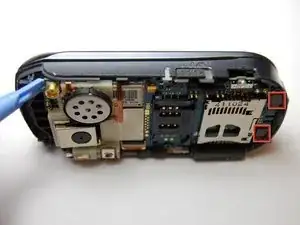
Remove plastic cover with a plastic opening tool.
-
It is easiest to begin at the SD card slot and alternate prying the cover on opposite sides.
-
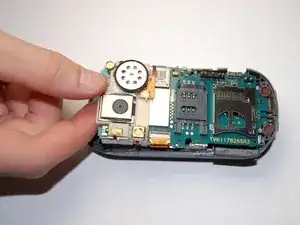
The cover will not come off all the way, but will only pry loose up to the camera. This is because there are additional screws that need to be removed.
-
-
-
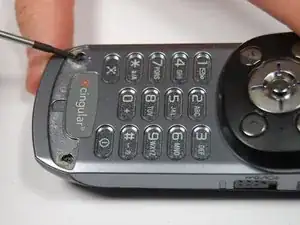
Using a plastic opening tool, pry off the plastic piece at the bottom of the keypad.
-
Note: This piece is fixed with an adhesive, so you must break the bond in order to reach the screws underneath. It may be necessary to use additional adhesive during reassembly.
-
-
-
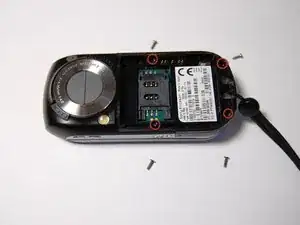
Unscrew both 6mm screws beneath the previously removed plastic cover using a phillips head screw driver
-
After removing these screws, you can completely remove the back plastic cover.
-
-
-
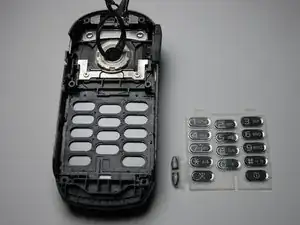
After removing the board, you will see the plastic keyboard beneath. This can be easily removed by hand and is very flexible.
-
You have now successfully removed the keypad. You can now clean, decorate, or replace it without worrying about damaging the phone.
-
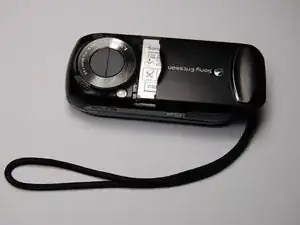
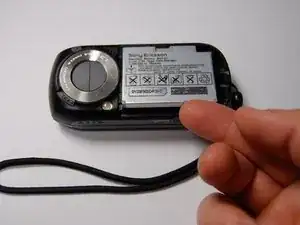
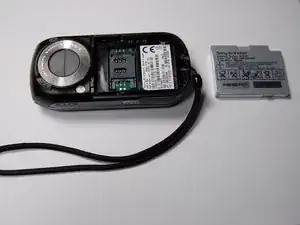
To reassemble your device, follow these instructions in reverse order.
