Einleitung
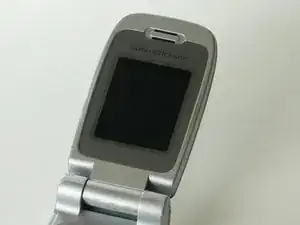
This guide will allow you to remove the inside screen in order to replace it.
Werkzeuge


-
-
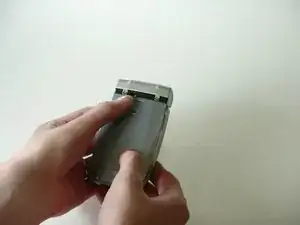
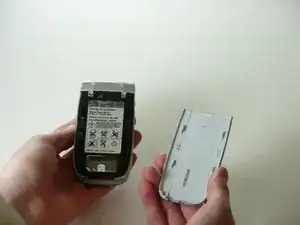
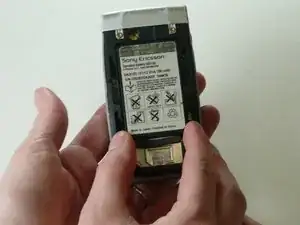
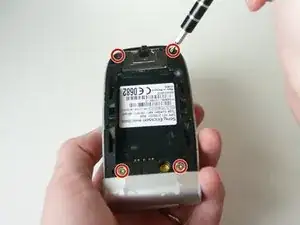
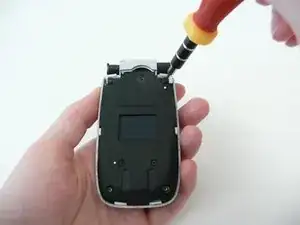
Remove the 4 screws using a T6 precision screwdriver.
-
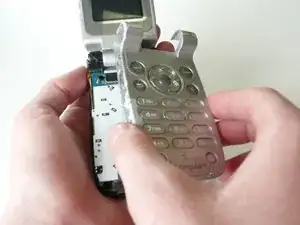
Flip open the phone, and keep the back cover facing you.
-
-
-
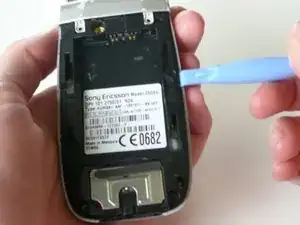
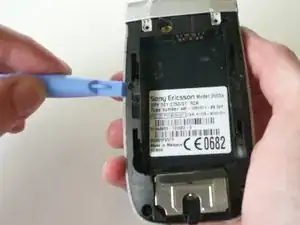
Take the plastic opening tool and run it between the phone case and phone body to loosen the key pad while the phone is open.
-
-
-
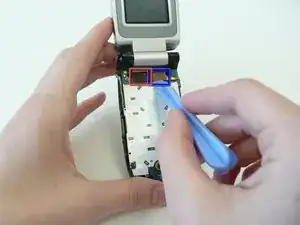
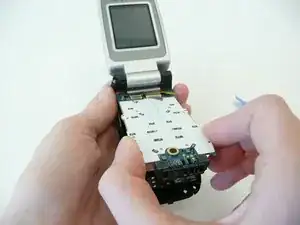
Use the i Pod opening tool to remove the 2 ribbon wires (boxed in the photo) from the logic board.
-
-
-
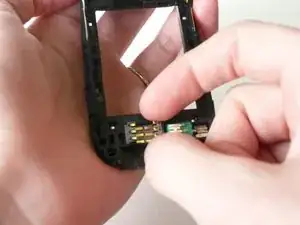
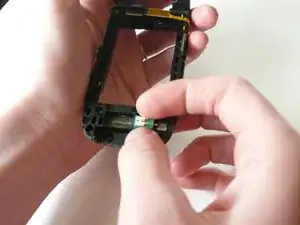
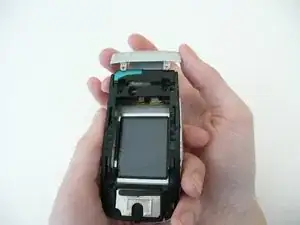
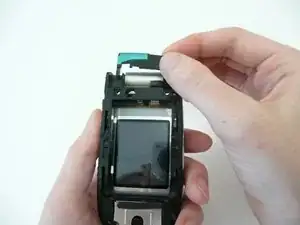
If the parts are loose you can remove the black sim card reader and green vibrator before continuing, otherwise they may fall out.
-
-
-
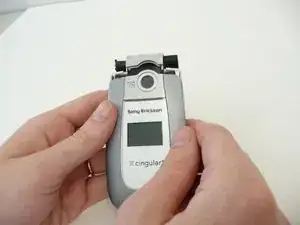
Close the phone, flip it over, grab the remaining gray covering of the phone and pull it straight up to remove it.
-
Once the cover is removed take off the black piece underneath.
-
-
-
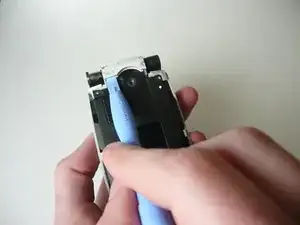
Use ipod opening tool to pry up the edge of the remaining silver hinge cover.
-
Once it is loose you can pull it off the rest of the way.
-
-
-
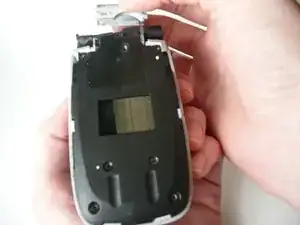
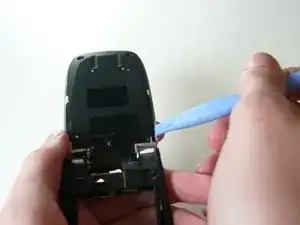
To remove the plastic cover on the screen, run the ipod opening tool along the sides between the cover and the body of the phone (like you did for the keyboard)and gently pry upward until it is loose.
-
Like the keyboard there is one clamp on each side.
-
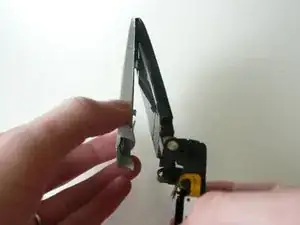
Grab the cover at the bottom of the screen (near the hinge) and pull outward while leaving the top (near the speaker) connected.
-
Once the bottom is pulled out far enough the top will be able to disconnect as well.
-
-
-
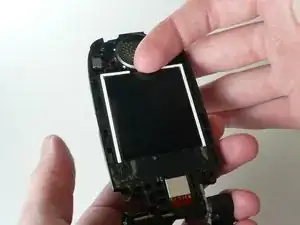
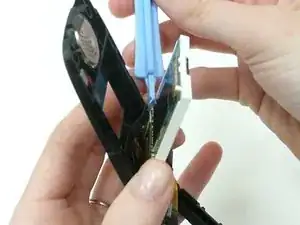
Remove the tape on the bottom of the screen so that the screen will be able to come out.
-
There is a finger notch on the top of the screen, gently pull out halfway.
-
To reassemble your device, follow these instructions in reverse order.
