Einleitung
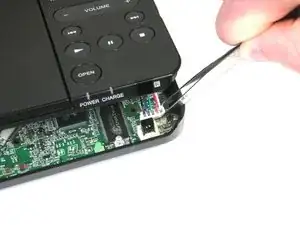
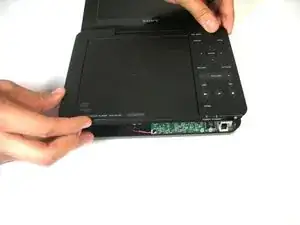
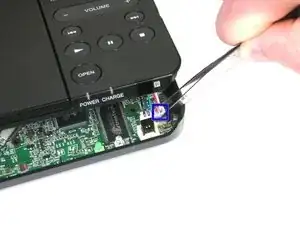
In order to access the internals of the device, the cover must be removed. If there is a problem with one of the components on the cover, it may need to be replaced.
Werkzeuge


-
-
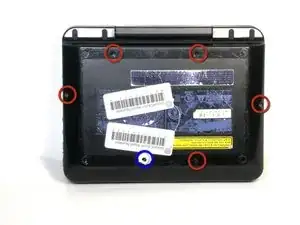
Remove the five exposed 7.9 mm Phillips screws using the spudger.
-
Punch through the warranty sticker with the spudger.
-
Remove the screw underneath.
-
-
-
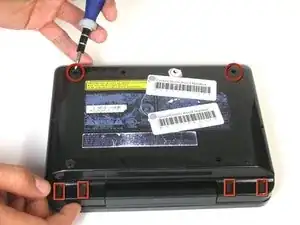
Remove the rubber feet using the screwdriver.
-
Remove the screws that the rubber feet had covered.
-
Abschluss
To reassemble your device, follow these instructions in reverse order.