Einleitung
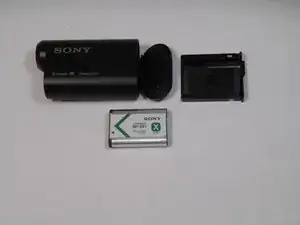
Sometimes batteries die. In this guide, we will show you how to replace the battery in the Sony Action Cam HDR-AS15. This is a relatively simple guide, not requiring the removal of any screws.
Werkzeuge

-
-
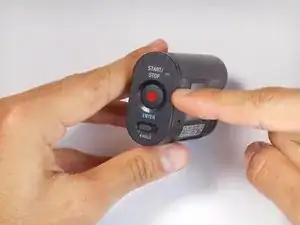
To access the battery, push left on the rear cover of the action cam. The rear panel should easily slide to the side.
-
-
-
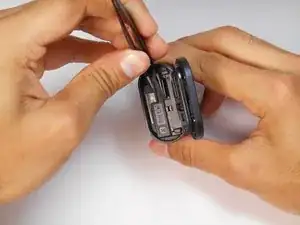
Open the rear panel outward to reveal the battery tray and memory card slot.
-
Pinch the protruding bar next to the "Pull" text and slide the tray outwards.
-
-
-
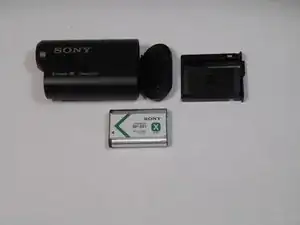
When the battery tray has been removed from the Action Cam, you can simply pull the battery out of the tray.
-
Abschluss
To reassemble your device, follow these instructions in reverse order.

Ein Kommentar
Im trying to find thr battery tray i cant find one anywhere at all