Einleitung
This guide will demonstrate careful steps to remove the motherboard from the phone without damaging the interconnection parts.


-
-
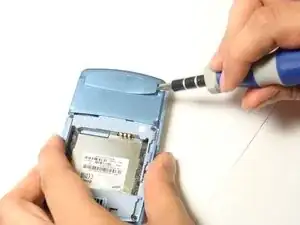
Insert the flat-head screwdriver into the crevice.
-
Slide and dislodge the snap-ons that are beneath the crevice.
-
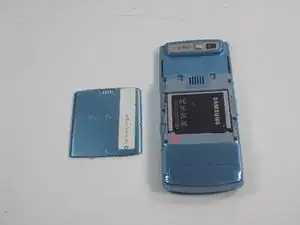
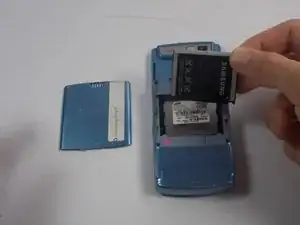
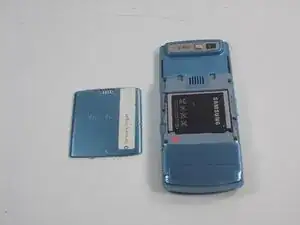
Remove the back frame of the device.
-
-
-
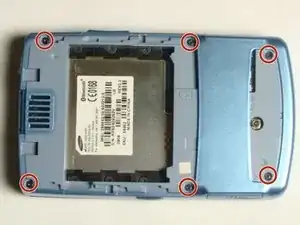
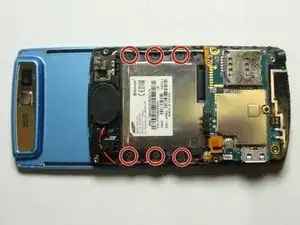
Locate and remove the six screws with a Phillips #00 Screwdriver.
-
Separate the black middle frame from the front frame.
-
-
-
Insert the flat-head screwdriver into the crevice.
-
Slide the flat-head screwdriver and dislodge the snap-ons beneath the crevice.
-
-
-
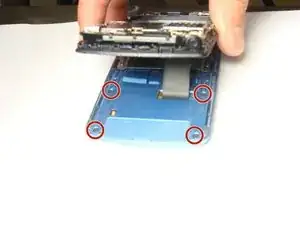
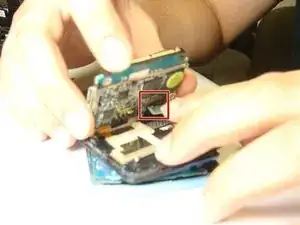
Use your hands to remove both the phone buses from the linkages and remove the motherboard.
-
Abschluss
To reassemble your device, follow these instructions in reverse order.