Einleitung
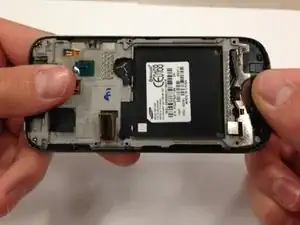
This guide will show you how to get access to the LCD screen in order to clean or replace it.


-
-
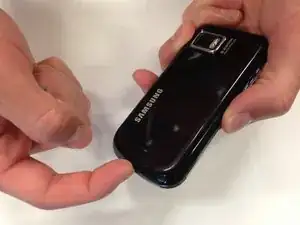
Place your finger in either of the bottom corner of the battery slot and lift to remove the battery.
-
-
-
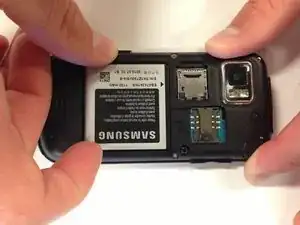
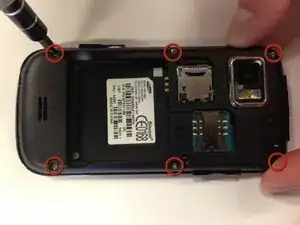
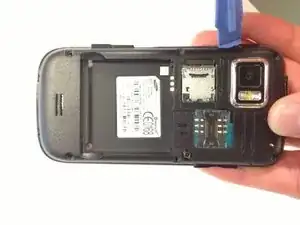
Insert a plastic opening tool into the seam between the back case and the rest of the phone.
-
Working along the seam, pry the back from the phone.
-
-
-
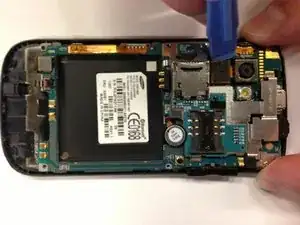
Use a plastic opening tool to disconnect the camera cable from the motherboard.
-
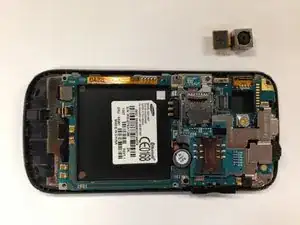
Carefully remove the camera from the phone.
-
-
-
Firmly grip the black lever with tweezers
-
Use the tweezers to flip the black lever up so that it is perpendicular to the motherboard.
-
-
-
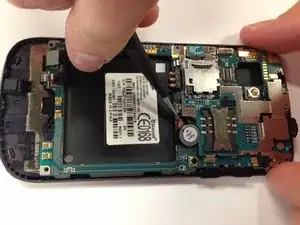
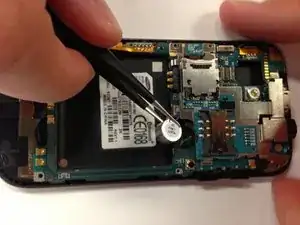
Slide one side of the tweezers underneath the red and blue wires of the capacitor.
-
Carefully apply pressure away from the phone to lift.
-
-
-
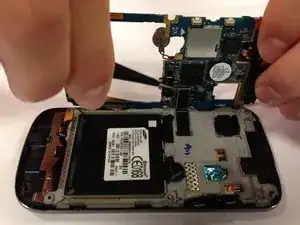
Carefully tilt the motherboard up from the back of the phone.
-
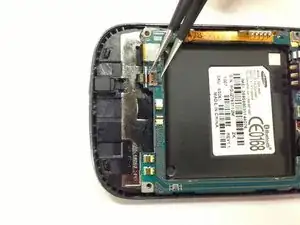
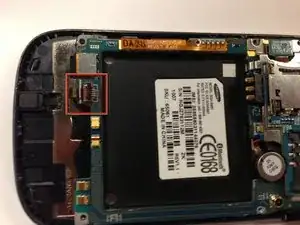
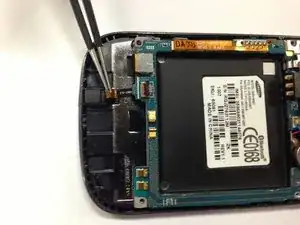
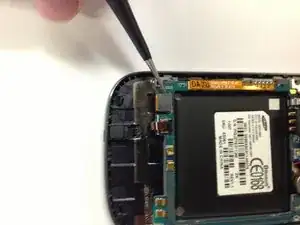
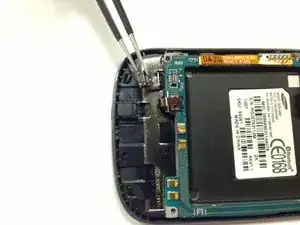
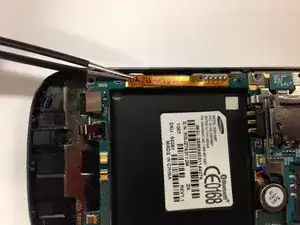
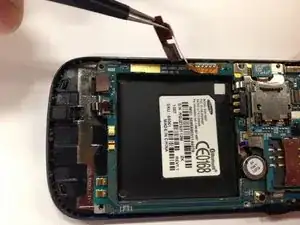
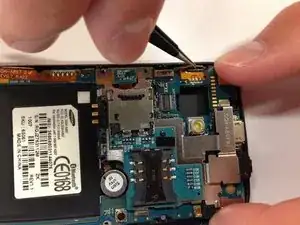
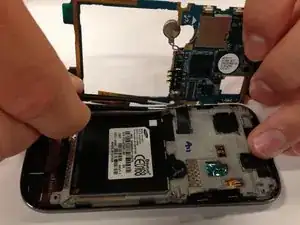
Use tweezers to unclip the black connector.
-
-
-
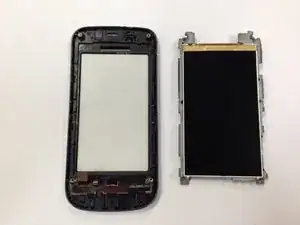
Hold the phone by the black plastic at the ends and gently bend them down so that the middle of the phone is the highest point. Apply pressure slowly until the grey portion pops off.
-
-
-
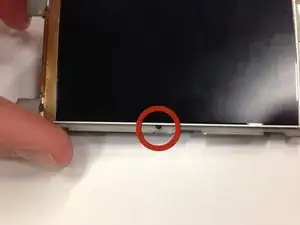
Insert the tweezers into the hole to wedge them between the LCD and grey plastic.
-
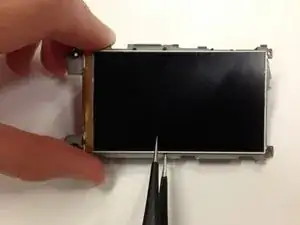
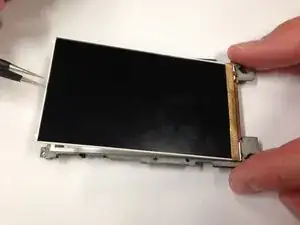
Once under the LCD, slide the tweezers around the three silver edges until the entire display lifts from the grey plastic.
-
To reassemble your device, follow these instructions in reverse order.