Einleitung
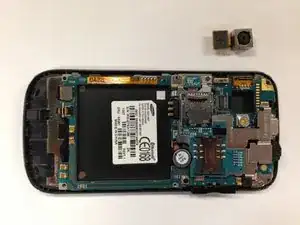
Use this guide to replace the camera of the Samsung Mythic SGH-a897.
Werkzeuge

-
-
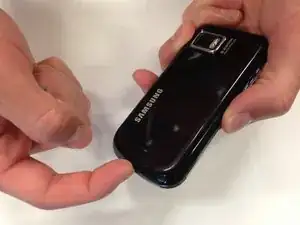
Place your finger in either of the bottom corner of the battery slot and lift to remove the battery.
-
-
-
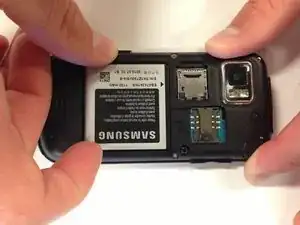
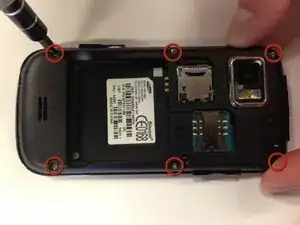
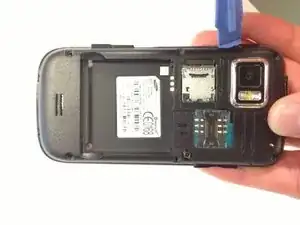
Insert a plastic opening tool into the seam between the back case and the rest of the phone.
-
Working along the seam, pry the back from the phone.
-
-
-
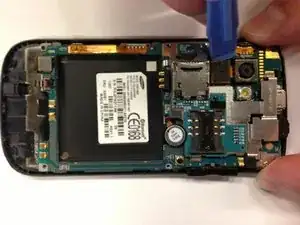
Use a plastic opening tool to disconnect the camera cable from the motherboard.
-
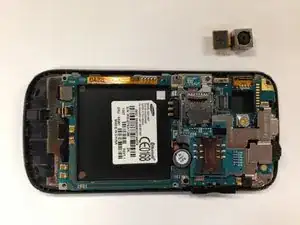
Carefully remove the camera from the phone.
-
Abschluss
To reassemble your device, follow these instructions in reverse order.