Einleitung
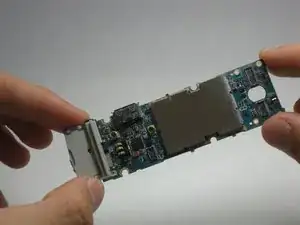
This guide is a step-by-step guide on how to replace a Samsung Juke logic board.
Werkzeuge


Ersatzteile
-
-
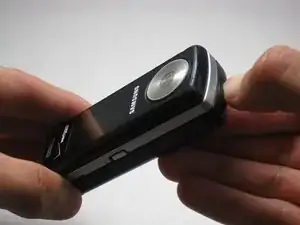
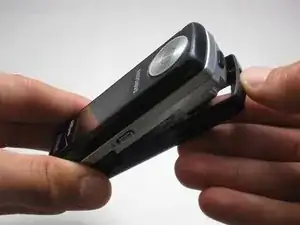
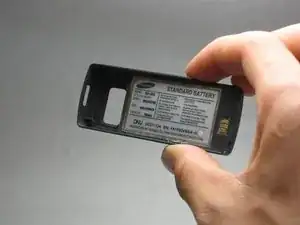
Locate the button on the bottom of the phone. Once located, press and hold the button down.
-
-
-
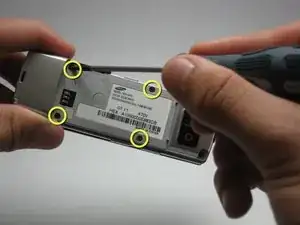
Use the size 00 Phillips screwdriver to remove the four screws located on the back of the phone. These screws are circled in yellow in the given image.
-
-
-
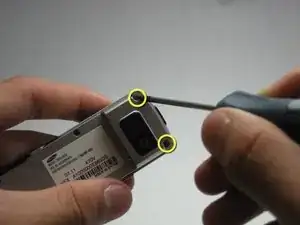
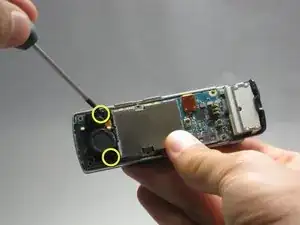
Using the same 00 Phillips screwdriver, remove the two screws at the bottom back plate of the phone near the camera and the speaker.
-
-
-
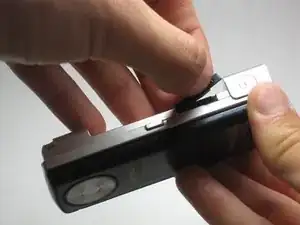
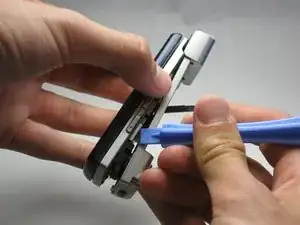
Before proceeding, locate the USB port (where the charger can be plugged in) and open it using the iFixit Opening Tool.
-
-
-
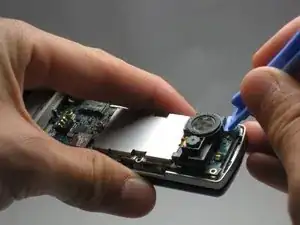
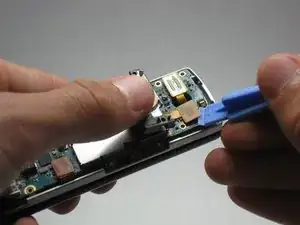
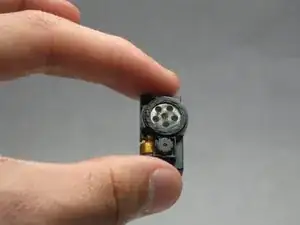
To completely remove the camera/speaker, locate the orange attachment beneath it (as shown in the image).
-
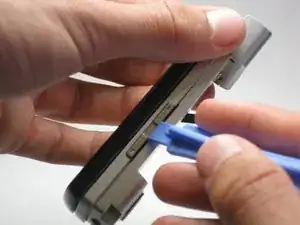
Then, use the iFixit Opening Tool to gently pry the camera/speaker off.
-
-
-
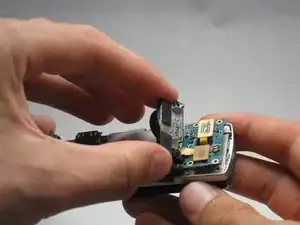
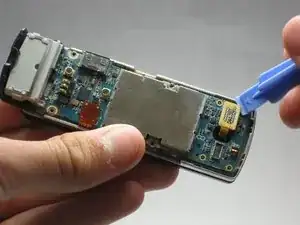
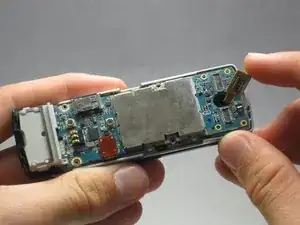
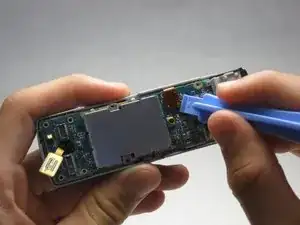
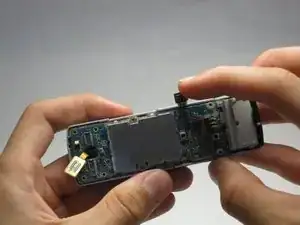
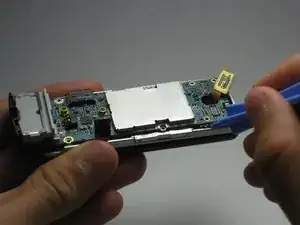
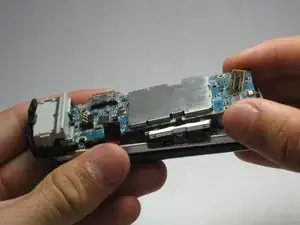
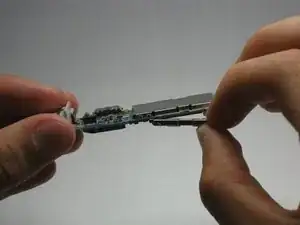
To completely remove the logic board, use the iFixit Opening Tool to pop it up, then use your fingers to pull it out.
-
To reassemble your device, follow these instructions in reverse order.
