Einleitung

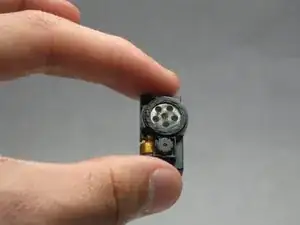
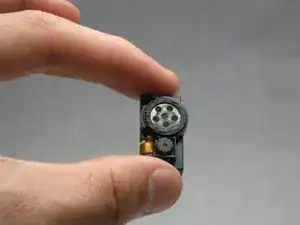
How-to-guide for replacing the Samsung Juke SCH-u470 camera/speaker.

  1. HVuTTqMgXqfDsOIV
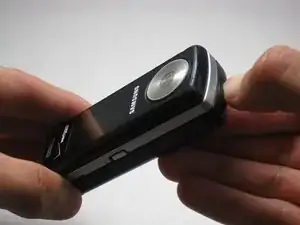
    • Locate the button on the bottom of the phone. Once located, press and hold the button down.

  2. n5WeUWogtm1nlYlS
    n5WeUWogtm1nlYlS
    CMYW1i1QoplUcEpL
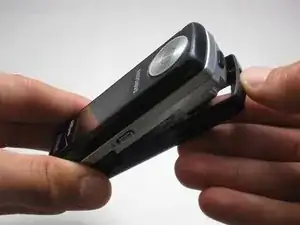
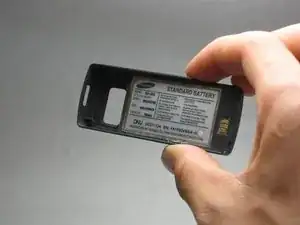
    • While holding the button down, remove the back cover of the phone.

  3. mNqEvshBEIqOCAlP
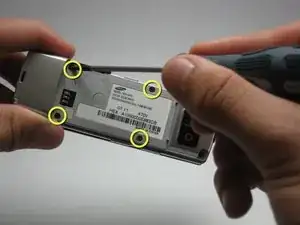
    • Use the size 00 Phillips screwdriver to remove the four screws located on the back of the phone. These screws are circled in yellow in the given image.

  4. SJnTcHkERUcXZDrE
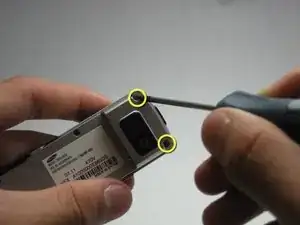
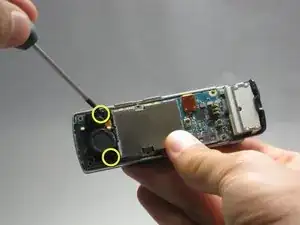
    • Using the same 00 Phillips screwdriver, remove the two screws at the bottom back plate of the phone near the camera and the speaker.

    • These screws will be 7.25 mm long.

  5. XY6Op3WCiUFCTNXa
    XY6Op3WCiUFCTNXa
    WNYVjZQf5dRFd2tf
    tdSkJFt5JiVHSTkN
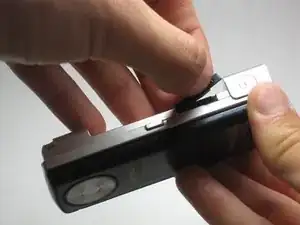
    • Before proceeding, locate the USB port (where the charger can be plugged in) and open it using the iFixit Opening Tool.

    • Failure to open USB port cover at this stage may result in damaging the device.

  6. OwIadncBGglETODd
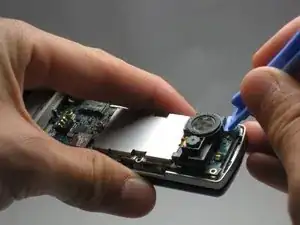
    • Remove the screws on either side of the camera/speaker with a Phillips 00 screwdriver.

    • These screws will be 5.45 mm long.

  7. UmqYUOltrbGeX4wo
    UmqYUOltrbGeX4wo
    JJ5CEWB65XKnkU6A
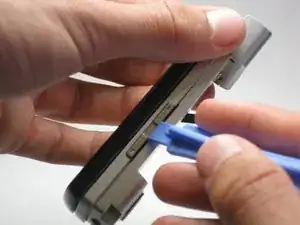
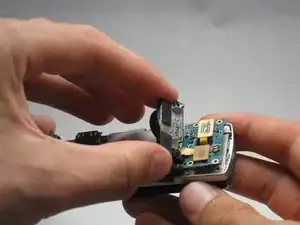
    • Use the iFixit Opening Tool to begin removing the camera/speaker from the logic board.

    • Practice caution to prevent damage to the attaching ribbon.

  8. JpZEsFUIeHyAPpdG
    JpZEsFUIeHyAPpdG
    MvUM5WpKkikTD4VZ
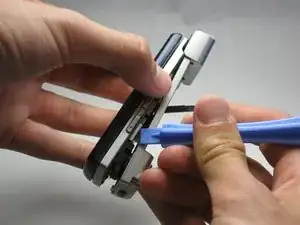
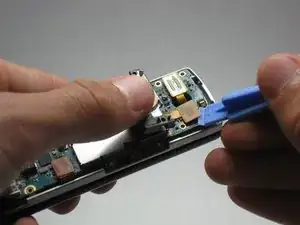
    • To completely remove the camera/speaker, locate the orange attachment beneath it (as shown in the image).

    • Then, use the iFixit Opening Tool to gently pry the camera/speaker off.

Abschluss

To reassemble your device, follow these instructions in reverse order.

Renee Kuzniar

Mitglied seit: 13/04/10

82 Reputation

0 Kommentare