Einleitung
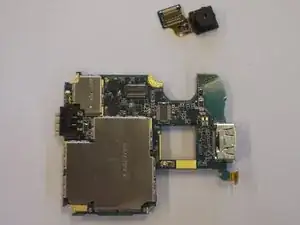
How to remove & replace the phone's back camera.
Werkzeuge

-
-
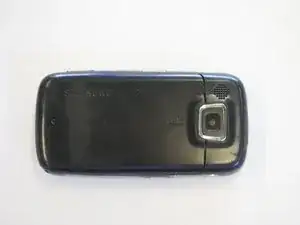
Orient the phone with the screen facing down.
-
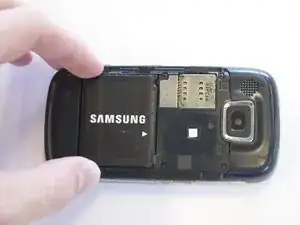
Using your thumb, slide the back panel away from the camera to expose the battery.
-
-
-
Grip the battery on its sides, opposite the direction of the white arrow.
-
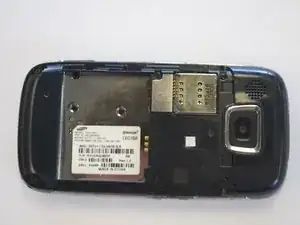
Pry the battery up. It will pivot at the end with the white arrow. The battery will now be free.
-
-
-
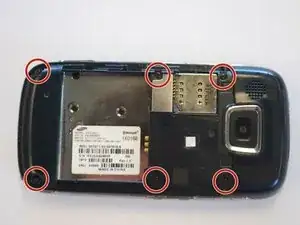
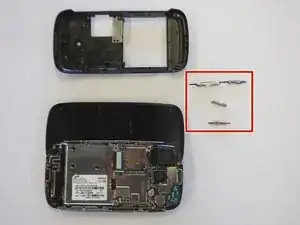
Remove the back cover by gently prying around the top and bottom edges with a nylon spudger.
-
The side buttons will become loose and are prone to falling out, so put these in a safe place.
-
-
-
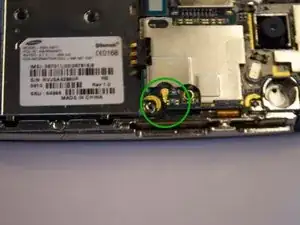
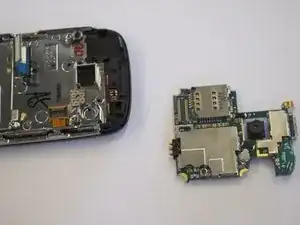
The circuit board will still be held on by a blue and black ribbon that is removed by gently pulling it upwards.
-
-
-
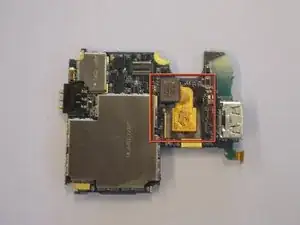
Turn the circuit board over.
-
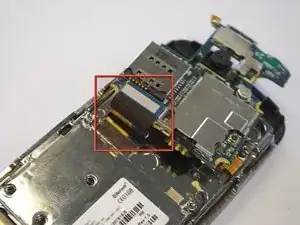
The bottom of the camera will have a gold ribbon coming out of it which attaches to the circuit board.
-
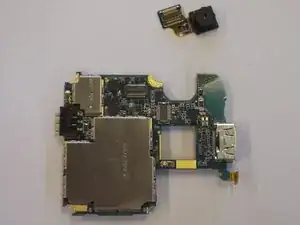
Pull upwards on the blue rectangle where the gold ribbon ends. This will remove the camera from the circuit board.
-
To reassemble your device, follow these instructions in reverse order.
