Einleitung
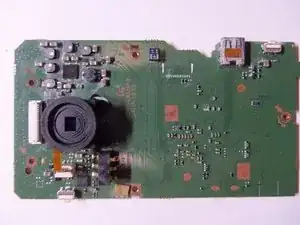
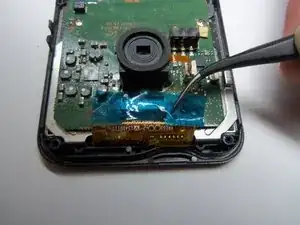
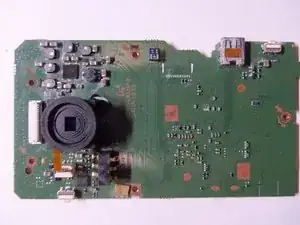
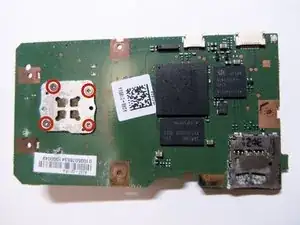
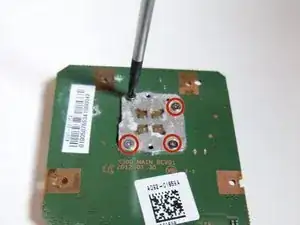
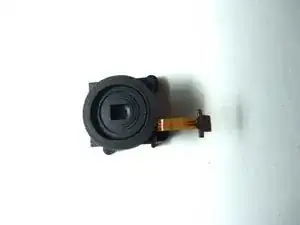
Shows how to replace the lens through pictures and words. The lens is located on the motherboard and requires tweezers to unplug ribbons and the remove motherboard from the rear case.
Werkzeuge


-
-
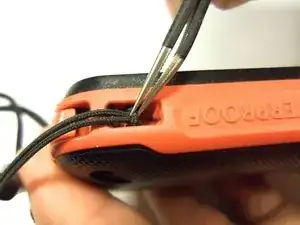
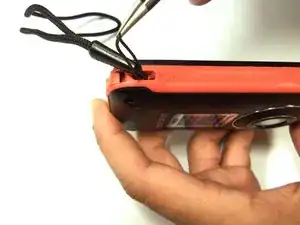
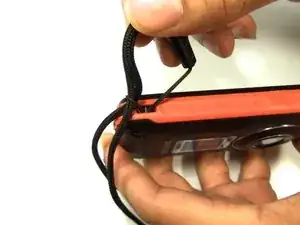
To remove the wristband of the device, grab the middle loop and pull. Pull the band through as shown in the picture.
-
-
-
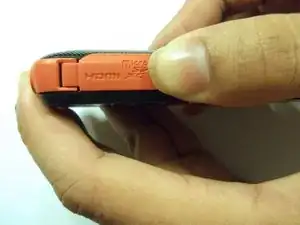
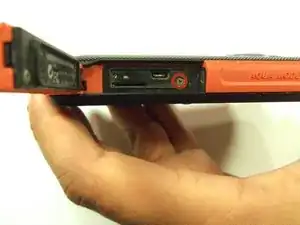
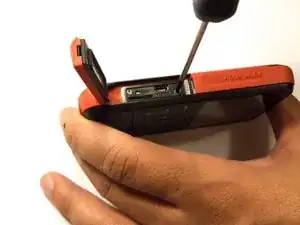
To remove the HDMI screw, open the HDMI door on the side. Remove the screw using a Phillip size 00.
-
-
-
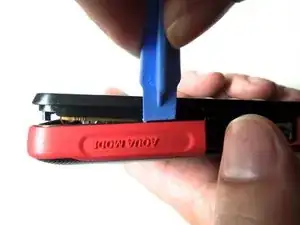
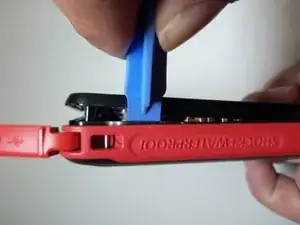
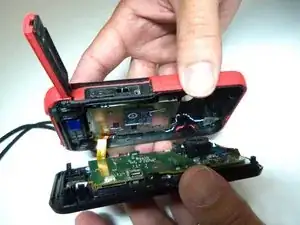
As shown in the picture, use the plastic opening tool on both sides on the device. Pry apart both parts.
-
-
-
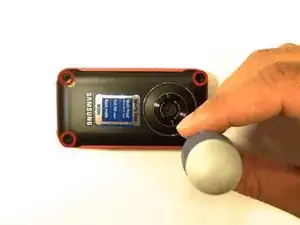
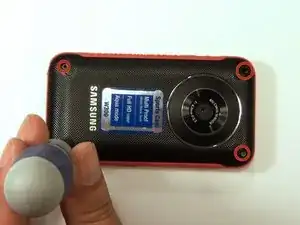
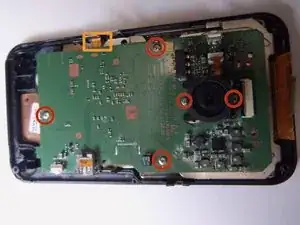
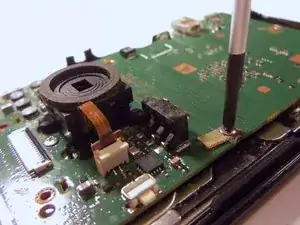
There are 5 Phillips size 00 screws. Remove all 5 screws.
-
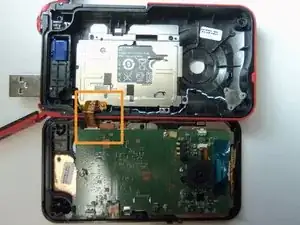
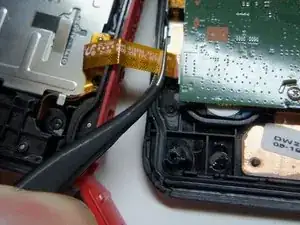
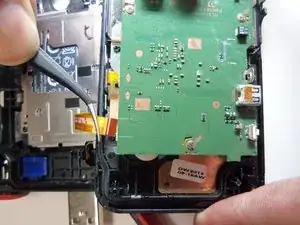
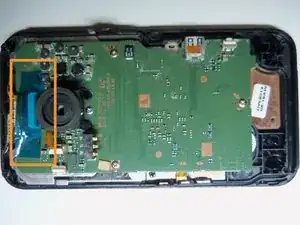
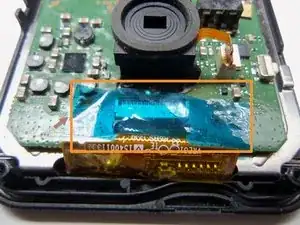
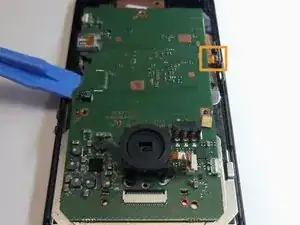
Wire ribbon is attached to the motherboard.
-
-
-
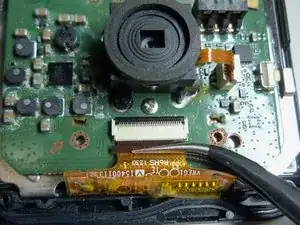
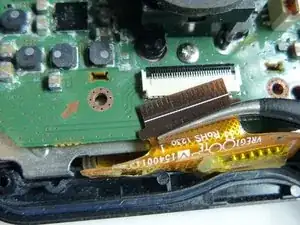
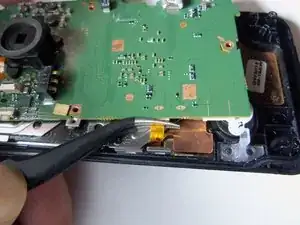
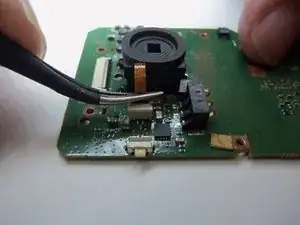
Use tweezers to disconnect the wire as shown. This will loosen the motherboard from the rear case.
-
To reassemble your device, follow these instructions in reverse order.
