Einleitung
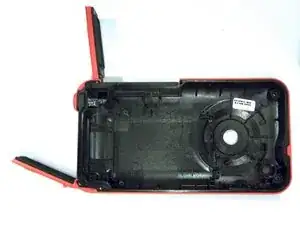
Demonstrates how to replace the front case of the camera through pictures and words. Replacement of the rear case requires disassembling battery housing and battery from front case.
Werkzeuge


-
-
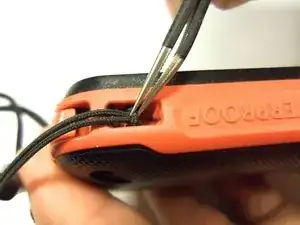
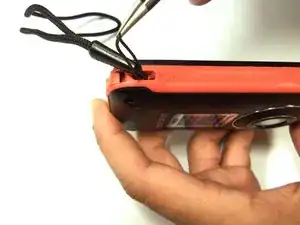
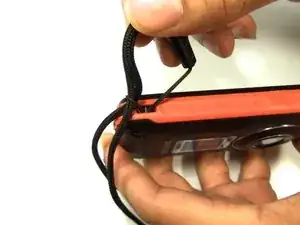
To remove the wristband of the device, grab the middle loop and pull. Pull the band through as shown in the picture.
-
-
-
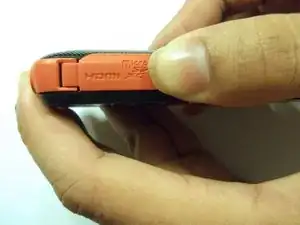
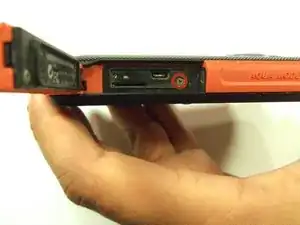
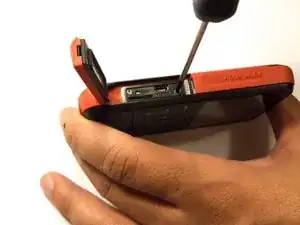
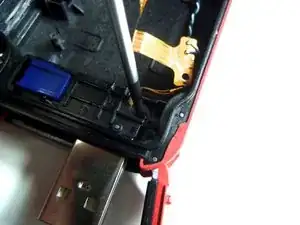
To remove the HDMI screw, open the HDMI door on the side. Remove the screw using a Phillip size 00.
-
-
-
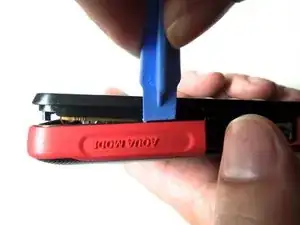
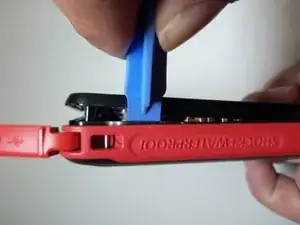
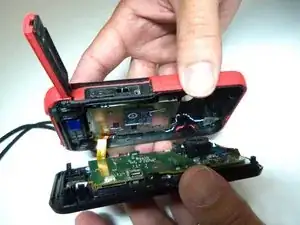
As shown in the picture, use the plastic opening tool on both sides on the device. Pry apart both parts.
-
-
-
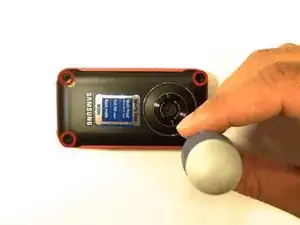
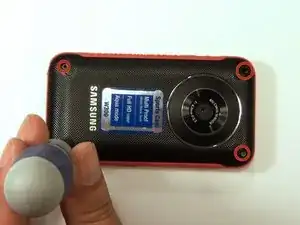
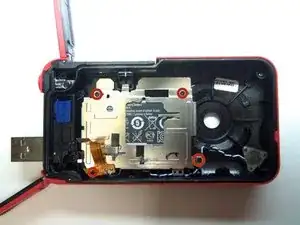
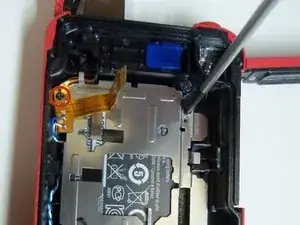
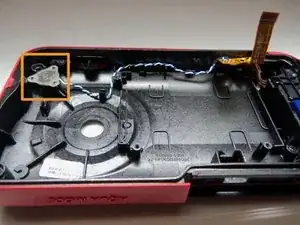
To remove the battery housing, you must first use a Phillips size 00 to remove the 4 screws.
-
-
-
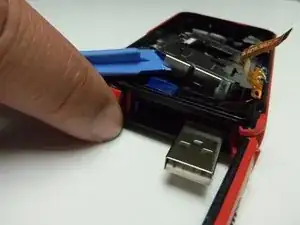
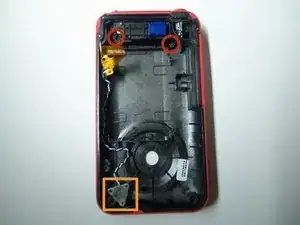
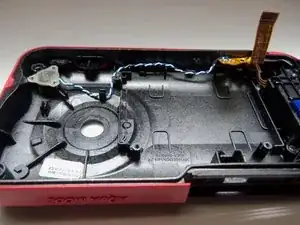
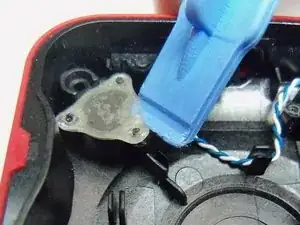
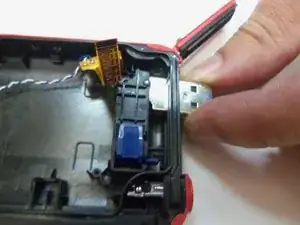
Use plastic opening tool to pry the plastic cover as shown
-
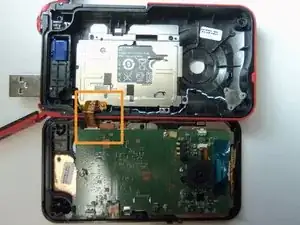
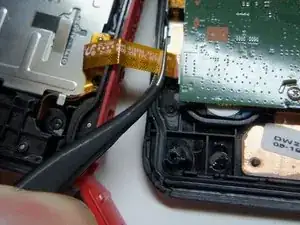
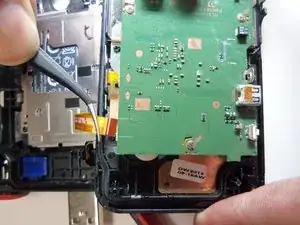
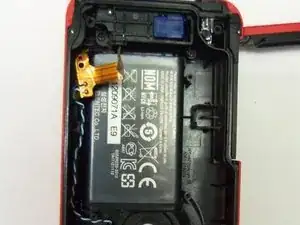
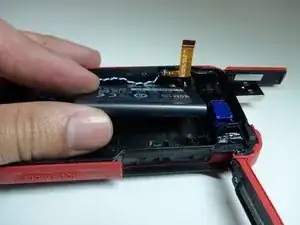
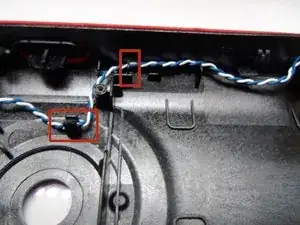
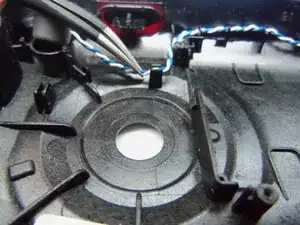
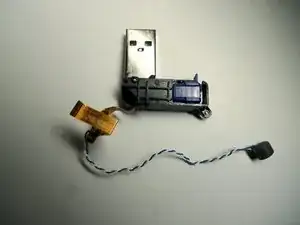
Use tweezers to remove the wire out of slots.
-
To reassemble your device, follow these instructions in reverse order.
