Einleitung
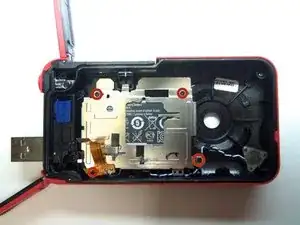
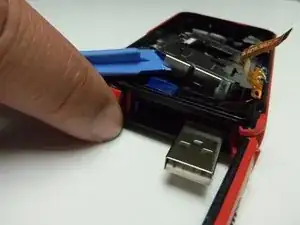
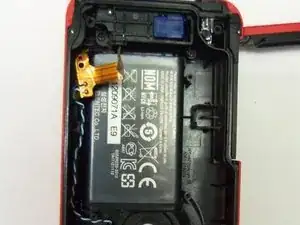
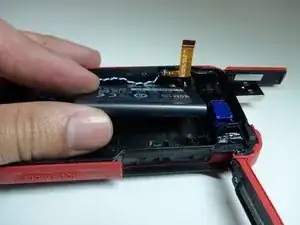
The battery is located inside the camera. To remove the battery, it will require uninstalling the battery housing. This can be done in a few steps found below.
Werkzeuge


-
-
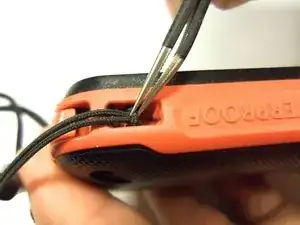
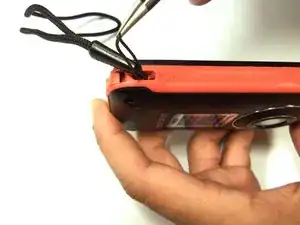
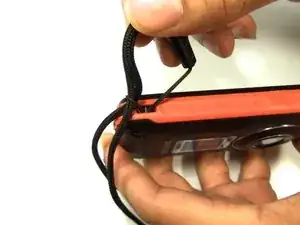
To remove the wristband of the device, grab the middle loop and pull. Pull the band through as shown in the picture.
-
-
-
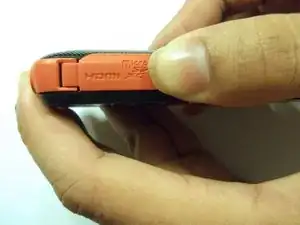
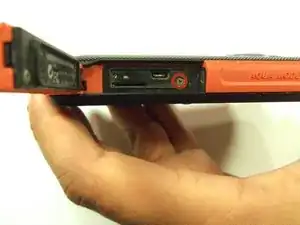
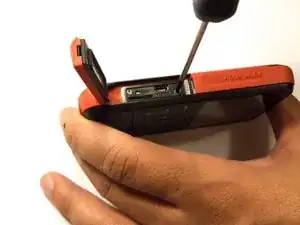
To remove the HDMI screw, open the HDMI door on the side. Remove the screw using a Phillip size 00.
-
-
-
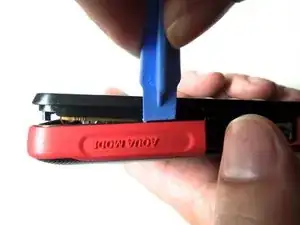
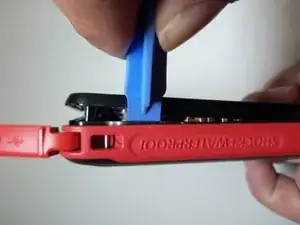
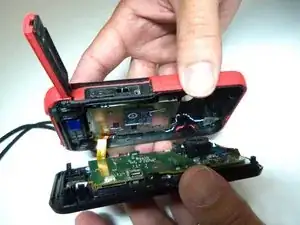
As shown in the picture, use the plastic opening tool on both sides on the device. Pry apart both parts.
-
-
-
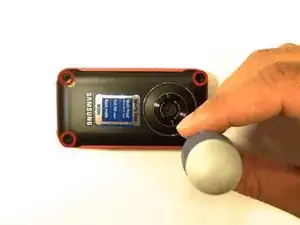
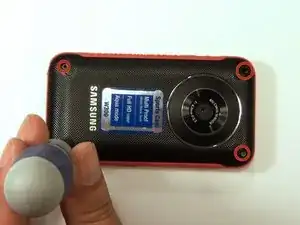
To remove the battery housing, you must first use a Phillips size 00 to remove the 4 screws.
-
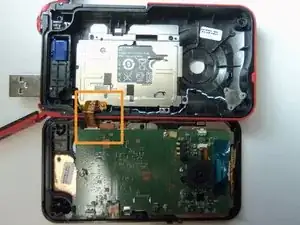
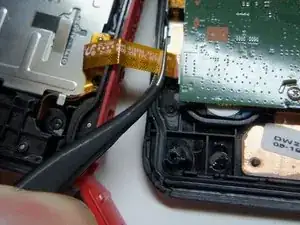
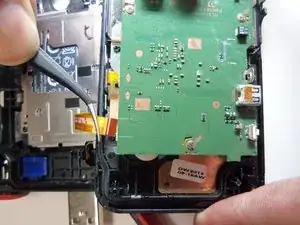
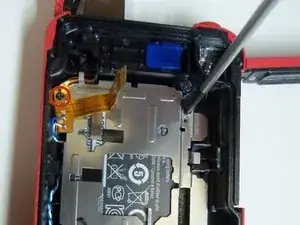
To reassemble your device, follow these instructions in reverse order.

2 Kommentare
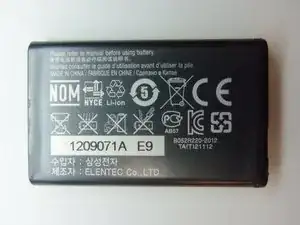
What type of battery is this? What part number should we use to order a replacement?
The type of battery should be printed on the case of the battery. Most likely it’s some type of lithium battery. The part number for the battery should be on the case as well. If you can’t find either of these on the battery case you can take the battery to a place that sales batteries and the personnel there should be able to tell you the type and part number for your battery.