Einleitung

Too much 360 Panoramas? Need More Space? or just upgrading your memory card? This guide will show you how to do so!

Ersatzteile
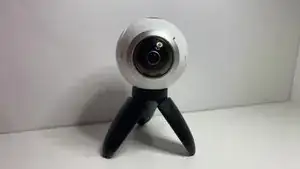
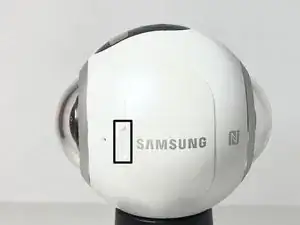
  1. Start the guide by turning the Gear 360 to the side where <strong>Samsung</strong> is printed
    • Start the guide by turning the Gear 360 to the side where Samsung is printed

  2. VSBYChmqtUBTHO4M
    VSBYChmqtUBTHO4M
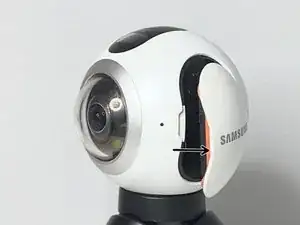
    efGXVbDmDuNefJsn
    • Pull on the small gap to open the cover

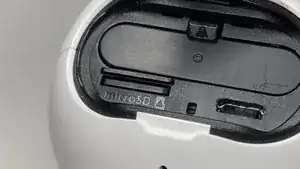
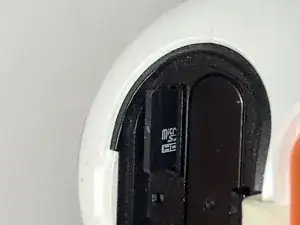
  3. Eject the SD by pushing with your fingernail or by using a spudger
    • Eject the SD by pushing with your fingernail or by using a spudger

  4. iuDcc2MnLR5YEjqE
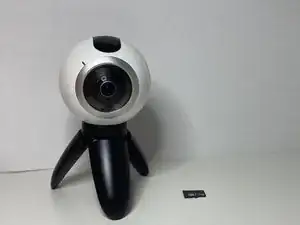
    • After removing the SD Card, Insert a new one and finish the guide!

Abschluss

Follow the guide in reverse and insert a new card.

Artem Ivat

Mitglied seit: 05/02/20

816 Reputation

0 Kommentare