Einleitung
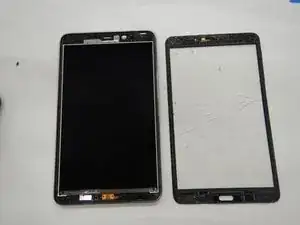
This guide will show you the steps to follow when replacing the display on your Samsung Galaxy Tab 4 8.0 Verizon.
Werkzeuge


Ersatzteile
-
-
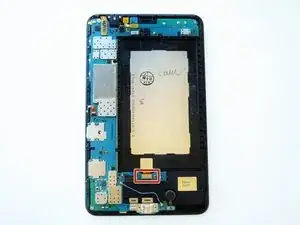
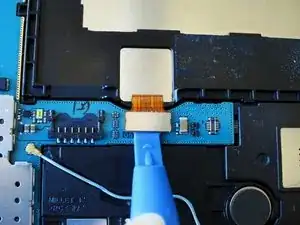
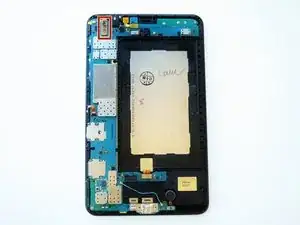
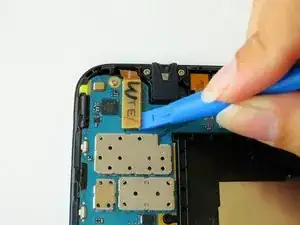
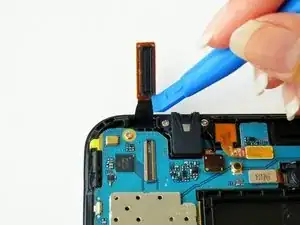
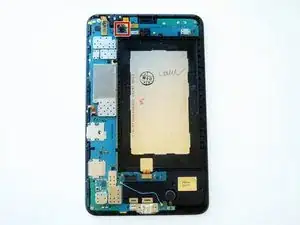
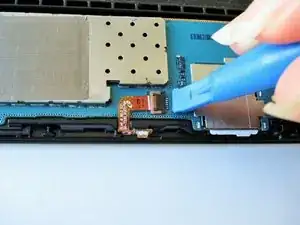
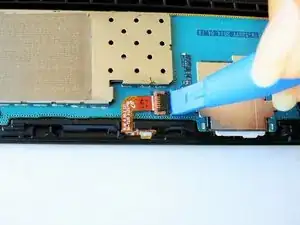
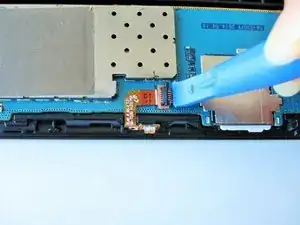
Slightly apply pressure and move the blue plastic opening tool downwards to pop the metallic rectangular connector from its socket on the mother board.
-
-
-
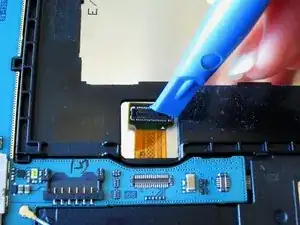
Slightly apply pressure and move the blue plastic opening tool downwards to pop the gold rectangular connector from its socket on the mother board.
-
-
-
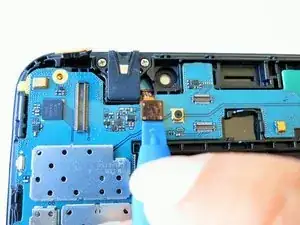
Slightly apply pressure and move the blue plastic opening tool downwards to pop the gold square connector from its socket on the mother board.
-
-
-
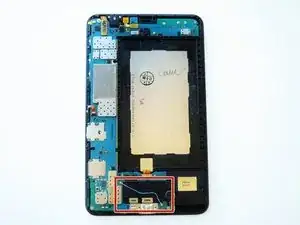
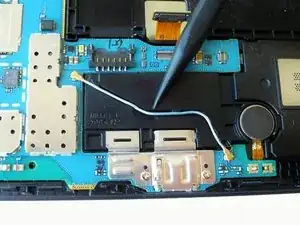
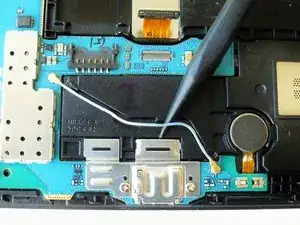
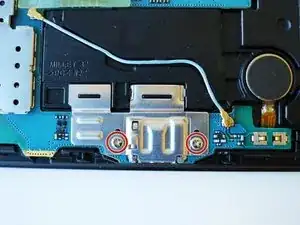
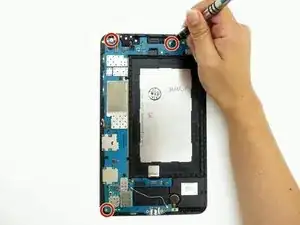
Remove two 2 mm #000 Phillips screws securing the metallic charger port cover to both the logic board and the front panel.
-
-
-
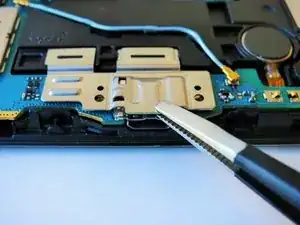
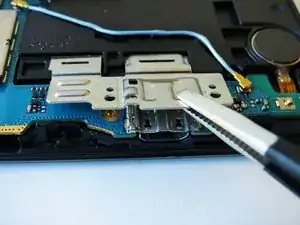
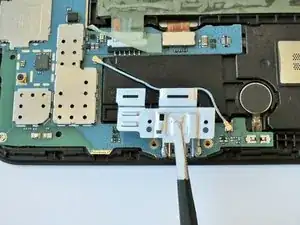
Squeeze the metal charger port cover piece with the tweezers to gently lift it from it's place.
-
-
-
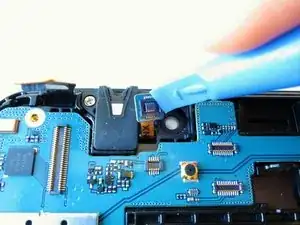
Carefully insert the flat end of the blue plastic opening tool under the black plastic fastener and lift.
-
-
-
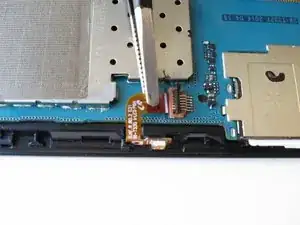
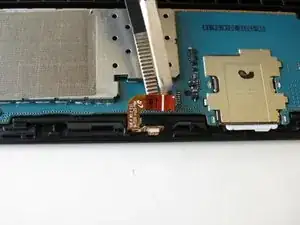
Squeeze the golden cable with the tweezers and gently pull the cable to the left to free the end of the golden cable.
-
-
-
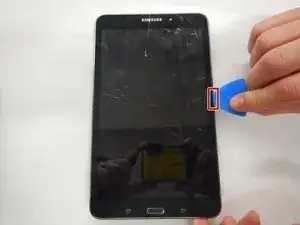
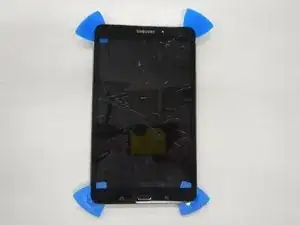
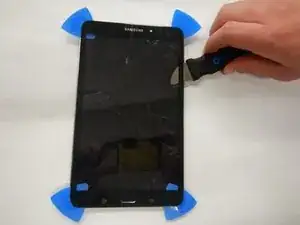
Wedge four of the opening picks in between the display screen and the device backing on all four corners.
-
-
-
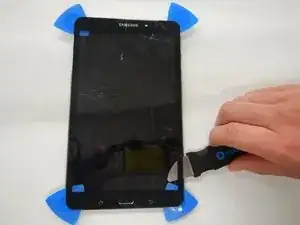
Wedge the Jimmy between the display and the device backing at a corner.
-
Cut through the adhesive that is securing the screen to the device on all four sides.
-
-
-
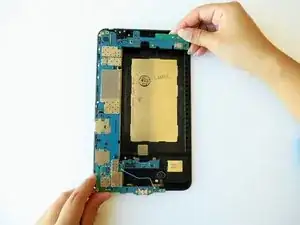
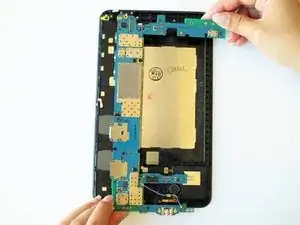
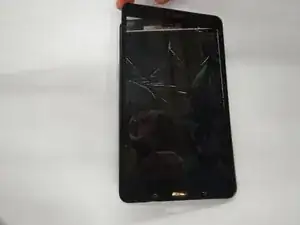
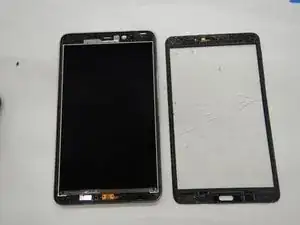
Once the display is completely disconnected from the device gently remove it without touching the screen which lies underneath.
-
To reassemble your device, follow these instructions in reverse order.

Ein Kommentar
Umm….how do you remove the rear cover?
Disconnect battery first! (In this photo the battery has already been removed).
Gregg Stanley -
There is also another connector directly to the right (in this photo) that needs to be disconnected as well (this picture shows it under the logic board, so this has already been removed and replaced before the photo was taken).
Gregg Stanley -