Einleitung
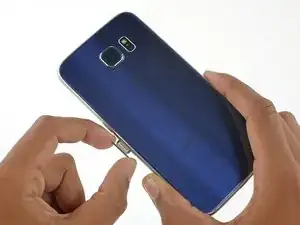
Benutze diese Anleitung, um die SIM Karte in deinem Galaxy S6 zu ersetzen.
Werkzeuge

Ersatzteile
-
-
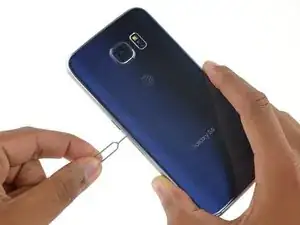
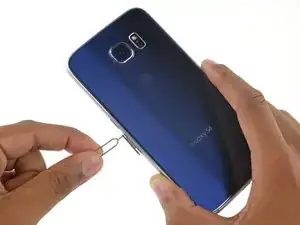
Fahre mit einer Büroklammer oder einem SIM Karten Auswurfwerkzeug in das kleine Loch am SIM Karten Slot. Er befindet sich auf der gleichen Seite wie die Einschalttaste des Smartphones.
-
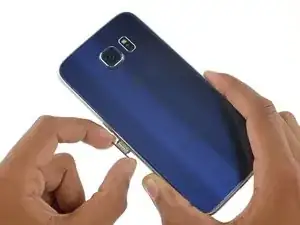
Drücke, um das SIM Kartenfach auszuwerfen.
-
Abschluss
Arbeite die Schritte in umgekehrter Reihenfolge ab, um dein Gerät wieder zusammenzubauen.

4 Kommentare
What if the tray broke, can I order one
The Samsung galaxy s6 does not come with tray for the sim card. It has an internal memory chip. How do you get to the internal memory chip?
I made a mistake, got the sim card mixed up with the memory chip.
It really needs to be stated at the outset that if doing this repair to replace the daughterboard, there is a high likelihood that the display will be destroyed (even if you don’t break the display, the foil backing on it will likely be destroyed rendering it unusable). The PDF version of this guide states this at the beginning, but this online version does not.
David White -
Done. Thanks for the tip!
Minor editor -