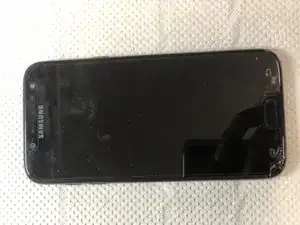
Einleitung
-
-
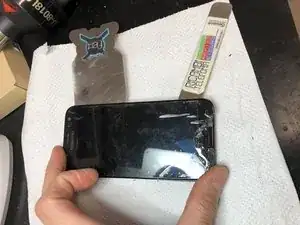
Using an iOpener, hairdryer or heated plate, heat the glass to weaken the adhesive beneath.
-
It is important to use thin tools on the whole profile and insert them between the plastic frame and the glass. Don't insert between the aluminum frame and the plastic frame else you may damage the device.
-
-
-
Lift the display from the bottom to the top where the flat and its connector are located.
-
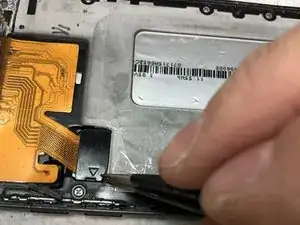
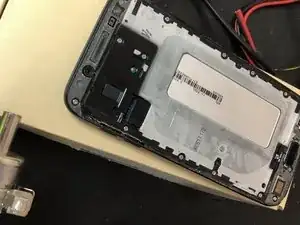
Remove the black interlocking cover.
-
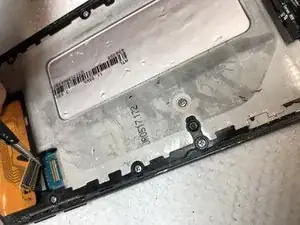
Release the connector.
-
Remove any trace of glue from the surfaces and install the new display.
-
To reassemble the device, follow these instructions in reverse order.

2 Kommentare
Questo Samsung ha davvero un sistema di sostituzione dello schermo molto pratico.
tanner85 -
Certo ma se devi cambiare la batteria? Rompi lo schermo al 99%