Einleitung
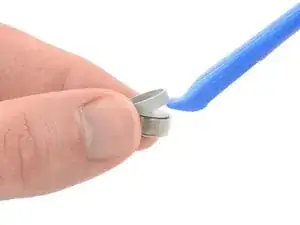
Use this guide to replace a worn-out or dead battery in your Galaxy Buds+. The photos for this guide were taken with the left earbud, but the procedure is the same for both earbuds.
Galaxy Buds+ are rated IPX2 for ingress-resistance, meaning they are splash resistant. After this repair, they may lose their water protection.


Ersatzteile
-
-
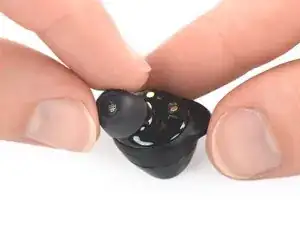
Use your fingers to remove the silicone eartip by pulling it upwards while slipping it off the earbud.
-
-
-
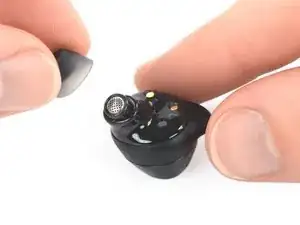
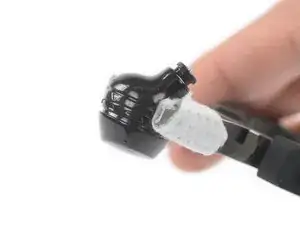
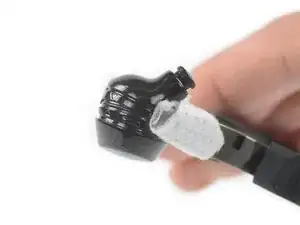
Use your fingers or a pair blunt nose tweezers to remove the earbud's rubber wingtip by pulling it upwards while slipping it off the earbud.
-
-
-
Use a pair of pliers to hold the earbud horizontally along the seam between the upper and lower halves of the case.
-
Apply steady, even pressure to either side of the earbud along the main housing seam to create a gap.
-
-
-
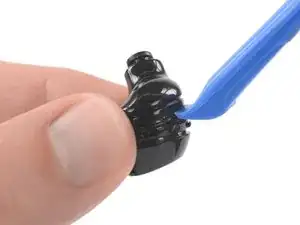
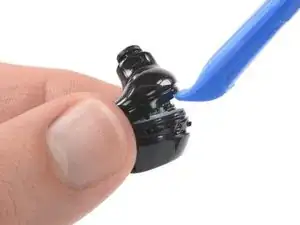
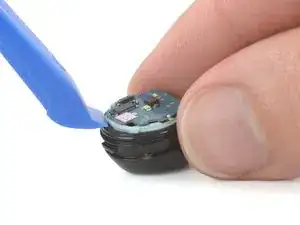
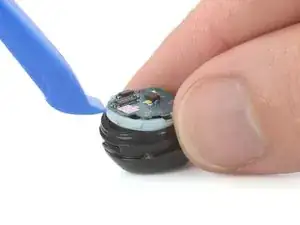
Insert an opening tool into the gap between the two cases of the earbud.
-
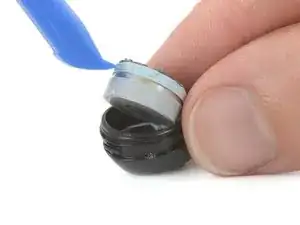
Use the opening tool to pry the two cases apart.
-
-
-
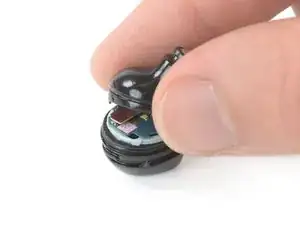
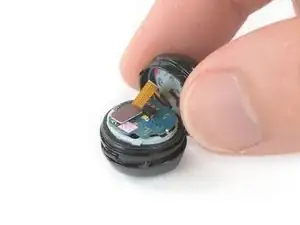
To remove the upper part of the earbud from the board, place it on the table to access the connector.
-
-
-
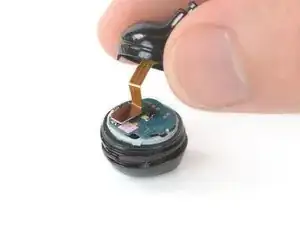
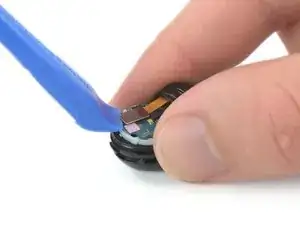
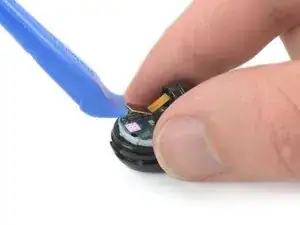
Use an opening tool to disconnect the upper earbud case from the board by prying the connector out of its socket.
-
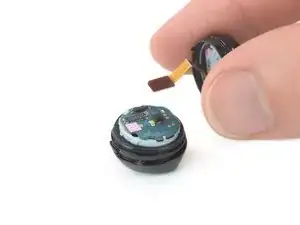
Remove the upper earbud case.
-
-
-
Place an opening tool under one of the small lips of the core assembly.
-
Slightly lift the core assembly—including the motherboard—out of the buds case to access the battery.
-
-
-
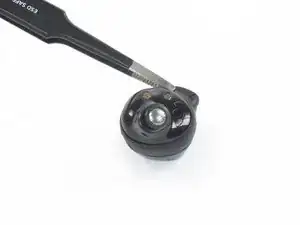
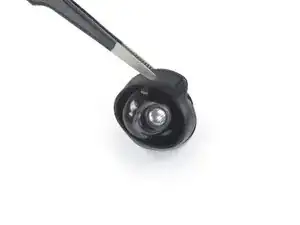
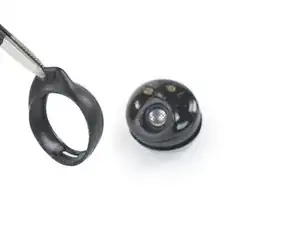
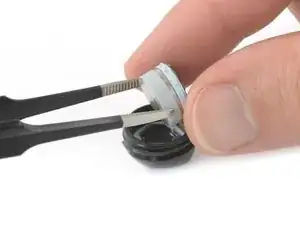
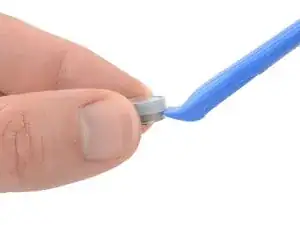
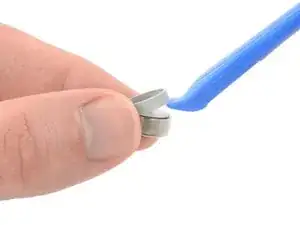
Use a pair of blunt nose tweezers to remove the battery housing while holding the upper part with your fingers.
-

To reassemble your device, follow these instructions in reverse order. Apply new adhesive where necessary after cleaning the relevant areas with isopropyl alcohol (>90%).
For optimal performance, calibrate your newly installed battery: Charge it to 100% and keep charging it for at least 2 more hours. Then use your device until it shuts off due to low battery. Finally, charge it uninterrupted to 100%.
Take your e-waste to an R2 or e-Stewards certified recycler.
Repair didn’t go as planned? Try some basic troubleshooting, or ask our Answers community for help.