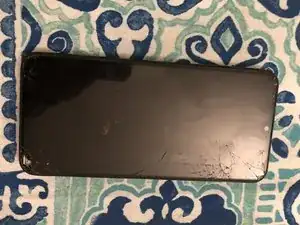
Einleitung


-
-
Entferne die hintere Abdeckung mit Hilfe von einem iFlex, iSesamo oder einer dünnen Klinge. Setze das Werkzeug zwischen den Displayrahmen und der Abdeckung ein und schiebe es den gesamten Umfangs entlang.
-
-
-
Trenne den Akkuanschluss, das Display, den unteren Platinenanschluss und die seitlichen Lautstärketasten ab.
-
Entferne die flache Verbindungsplatine.
-
Entferne den Akku. Wenn er verklebt ist, kannst du ihn erwärmen, um das Ablösen zu erleichtern.
-
-
-
Löse das weiße und das blaue Kabel ab.
-
Hebe die obere Hauptplatine heraus.
-
Das Mikrofon ist verklebt. Erwärme es und löse es ab.
-
-
-
Auch der Vibrationsmotor ist verklebt. Erwärme ihn und löse ihn ab.
-
Hebe die untere Hauptplatine heraus.
-
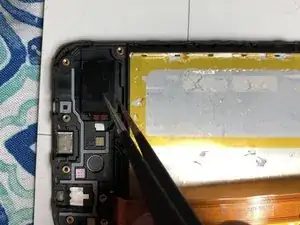
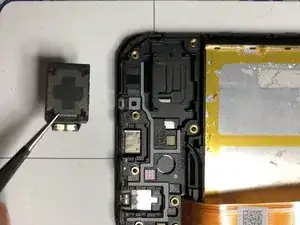
Und der Lautsprecher ist ebenfalls verklebt. Erwärme ihn und löse ihn ab.
-
-
-
Nachdem der Lautsprecher entfernt ist, kannst du alle Komponenten auf das neue Display übertragen.
-
Wenn dein Ersatzdisplay nicht vollständig ist, muss auch die Einschalt- und Lautstärketaste sowie der Kunststoffrahmen vom Display abgelöst werden.
-
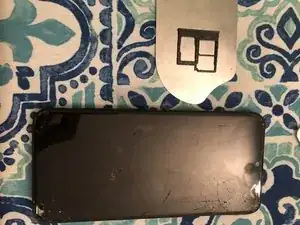
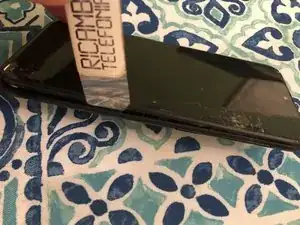
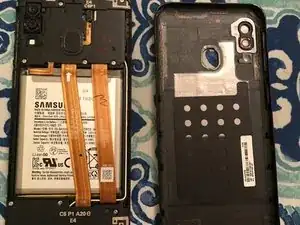
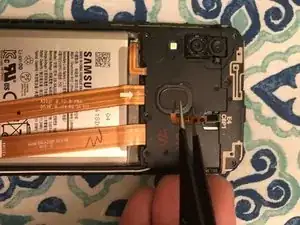
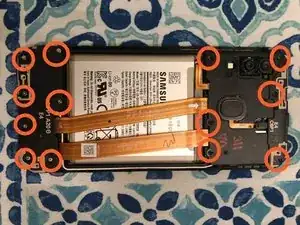
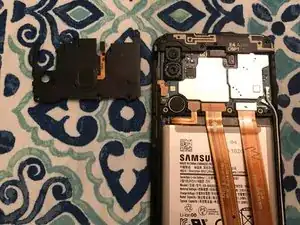
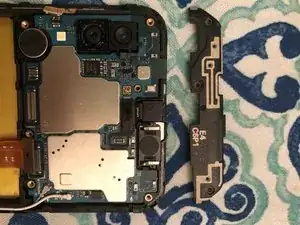
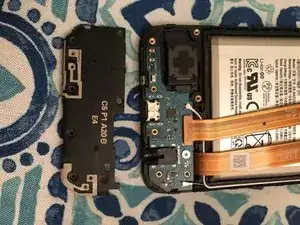
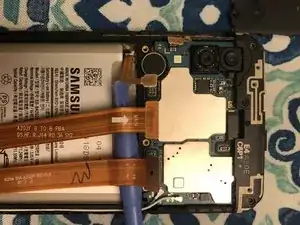
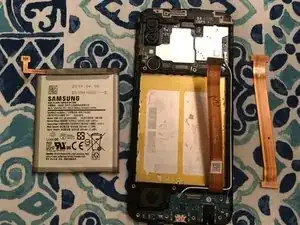
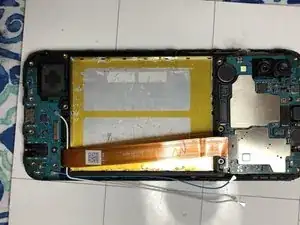
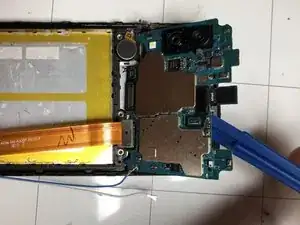
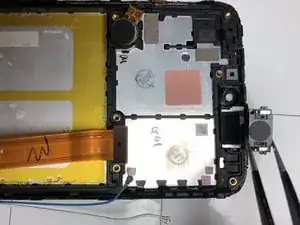
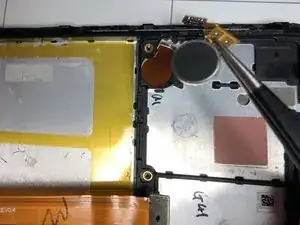
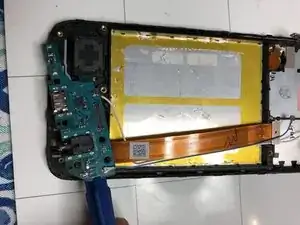
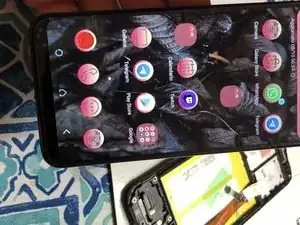
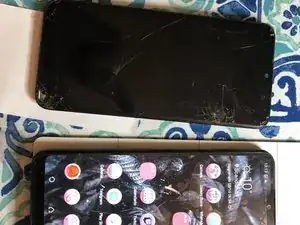
Um dein Gerät wieder zusammenbauen, folge den Schritten in umgekehrter Reihenfolge.
6 Kommentare
this guide isn’t for a A20 its for an A20e
Ciao,il codice completo è A20E SM-A202f .
se cerchi questo codice nelle guide riparazione trovi telefono-Android-Samsung-A- A20e SM-A202f trovi la mia guida del display. Non posso nominarla come la cartella genitore,non so se questo è un bug. Grazie
Smilzo -
If you're gonna re-use the battery I wouldn't use heat, it damages the cells inside of the battery. Just pry with a spudger and have
I'm sorry I don't agree with a spudger without adequate heat the battery would bend to be removed. The adhesive is very resistant and the heat must be dosed appropriately for the situation so as not to damage the battery and the other components
Smilzo -
In another vid, to remove the battery “without" heat, the person used “rubbing alcohol” said it consumes the adhesive making it very easy to remove, placing it with a syringe like tip, along both the left and right sides, when the phone is in the normal upright position. And because rubbing alcohol evaporates, it's not harmful to the phone. Then a spudger can be used without brute force. That was a vid for the A205. (2019)
hello, everyone is free to use the method they prefer based on their experience. I use heat adequately. you use the method that gives you the most confidence. Greetings
Smilzo -
please put A20e as main heading not A20
Fix it phones dorchester -