Einleitung
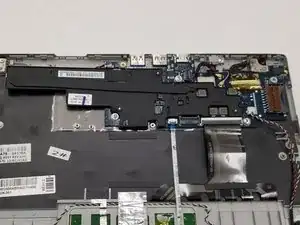
This guide will demonstrate how to take out and replace the Motherboard in a Samsung Chromebook Series 3.
Werkzeuge


Ersatzteile
-
-
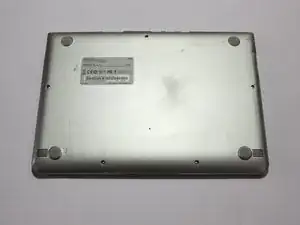
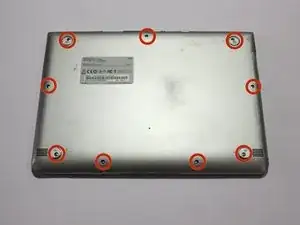
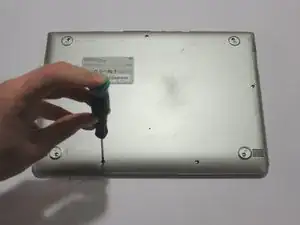
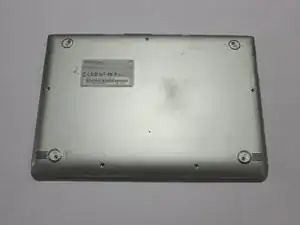
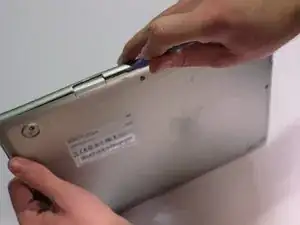
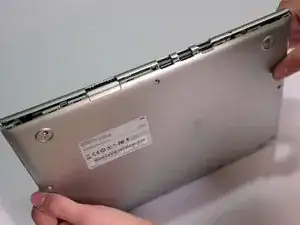
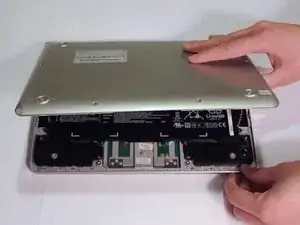
Lay the Chromebook down so that the bottom cover is facing up.
-
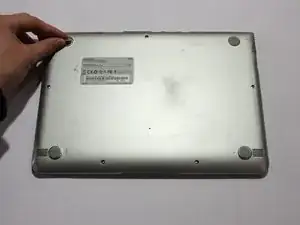
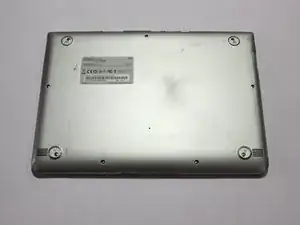
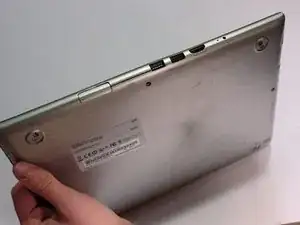
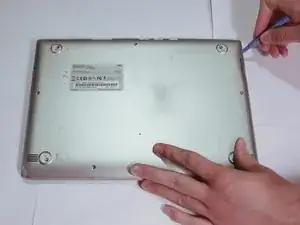
Remove the rubber feet on the four corners of the Chromebook in order to get to the screws underneath. They are stuck on with an adhesive.
-
-
-
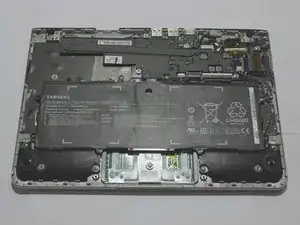
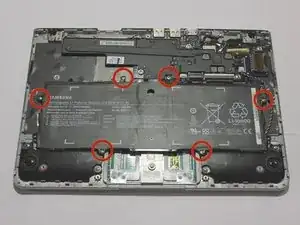
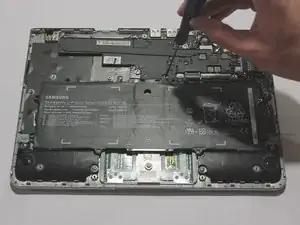
Remove six 3.5 mm screws holding the battery using a Phillips #00 screwdriver.
-
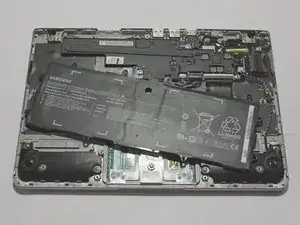
Pull out the battery partway in order to easily get to the battery connector.
-
-
-
The audio cable can be removed by simply pulling gently.
-
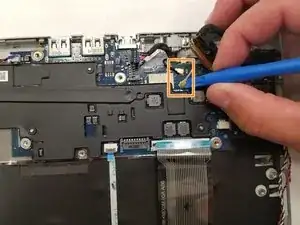
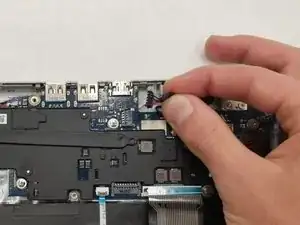
Use the iFixit opening tool to pop out the 2 antennae lines from the motherboard.
-
-
-
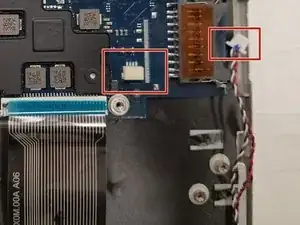
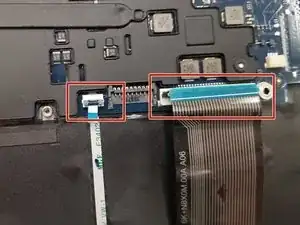
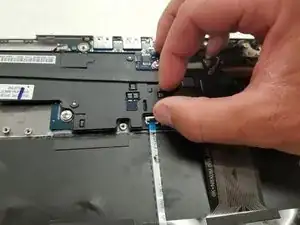
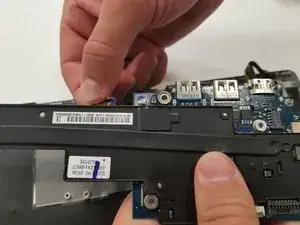
Now, disconnect the keyboard and trackpad ribbon cables.
-
This requires lifting the lever securing the cables to free them, and then gently pulling them out.
-
-
-
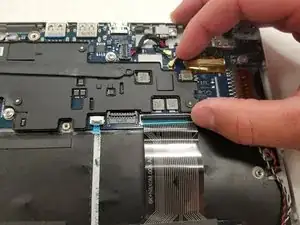
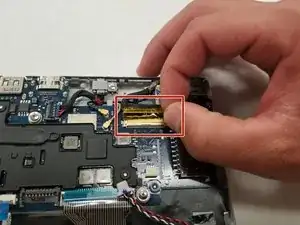
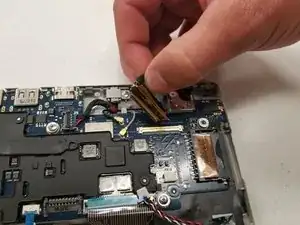
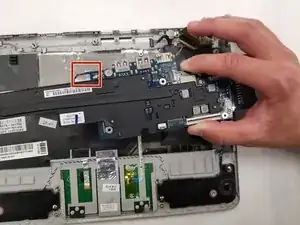
The screen cable is secure in place by a lever. Lift the lever to release it, then gently pull it out.
-
-
-
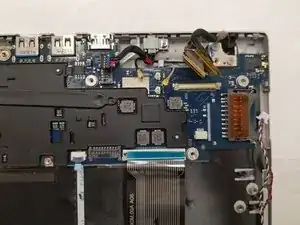
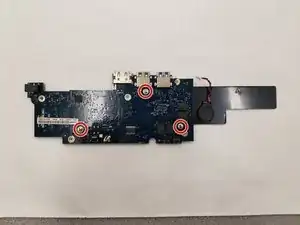
Finally, remove the three 3.1 mm screws with the Phillips #00 screwdriver to remove the plastic cover and completely free the motherboard.
-
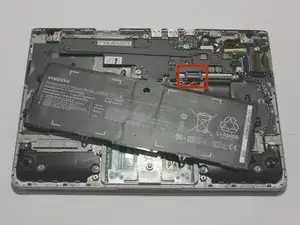
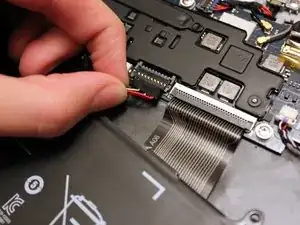
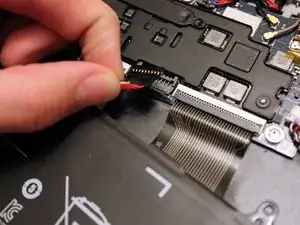
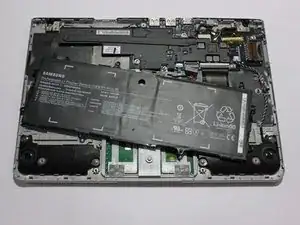
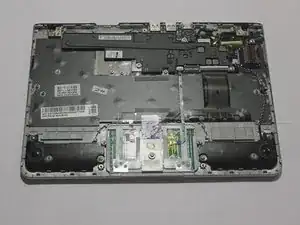
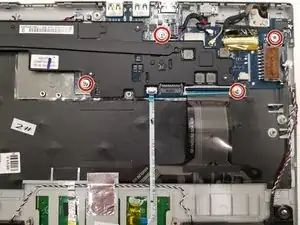
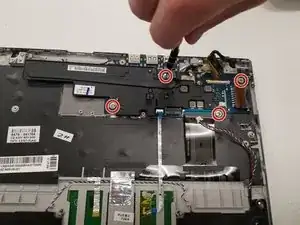
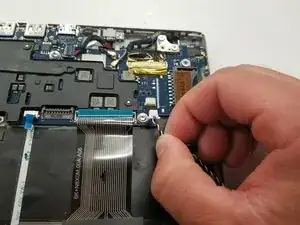
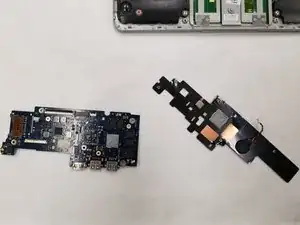
To reassemble your device, follow these instructions in reverse order.

2 Kommentare
Please tell me what i can do to put a cmos back from scratch i understand how to wire and tape the cmos and i see where to connect it but i dont have the connector and am wondering if i solder negative where positive should go by accident am i goin to fry the mother board?
Why is it so important also what is the meaning of it? Like are these contraptions built with almost enough power but always need a tiny bit more or whats the deal with a cmos?