Einleitung
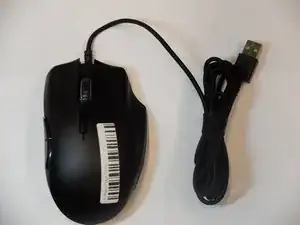
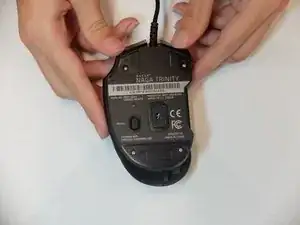
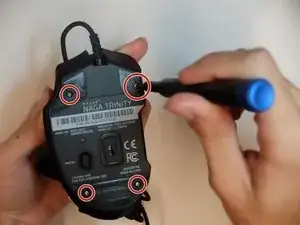
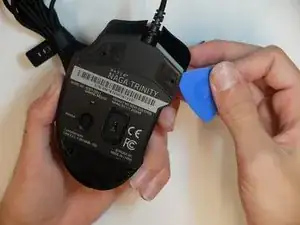
The middle mouse button is one of the least used buttons in a mouse. If for some reason the middle mouse button is not responsive, the micro switch might need replacement. This guide will list all required steps to properly and safely replace the middle mouse button micro switch in the Razer Naga Trinity mouse.


-
-
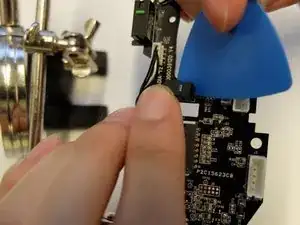
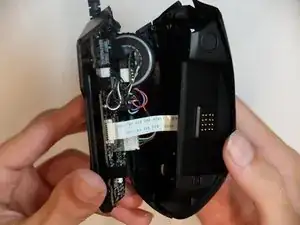
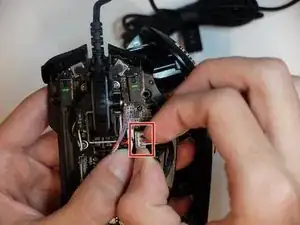
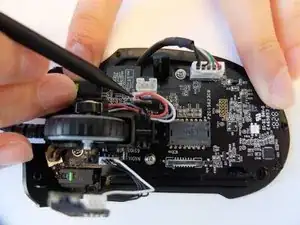
Unlock the ribbon connector that is held down by the main board clips using the spudger's pointed end.
-
-
-
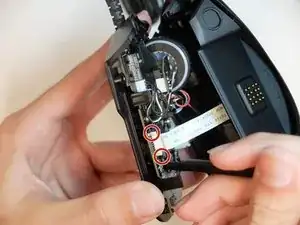
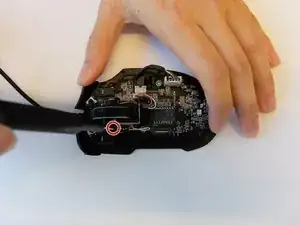
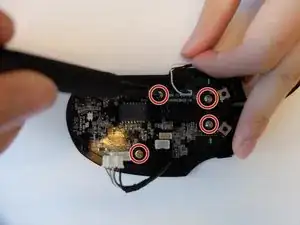
Remove one 4mm black Phillips #000 screw from the left side of the mouse holding the scroll wheel LED controller board.
-
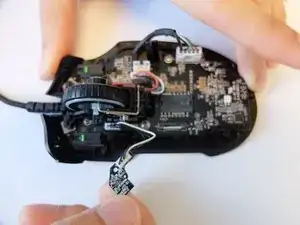
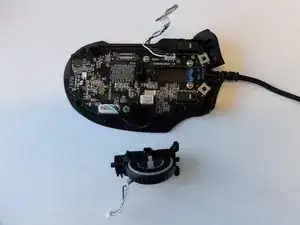
Then pull the LED controller board upwards and out.
-
-
-
Pry and remove the scroll wheel feedback bar from its hold-down clips using the hook end of a halberd spudger.
-
-
-
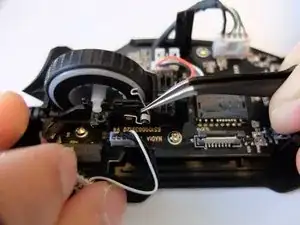
Remove the scroll wheel feedback bar from the scroll wheel by holding down the spring and using angled tweezers to remove it from its placement.
-
-
-
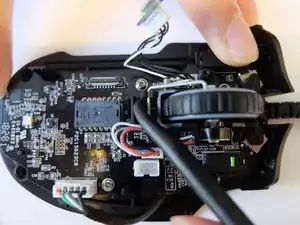
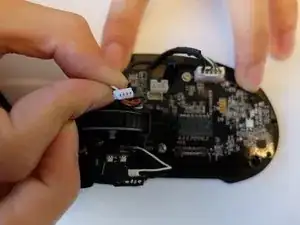
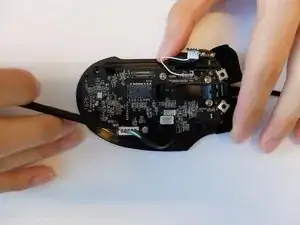
Remove the scroll wheel optical encoder 3-pin connector from the main board by wiggling the connector upwards.
-
-
-
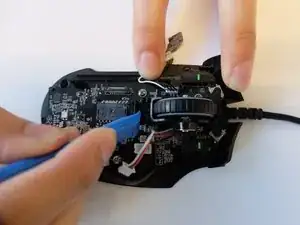
Using the opening tool, pry the black bracket holding the scroll wheel in place backwards until the scroll wheel housing pops out.
-
-
-
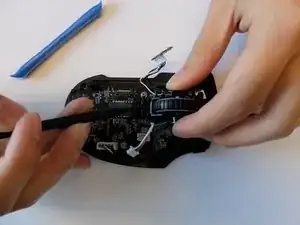
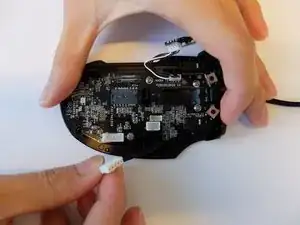
Remove the USB Type A to 5-Pin connector on the main board by pinching and pulling it upwards with your fingers.
-
-
-
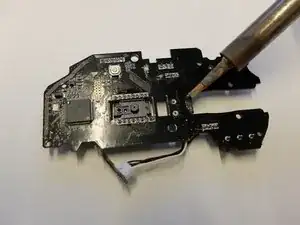
Place the tip of the soldering iron onto the micro switch contact pins.
-
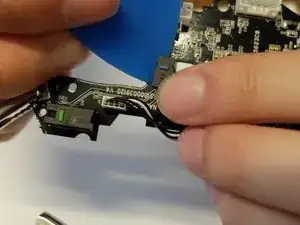
Work around the micro switch pins while prying the switch with an opening pick.
-
-
-
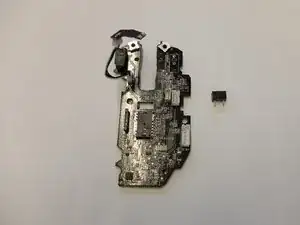
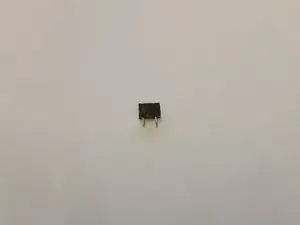
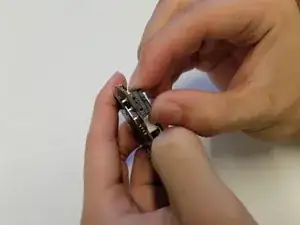
Remove and resolder the OMRON D2 subminiature micro switch.
-
Ensure the micro switch is bonded properly by performing a tug test.
-
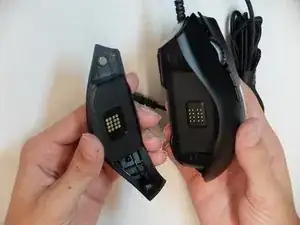
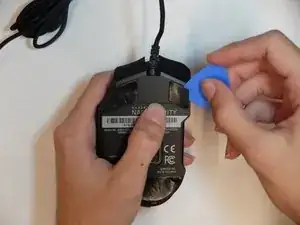
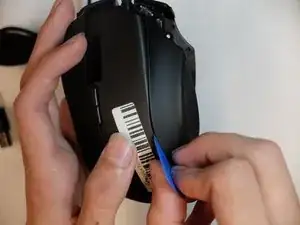
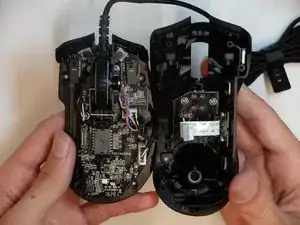
To reassemble your device, follow these instructions in reverse order.

Ein Kommentar
I had real difficulty sourcing the part for this, I don’t think this is actually an Omron switch for the middle mouse button. The part I pulled from the Razer mouse is actually branded ‘TTC’. I ended up sourcing them from Aliexpress: