Einleitung
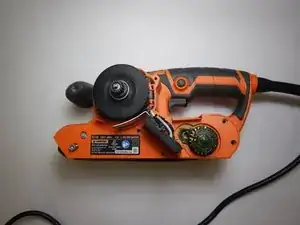
This guide will outline the steps on how to access the RIDGID R2740 motherboard. Motherboard failure can occur due to dust, overheating, and a buildup in debris.


-
-
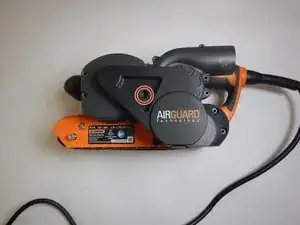
Orient the device with the left side face up.
-
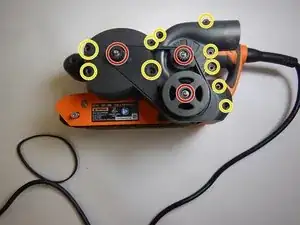
Using a Phillips #1 bit, unscrew the 3 screws which hold the internal casing in place.
-
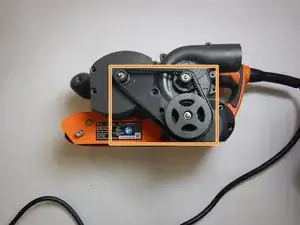
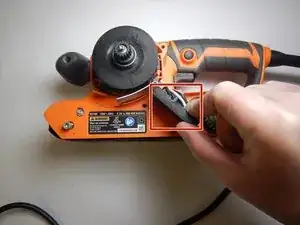
Gently remove the belt.
-
Using the Torx TR10 bit, unscrew the 10 screws which hold the external casing in place.
-

Abschluss
To reassemble your device, follow these instructions in reverse order.