Einleitung

How to Remove the Back Cover

  1. srE2NUeZpachZgsy
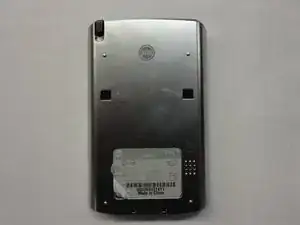
    • Flip the phone so it's facing screen-side down.

    • Slide the back cover upward to open.

  2. 24KdbUTUvbkDjShs
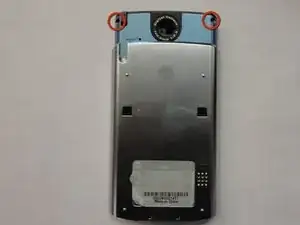
    • Use a Torx T5 screwdriver to remove the top two screws.

    Informative tutorial, and the tools were required. However, there is an error in sliding the back off the lower unit. The bracket will not detach. Its wiring is glued and soldered to the back and can’t be pulled off along with the speaker without damaging the wire. Pulling the halves apart destroyed the wiring and trashed the unit.

    Bruce Johnson -

  3. egdpGqarqwGBUuCl
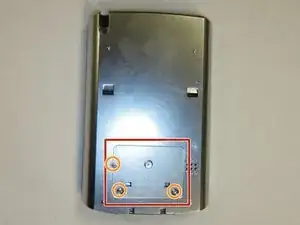
    • Remove the back sticker.

    • Remove the three bottom Phillips #00 screws.

  4. Oy5iy62CWBW6MfMr
    Oy5iy62CWBW6MfMr
    WGREjHIXIKWRRqct
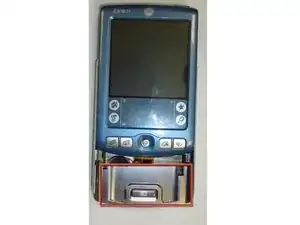
    • Flip the phone over so it's facing screen-side up.

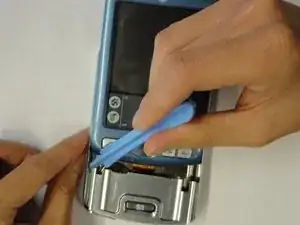
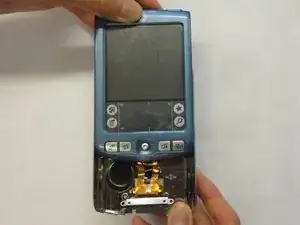
    • Slide the screen upward by a few millimeters without detaching the screen.

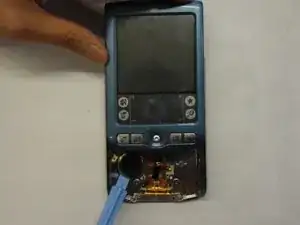
    • Use the plastic opening tool to pry off the front panel.

  5. fbtPxwaLwdYhdvEw
    fbtPxwaLwdYhdvEw
    QNBBPTIpoVGcUZUi
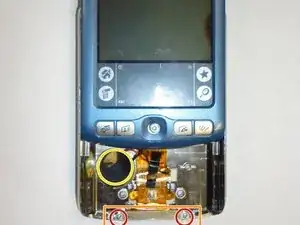
    • Remove the bottom two Phillips #00 screws.

    • Remove the bracket.

    • Use the plastic opening tool to pry off the speaker.

    removing this bracket also requires un-gluing the wiring harness from the back shell. This will likely destroy the speaker connection since it is soldered onto the wiring tape.

    Bruce Johnson -

  6. gPLg1YvBVAW3SQiW
    gPLg1YvBVAW3SQiW
    ZGoJHAnkwpfFtEGD
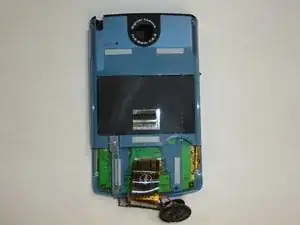
    • Slide the back cover off.

Abschluss

To reassemble your device, follow these instructions in reverse order.

Jinxian Jiang

Mitglied seit: 29/04/11

146 Reputation

0 Kommentare