Einleitung
Werkzeuge


Ersatzteile
-
-
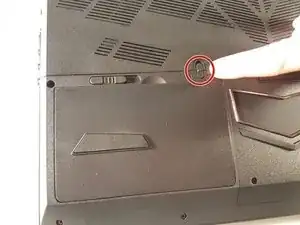
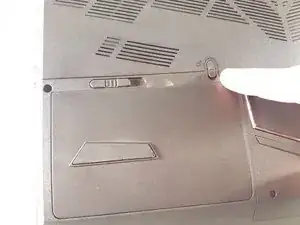
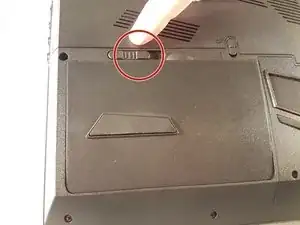
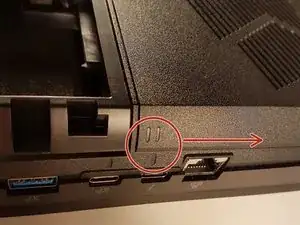
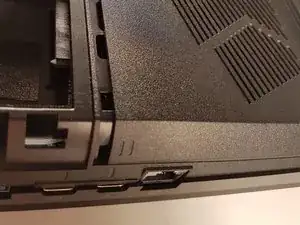
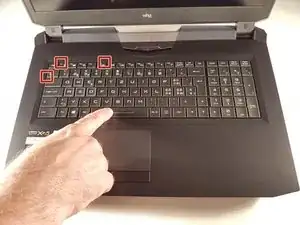
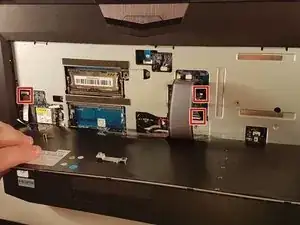
Einschlage eine Büroklammer in jedem Loch, das rot eingerahmt ist, bis einen Klick.
-
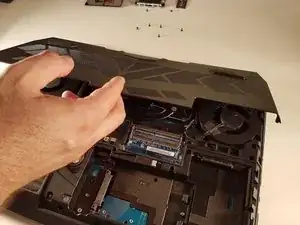
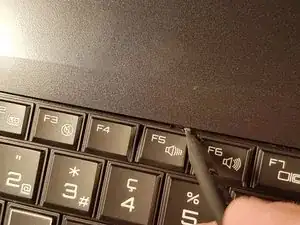
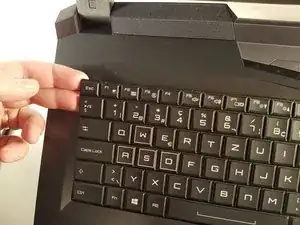
Hebe das Tastatur an und zögere nicht etwas zu zwingen.
-
-
-
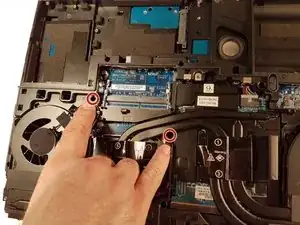
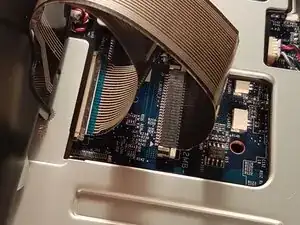
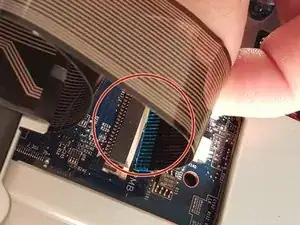
Ziehe die weiße Schublade, die das Kabel zurückbehält, das rot umgeben ist, in Richtung des rotes Pfeil
-
Entferne das Kabel, das rot umgeben ist.
-
-
-
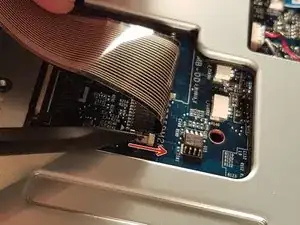
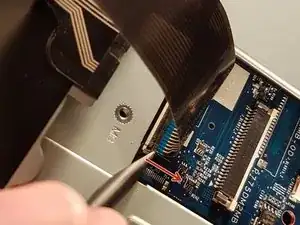
Ziehe die schwarze Schublade, die das Kabel zurückbehält, das rot umgeben ist, in Richtung des rotes Pfeil.
-
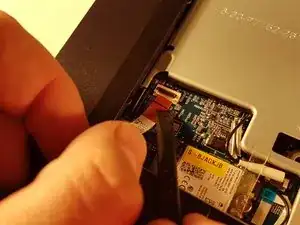
Entferne das Kabel, das rot umgeben ist.
-
-
-
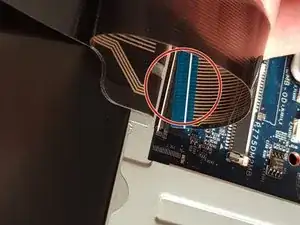
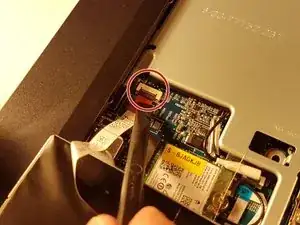
Öffne die Klappe, die das Kabel zurückbehält, das rot umgeben ist.
-
Entferne das Kabel, das rot umgeben ist.
-
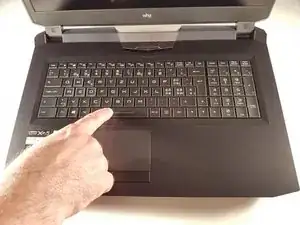
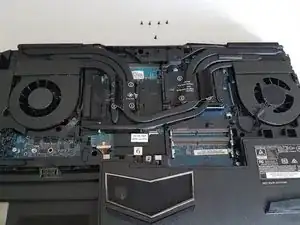
Ziehe das Tastatur.
-
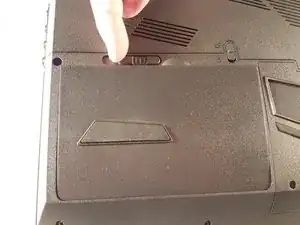
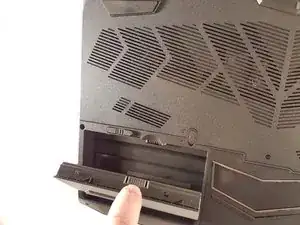
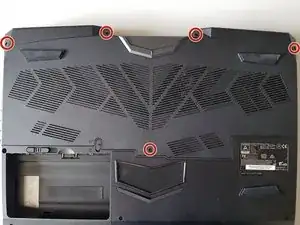
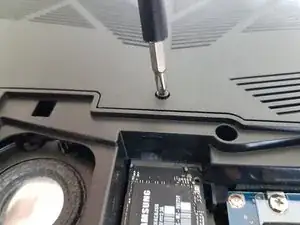
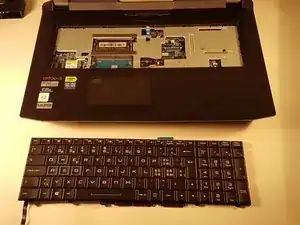
Arbeite die Schritte in umgekehrter Reihenfolge ab, um dein Gerät wieder zusammenzubauen.

3 Kommentare
I wish to know whether it’s possible to pry off the key to clean off the contacts. (I spilled coffee on the keyboard).
Fortunately for me, the key was on the edge of the board (the down arrow key). It was stuck on.
I lifted the key up as much as I could and I cleaned it with Deoxit. That did the trick. My keyboard is now working.
Thanks for the steps!
Oops. Spoke too soon. There’s something wrong with the keyboard: the INSERT key (ESC -[2~ ) is stuck. Also, there’s a red light under the keyboard. I’m not sure what that all means…
Great instructions, but for my laptop, step 7 only indicated three of seven places (the other four are the top centre of the keyboard, and the three points symmetrical to the 3 you’ve indacted, on the right hand side of the keyboard).