Einleitung
This guide explains how to replace the motherboard in the Nvidia Shield. Sometimes motherboards need to be changed due to issues or wear and tear. Make sure you have the proper tools, and that the device is powered down before beginning.
Werkzeuge


-
-
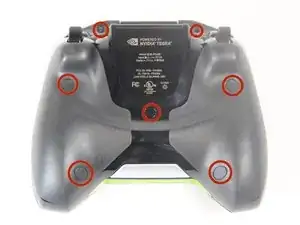
Remove the seven 6.4mm T5 Torx screws from the back panel.
-
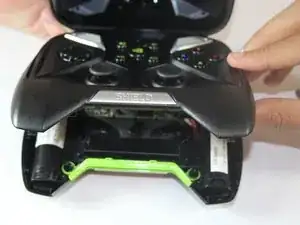
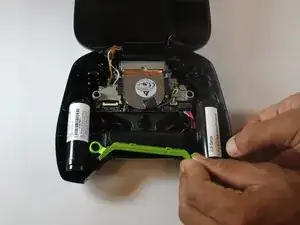
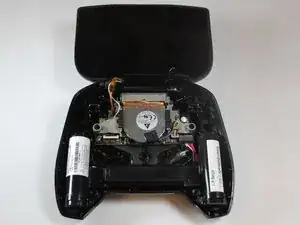
Use the spudger to separate the front and back panels.
-
-
-
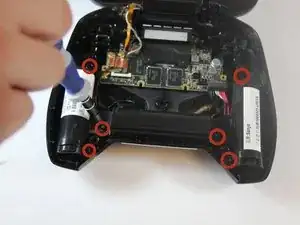
Remove the six 6.5mm T5 Torx screws.
-
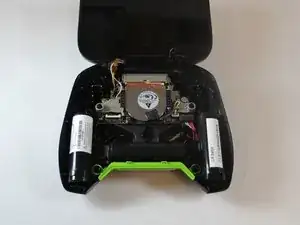
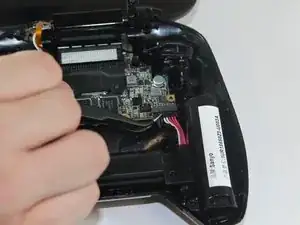
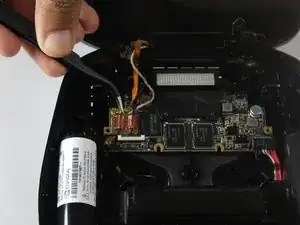
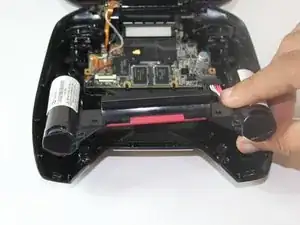
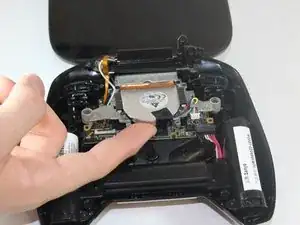
Disconnect the power wires.
-
Peel back the copper tape and disconnect the black and white wires.
-
-
-
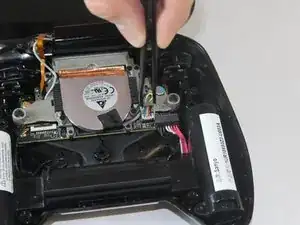
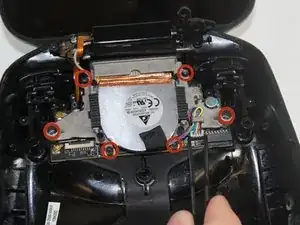
Remove the two 7.3mm and four 8.4mm T5 Torx screws and disconnect the power cable.
-
Lift the fan free after the screws and cable are removed.
-
-
-
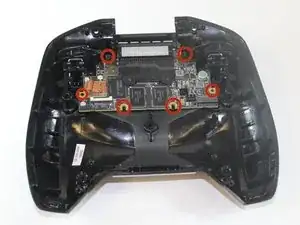
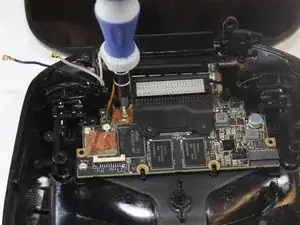
Using your T5 Torx screwdriver, remove six screws from the motherboard—two 7.3 mm screws and four 8.4 mm screws.
-
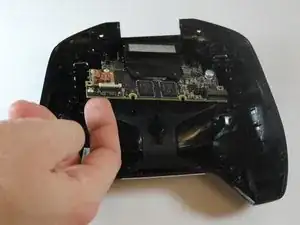
Simply pull gently on the edges of the board, wiggling it if necessary so as not to damage the ports at the top of the board.
-
To reassemble your device, follow these instructions in reverse order.

Ein Kommentar
Hay ich suche Ersatzteile für Nvidia shield Portable ich suche Board da wo kühler drauf ist , weil mein ist kaput gegangen :(
For the rubber screw covers, it is easiest to push at them at the top, otherwise you have the possibility of damaging the surrounding rubber.
Any hints at getting the center plastic screw cover out?
Miles Raymond -