Einleitung
Werkzeuge


-
-
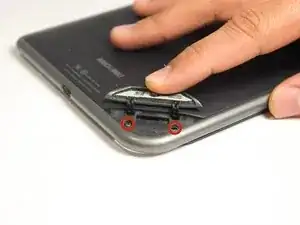
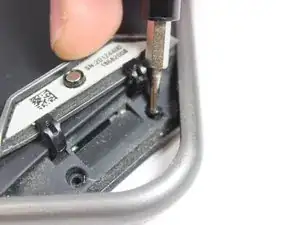
Use the T5 Torx screwdriver to remove the two 3.8 mm screws located in the back right corner of the device.
-
-
-
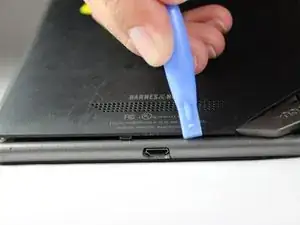
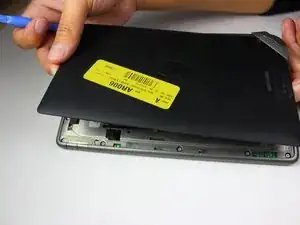
Using a plastic opening tool, pry off the back cover by going around the device until the panel is completely detached.
-
-
-
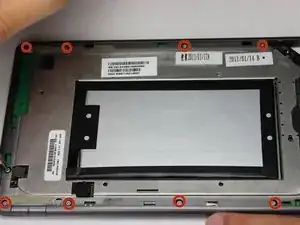
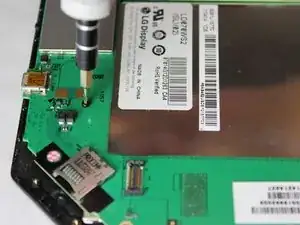
Use a T5 Torx screwdriver to remove the ten 4.0 mm screws lining the perimeter of the device.
-
-
-
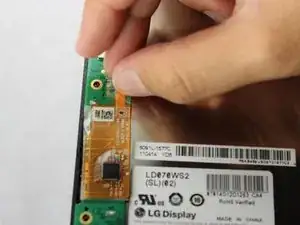
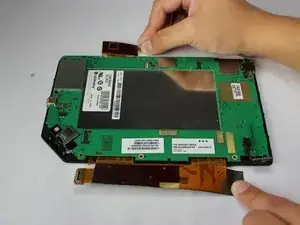
Gently lift and peel the orange and grey ribbon connectors to disconnect the screen and motherboard.
-
-
-
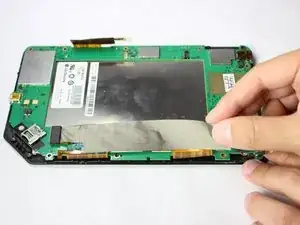
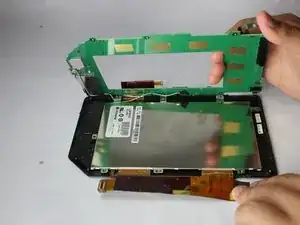
Lift the motherboard gently from the side with the larger connector ribbon.
-
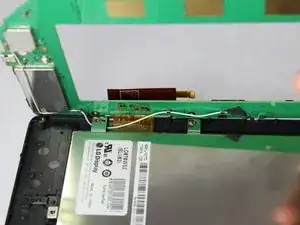
Notice the cable running down the opposite of the motherboard. Slide it gently from underneath the metal tooth holding in place. This will free the motherboard completely.
-
-
-
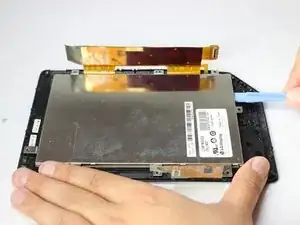
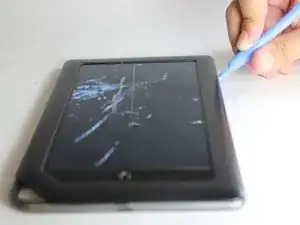
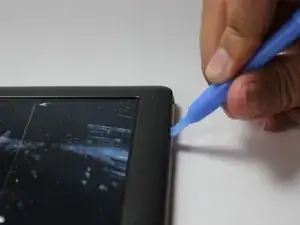
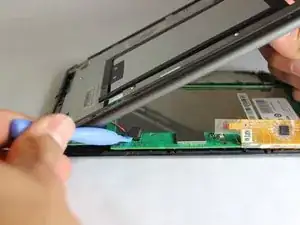
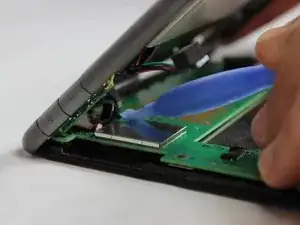
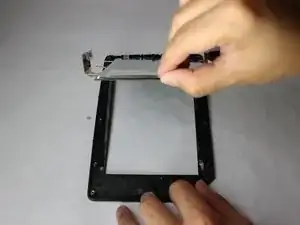
Using a plastic opening tool, gently pry the display to get the lifting started.
-
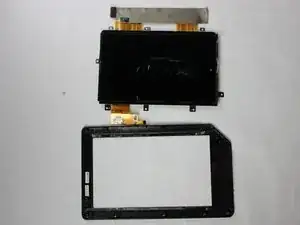
Due to adhesive, lifting the remainder out with your hands will be necessary. Lift until the display has separated from the frame.
-
To reassemble your device, follow these instructions in reverse order.

Ein Kommentar
this site doesn't sell the Nook Color display. Where did you get yours?