Einleitung
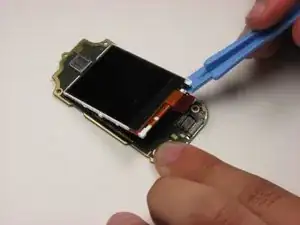
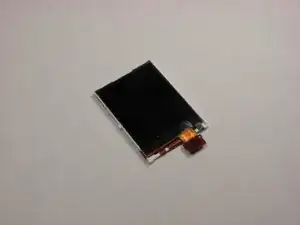
This guide give instructions on how to locate the inner LCD display for removal and/or repair.
Werkzeuge


-
-
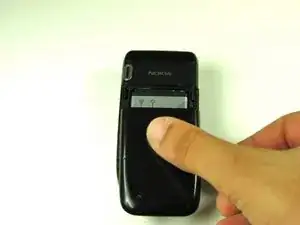
Flip over the phone so that the back is facing up.
-
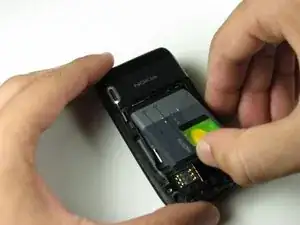
Pressing your thumb against the back cover, slide the cover off of the phone.
-
-
-
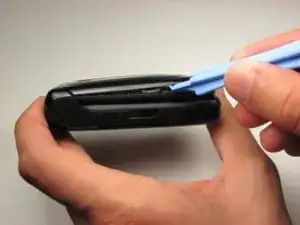
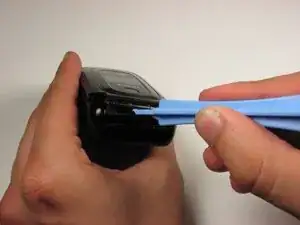
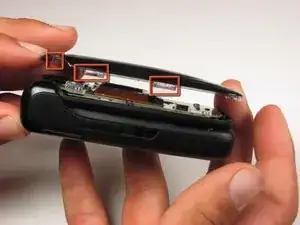
With the phone closed, run a plastic opening tool along the seam of the top half of the phone.
-
Make sure to disconnect each of the five clips before proceeding to the next step.
-
-
-
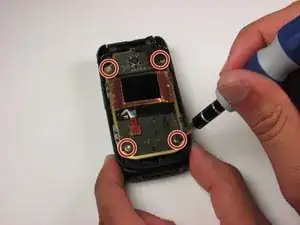
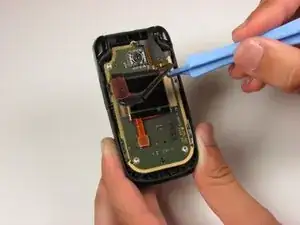
Starting in the lower right corner, slowly begin to lift the tape that is holding down the front LCD and cables.
-
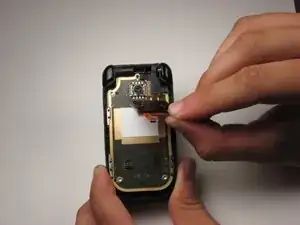
Lift the tape from the board.
-
-
-
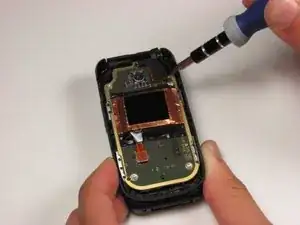
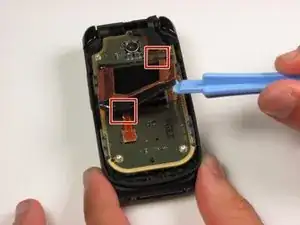
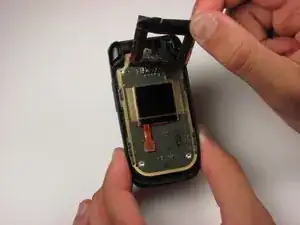
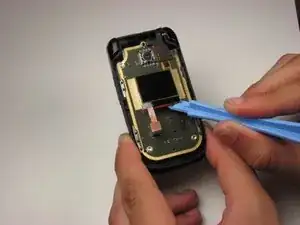
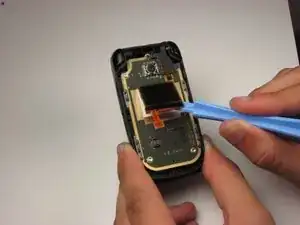
Using a plastic opening tool, slowly pry the LCD display from the bottom, releasing it from the glue that is holding it to the board.
-
-
-
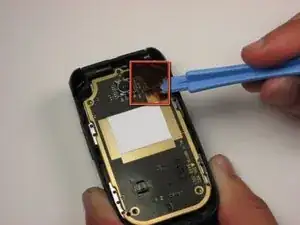
Locate the ribbon cable connection in the upper right hand corner of the board.
-
Using a plastic opening tool, lift off the cable from the board.
-
-
-
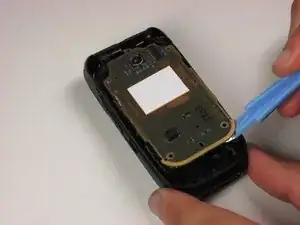
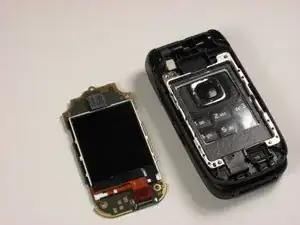
Using a plastic opening tool, slowly work the board off the mounts holding it to the frame.
-
Flip the board over to reveal the main display.
-
-
-
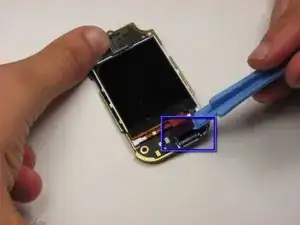
Locate the ribbon cable for the main display on the bottom of the board.
-
Slowly lift off the ribbon connector from its housing using a plastic opening tool.
-
-
-
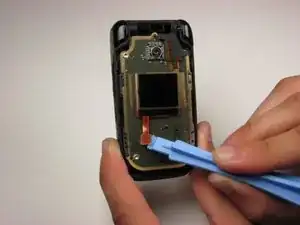
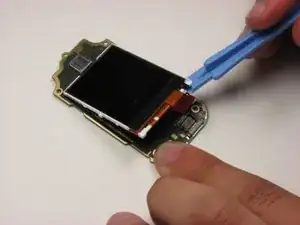
Slowly wedge the plastic opening tool under the bottom of the main display.
-
Separate the display from the glue lifting it off the board.
-
To reassemble your device, follow these instructions in reverse order.
