Einleitung
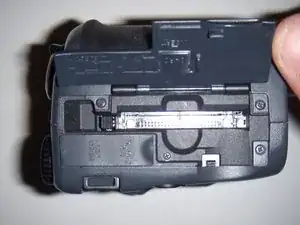
If you're having problems with your memory card, this guide will show you how to remove and replace your memory card in the Nikon Coolpix 995.
-
-
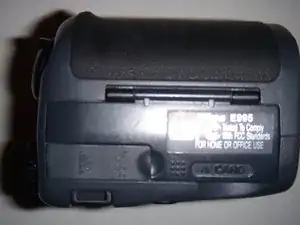
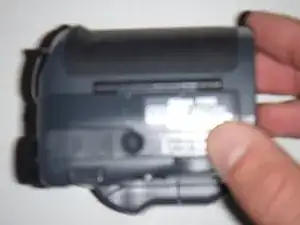
Set camera so the memory card compartment is facing you.
-
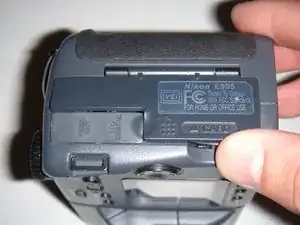
Place thumb under cover latch where it says "card", then gently lift straight upwards.
-
-
-
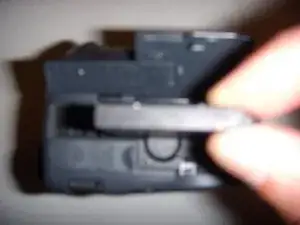
After you properly reinsert the memory card, place your thumb on the top of the cover and gently press down until you hear and feel the cover click back into the closed position.
-
Abschluss
To reassemble your device, follow these instructions in reverse order.
