Einleitung
This guide is to be used to install the plastic LCD screen cover in the case that it becomes damaged or no longer functions properly due to overuse. A Phillips screwdriver will be needed to complete this installation.
Werkzeuge

-
-
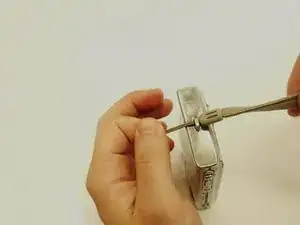
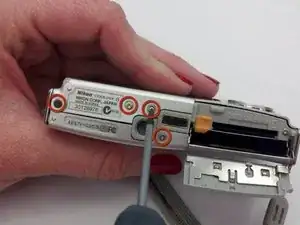
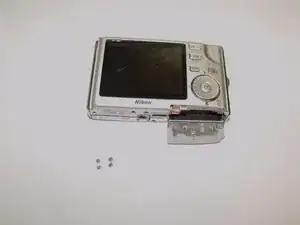
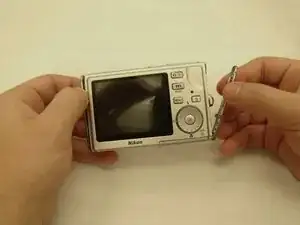
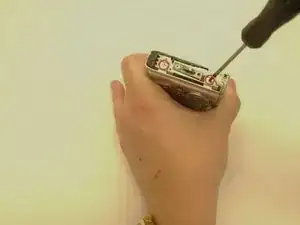
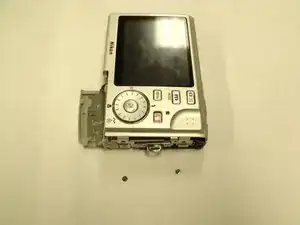
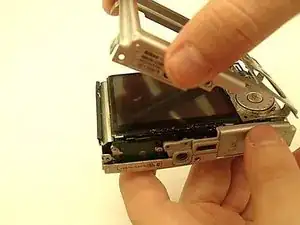
On the right side of the camera (that contains the wrist strap loop), use the screwdriver to remove the two screws holding the backplate in place.
-
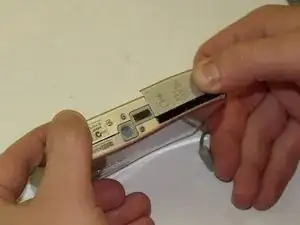
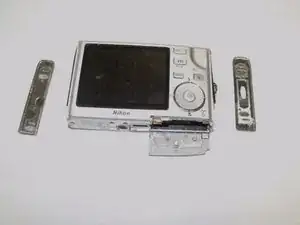
Repeat this step for the left side.
-
-
-
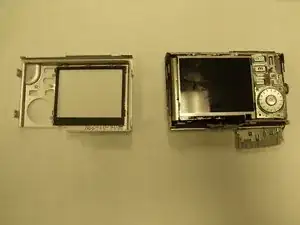
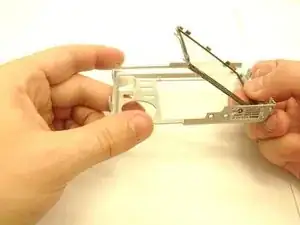
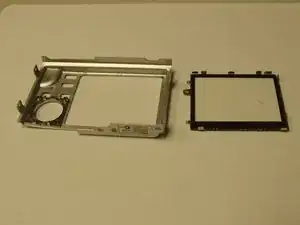
Press lightly on the outer surface of the plastic LCD screen cover in each corner.
-
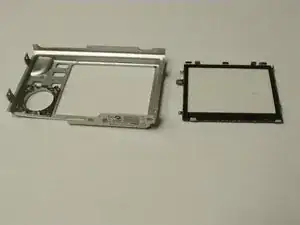
The plastic LCD screen cover should pop out of the back plate.
-
Abschluss
To reassemble your device, follow these instructions in reverse order.