Einleitung
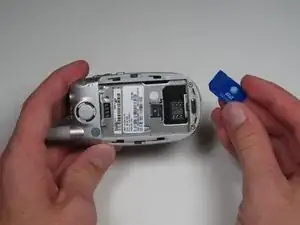
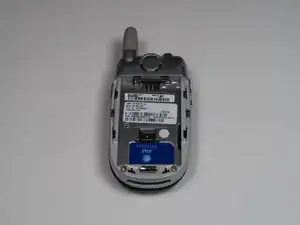
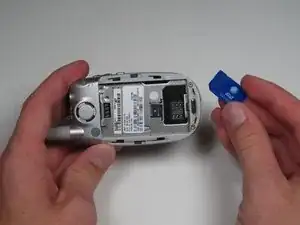
The SIM card lies behind the battery.
-
-
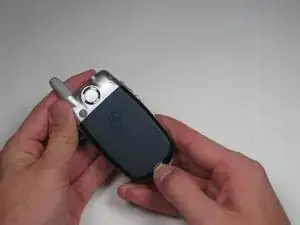
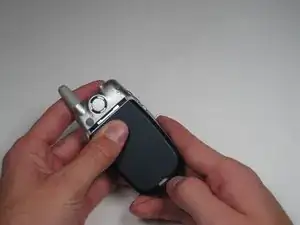
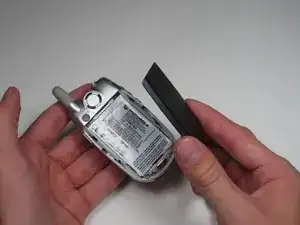
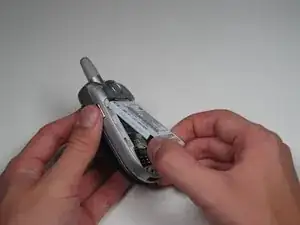
Grab the lower edge of battery at the black areas and pull upward on the edges to remove it.
-
-
-
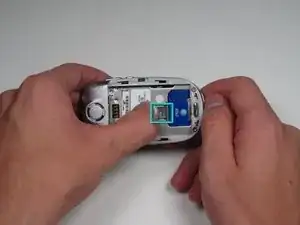
Move the the metal slider towards the top of the phone until it clicks out of its original position.
-
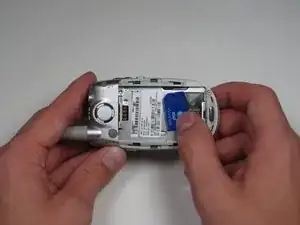
Slide out and remove the SIM card.
-
Abschluss
To reassemble your device, follow these instructions in reverse order.
