Einleitung
Prerequisites: Battery, Faceplate


-
-
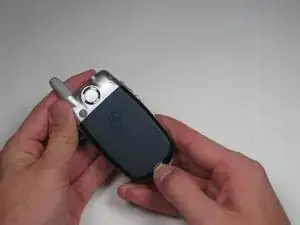
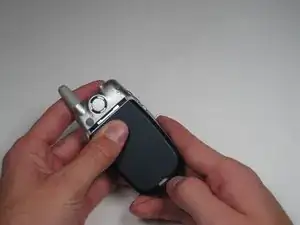
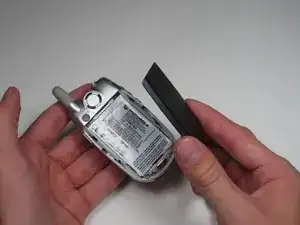
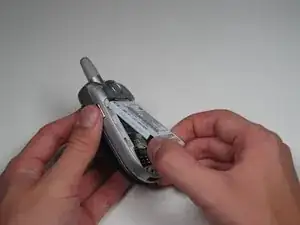
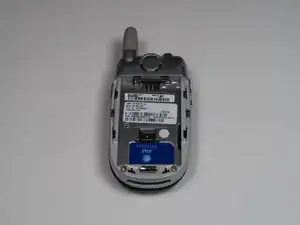
Grab the lower edge of battery at the black areas and pull upward on the edges to remove it.
-
-
-
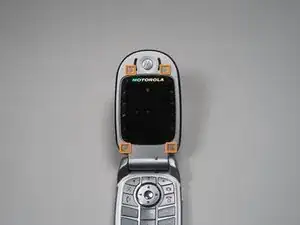
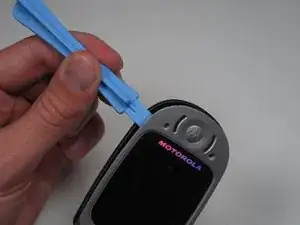
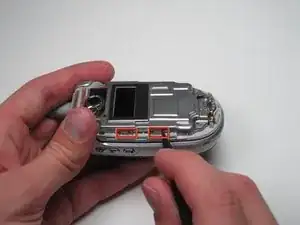
Insert the spudger into the slots marked and gently pry upwards to remove the metal cover.
-
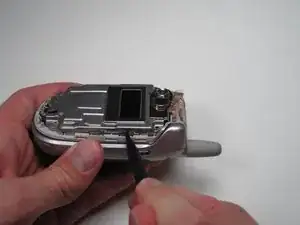
Repeat the previous bullet for the two corresponding tabs on the opposite side of the phone.
-
-
-
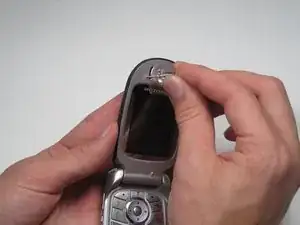
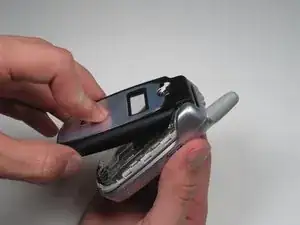
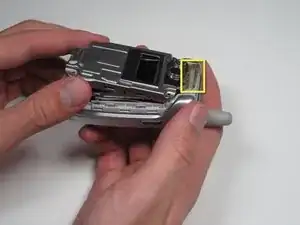
Lift and peel back the tape attaching metal casing to body of the phone.
-
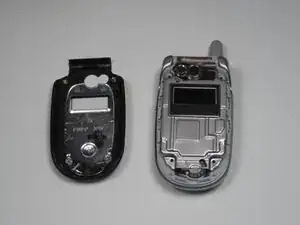
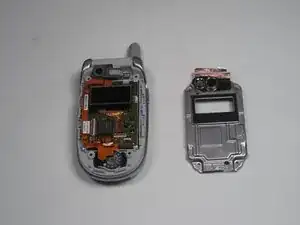
Gently lift the metal cover and remove to expose the circuit board.
-
-
-
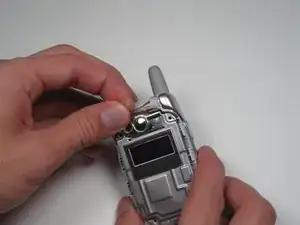
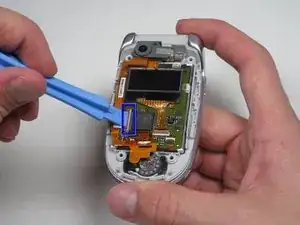
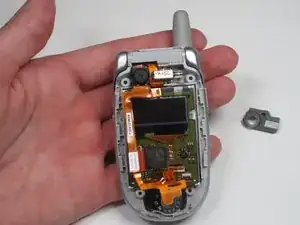
Using a plastic opening tool, pry or lift open the pink door shown.
-
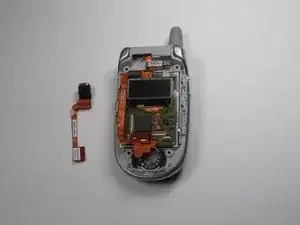
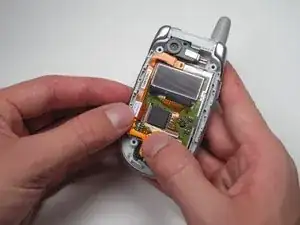
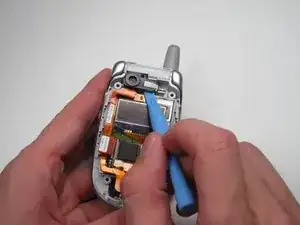
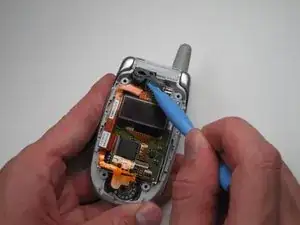
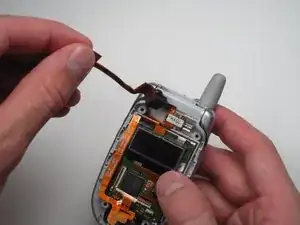
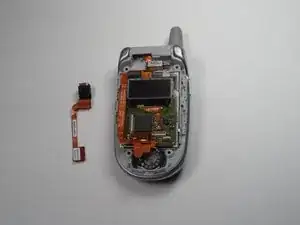
After the door is open, gently pull on the ribbon cable's corner to separate it from the board.
-
Abschluss
To reassemble your device, follow these instructions in reverse order.
