Einleitung
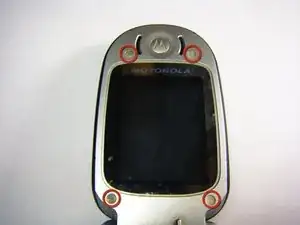
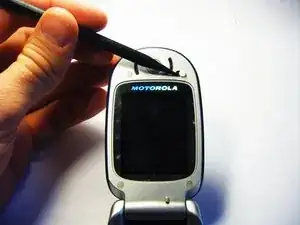
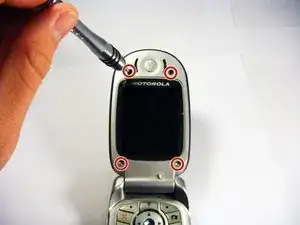
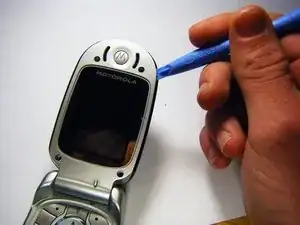
This guide is for removing the screen of a Motorola V551. A flat tool may be helpful for step 5, but it is not necessary.
Werkzeuge


-
-
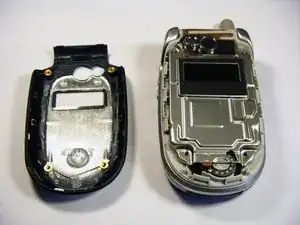
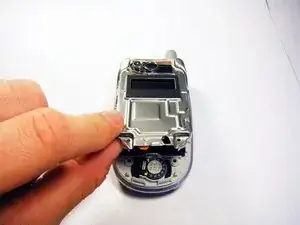
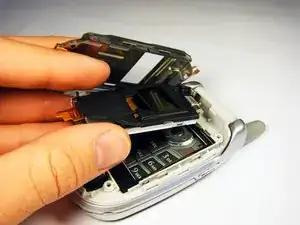
Carefully remove the protective cover from the circuitry.
-
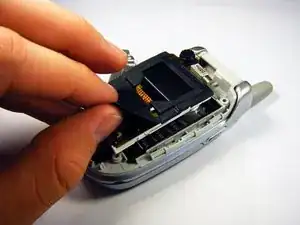
Slowly peel the black rubber gasket off of the circuit board.
-
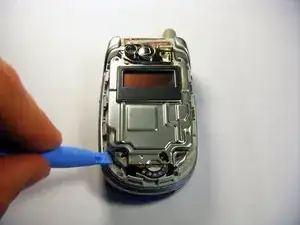
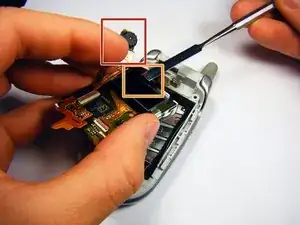
Carefully move the camera out of the way by using your hand.
-
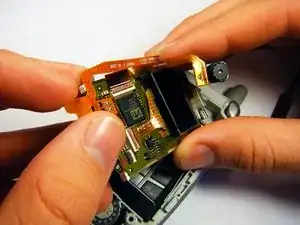
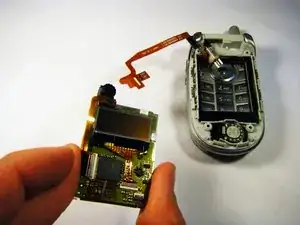
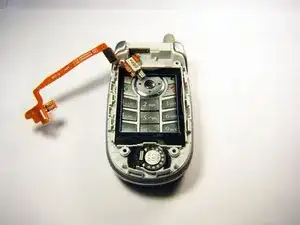
Use a flat tool to separate the connection between the upper and lower circuit boards.
-
Abschluss
To reassemble your device, follow these instructions in reverse order.