Einleitung
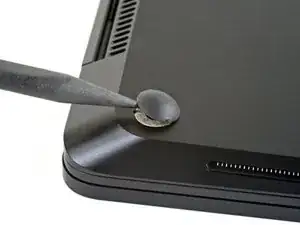
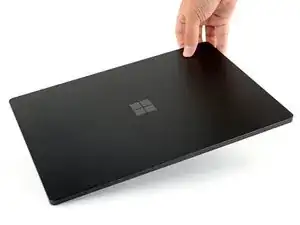
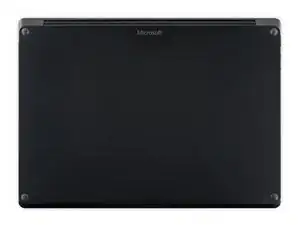
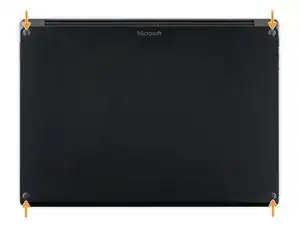
Follow this guide to remove or replace the feet on the bottom of a Microsoft Surface Laptop 3 (15").
Microsoft offers replacement feet for the Surface Laptop 3. Please see this support article for more details on how to order them.
Werkzeuge

-
-
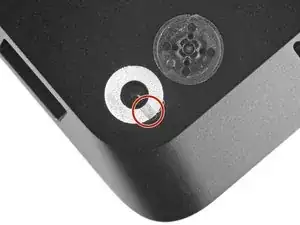
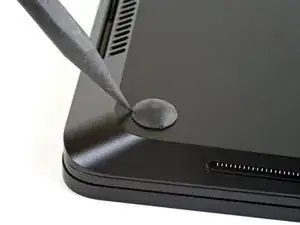
Each foot has a hidden indent that will simplify removal.
-
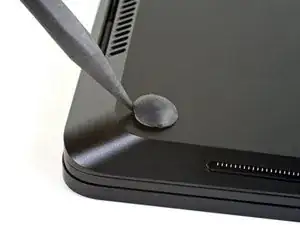
To make sure the spudger is in the indent, insert it at the nearest long edge, pushing parallel to the short edges of the laptop, as shown.
-
-
-
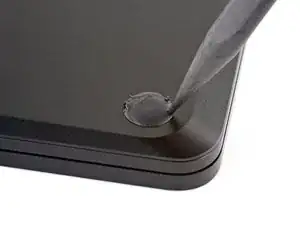
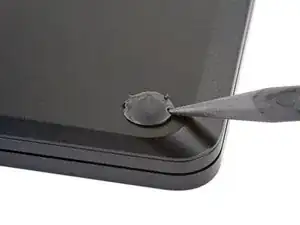
Insert the pointed end of a spudger underneath one of the two rear feet, at its rear edge.
-
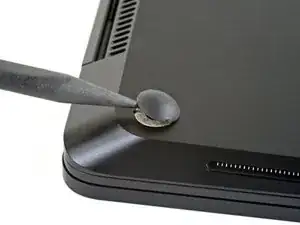
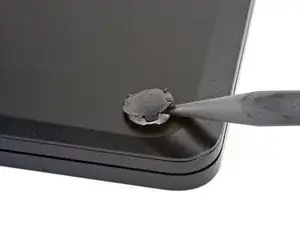
Push the spudger underneath the foot and pry up to release it.
-
Repeat to remove the second rear foot.
-
-
-
Insert the pointed end of a spudger underneath one of the two front feet, at its front edge.
-
Push the spudger underneath the foot and pry up to release it.
-
Repeat to remove the second front foot.
-
-
-
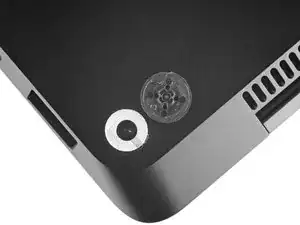
Note that the front and rear feet are different.
-
Note that the front feet are directional and only clip in one way.
-
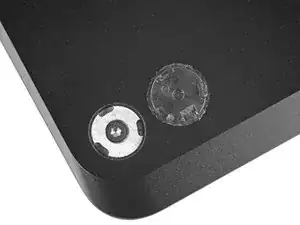
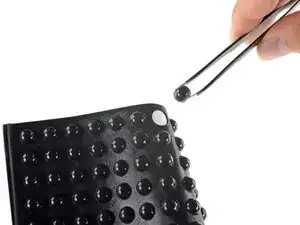
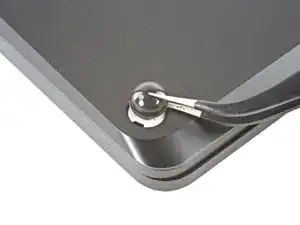
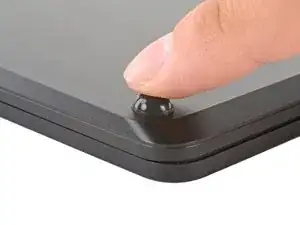
To reassemble your device, follow the above steps in reverse order.
Repair didn’t go as planned? Try some basic troubleshooting or search our Answers community for help.