Einleitung
Diese Anleitung zeigt dir, wie du den Aufsteller austauschen kannst.
Werkzeuge

Ersatzteile
-
-
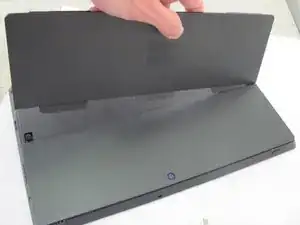
Lege das Tablet so, dass die Rückseite zu dir zeigt.
-
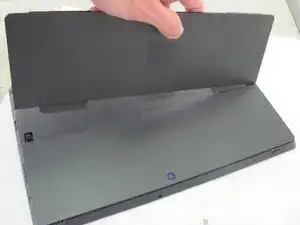
Ziehe am Aufsteller und klappe ihn auf.
-
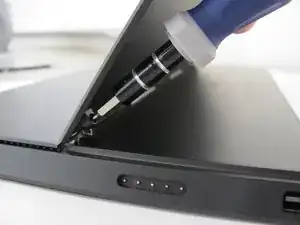
Entferne die beiden Torx T5 Schrauben links und rechts am Aufsteller.
-
Um dein Gerät wieder zusammenzusetzen, folge den Schritten in umgekehrter Reihenfolge.

Ein Kommentar
I had trouble getting the center tab to slide out of the slot. After looking at the other tabs, which came out easily, I noticed that the tabs are not composed of a single piece but are actually two sheets glued together (like two pieces of tape). Somehow the two pieces of tape composing the center tab had come apart, exposing their adhesive surfaces, and sticking to an inner surface. I managed to push them apart enough from the outside with a flathead screwdriver so that I could slide the center tab out. However, the other piece is stuck inside the device.