Einleitung
This guide is used to help users to remove the screen and replace with another for Microsoft Lumia 640 LTE.


-
-
Use your thumb or fingernail on the edge/corner of the phone to pry the back cover off the phone.
-
-
-
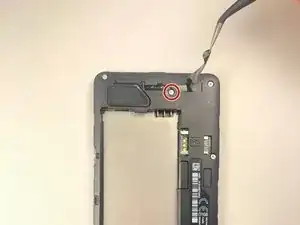
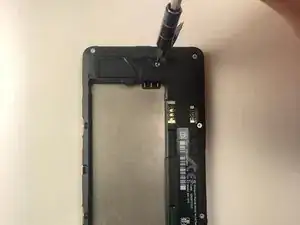
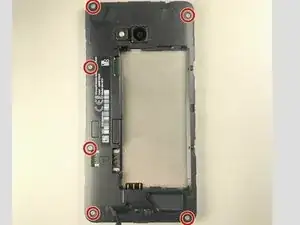
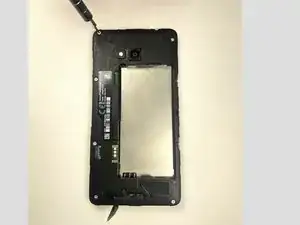
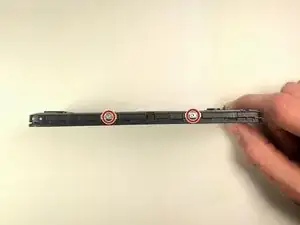
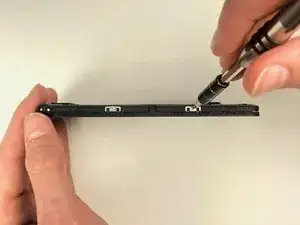
Use the T-4 bit to unscrew the screws in the 4 corners, along with the two acres in the middle left side.
-
-
-
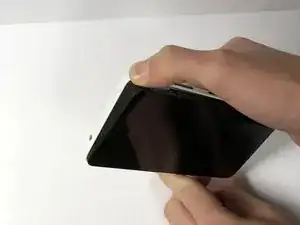
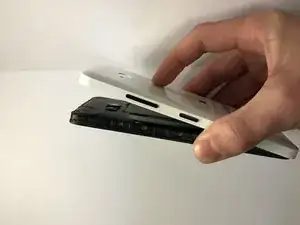
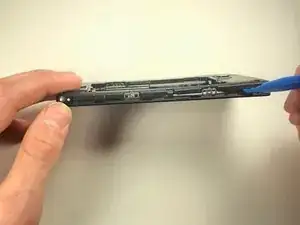
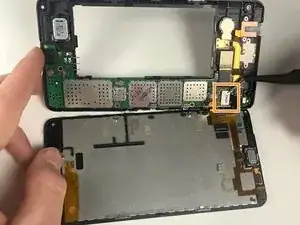
Using the plastic opening tool to separate the screen from the back plastic casing
-
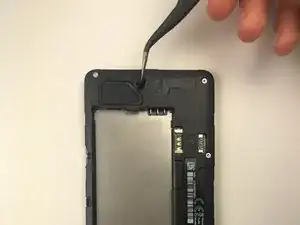
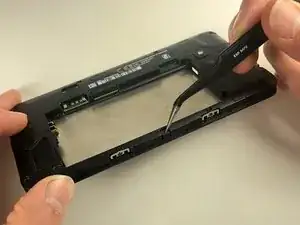
Use the tweezers to release the clip on the side of device, and remove the back of the phone.
-
-
-
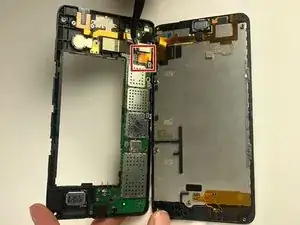
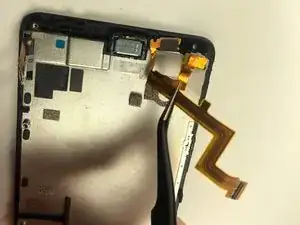
Using the tweezers or a spudger, pull the gold tab up gently
-
Using the tweezers or spudger, pull the white circuit up gently to completely detach the screen from the phone
-
For Motherboard replacement skip to step 11 after finishing this step
-
-
-
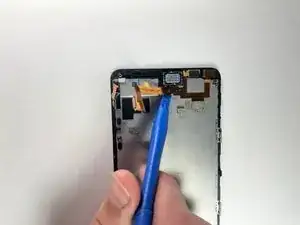
Using the plastic opening tool, carefully get under the gold strip
-
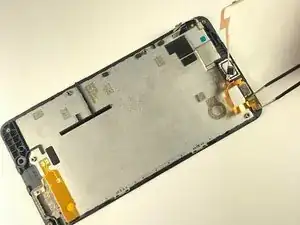
Using tweezers pull up the camera. The camera just sits in there
-
using the tweezers pull up on the depth sensor. This is held in by a strong adhesive
-
-
-
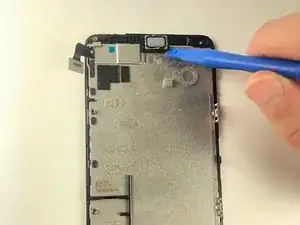
Using the plastic opening tool, pry up the ear speaker. This is held in by strong adhesive.
-
To reassemble your device, follow these instructions in reverse order.
