Einleitung
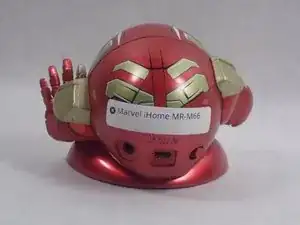
This guide will show how to remove and replace this device's back cover. No additional experience is required.


-
-
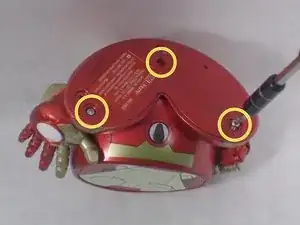
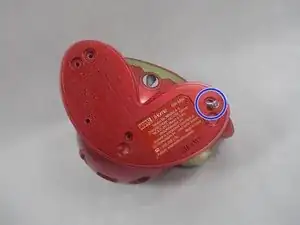
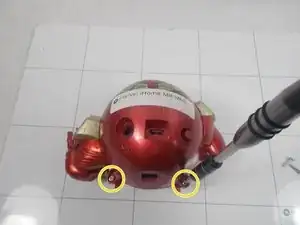
On the bottom of the device, remove the three screws shown.
-
Leave one screw partially in the socket to remove the bottom cover easier.
-
-
-
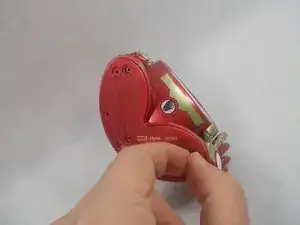
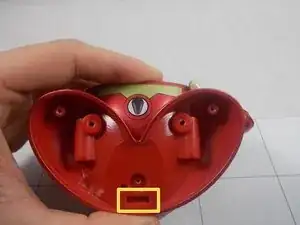
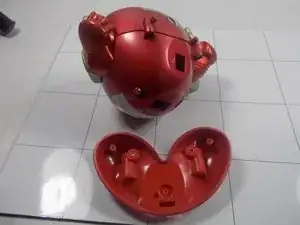
Remove the bottom cover by either pulling on the screw or using a plastic opening tool to pry the cover off.
-
-
-
Use a spudger to release the small retaining clip that holds the feet to the bottom of the device.
-
-
-
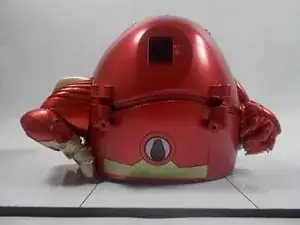
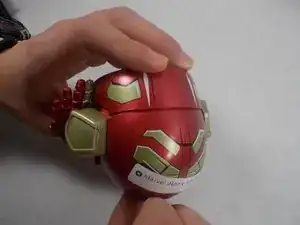
Using a plastic opening tool, separate the front and back cover from each other.
-
Starting from the bottom, use the plastic opening tool to create the initial separation and continue along the seam to the top of the device.
-
Alternate between using the plastic opening tool and your hand to create the separation.
-
-
-
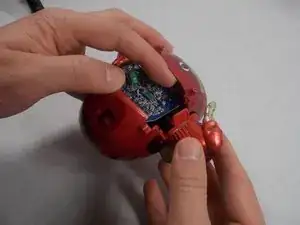
Once a significant separation has been created, remove the two arms from either side of the device.
-
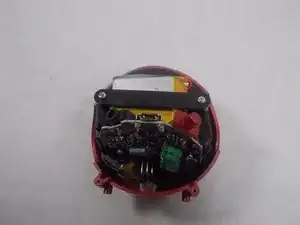
Once the arms are out, continue pulling the back cover off the device.
-
Remove the power switch cover.
-
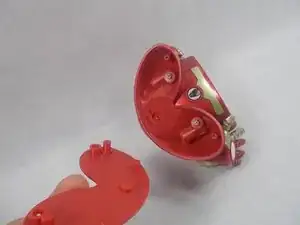
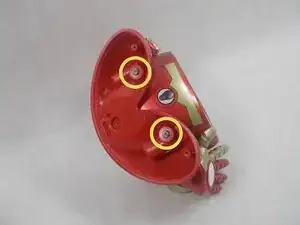
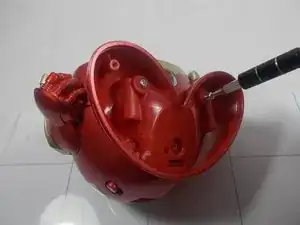
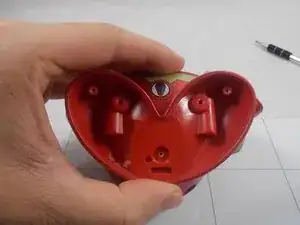


To reassemble your device, follow these instructions in reverse order.
