Einleitung
This guide will show how to lubricate the volume slider after you have opened up the base of the phone. Your volume slider will operate smooth after completing this guide.
Werkzeuge


-
-
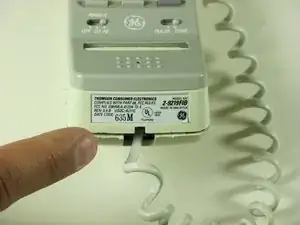
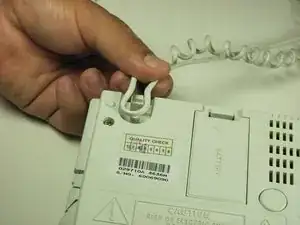
Using a plastic opening tool, remove the phone cord from the phone jack from the base of the headset.
-
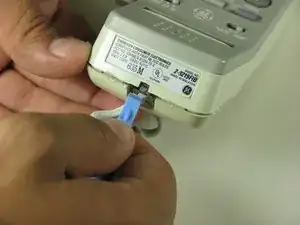
To release the cable gently, press down on the top plastic tab of the connector.
-
-
-
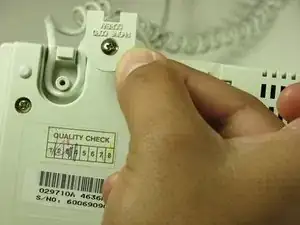
Remove the phone cord screw cap.
-
Unscrew the 7.5mm screw.
-
Remove the screw cap.
-
Pull up the phone cord to remove from the base.
-
-
-
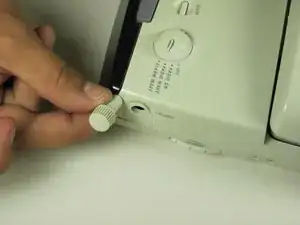
Locate the volume dial on the right side of the telephone.
-
Remove the volume dial by gently grasping the dial and pulling away from the base.
-
-
-
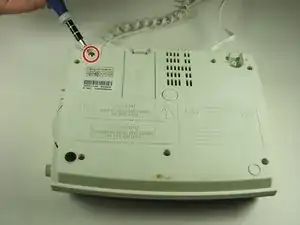
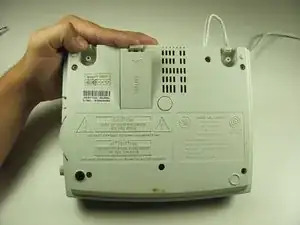
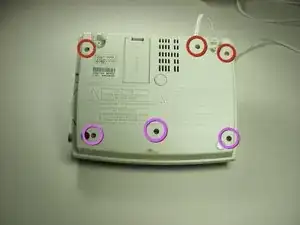
Remove the six screws from the base shell located on the back of the device.
-
Remove the three 12mm screws with the Philips head #1 screw driver.
-
Remove the three 18mm screws with the Philips head #1 screw driver.
-
-
-
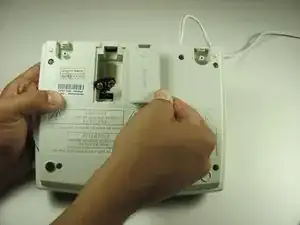
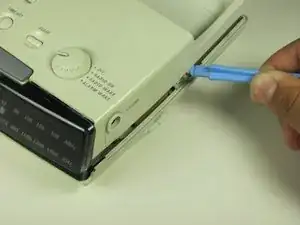
Pry off the base shell using a plastic opener tool.
-
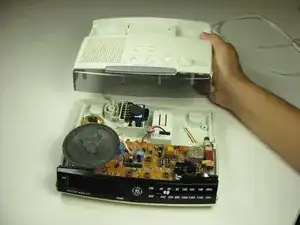
Set shell aside and you now have access to the internal components of the General Electric Telephone 2-9710A.
-
-
-
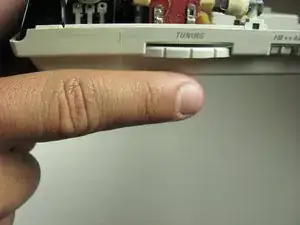
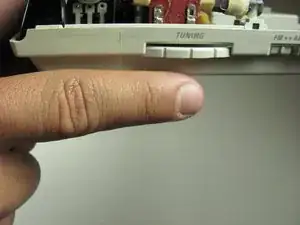
Turn the tuning slider counter clockwise all they way.
-
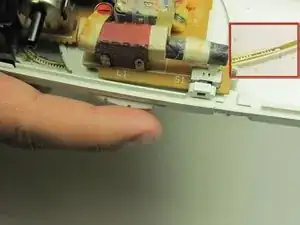
Apply lubricant to slider rail
-
Turn the tuning slider back and forth to distribute lubricant
-

To reassemble your device, follow these instructions in reverse order.
