Einleitung
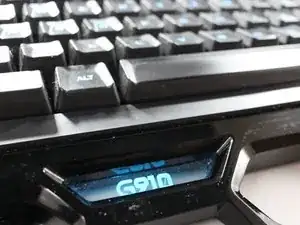
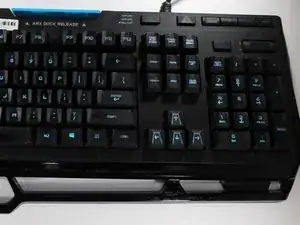
Diese Anleitung zeigt, wie du eine Tastenkappe bei der Logitech G910 austauschen kannst. Entferne die Tastenkappe mit einem Kunststoff- oder Metallspudger. Mit einem speziellen Entferner für Tastenkappen geht es noch leichter.
Werkzeuge
-
-
Ziehe das USB-Anschlusskabel vom Computer ab. Dadurch wird die Tastatur stromlos.
-
Lege die Tastatur so auf eine feste Oberfläche, dass die Tasten zu dir zeigen.
-
-
-
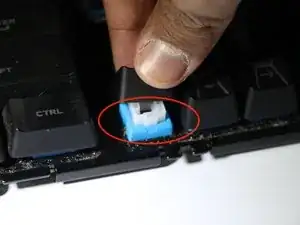
Fasse die Tastenkappe fest mit deinen Fingern an und hebe sie behutsam ab.
-
Achte darauf, dass die Kontaktstifte passen und die Kappe in die richtige Richtung zeigt. Drücke sie dann fest, bis du ein Klicken hörst, sie sollte dann wieder normal funktionieren.
-
Um dein Gerät wieder zusammenbauen, folge den Schritten in umgekehrter Reihenfolge.

12 Kommentare
I am sorry, but why did you wrote a tutorial and describe how to open up G910 (and lose the warranty along the way) just to take of the keyCAP?
Keycap can be removed in a matter of seconds with use of $0.99 keycap removal tool
It’s not just the Key Cap, you can remove the mechanical switch too. I have a busted G910 and I’ve been wanting to replace the switches for a while now.
Rofl, you don’t need to do steps 1-4, literally jusst do 5 if you are replacing the keycap lmao
rob.chan -
I think step 3 and 4 are in the wrong order, you can’t get to the screws until you get that face-plate off
Exactly. How do you get the face plate off? It's seems to be glued or double sided trapped and is cheap plastic that cracks easier than an egg!