Einleitung

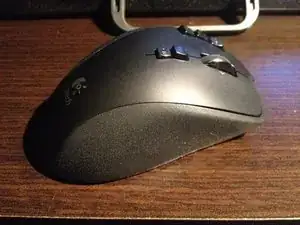
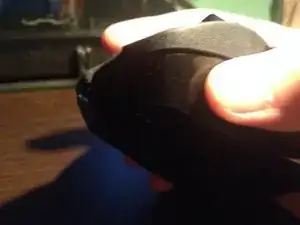
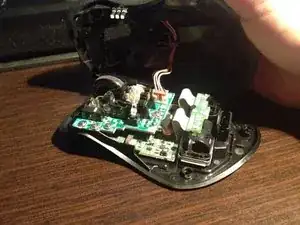
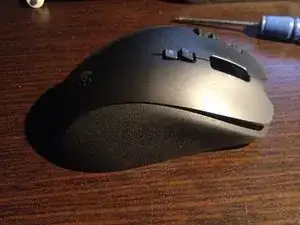
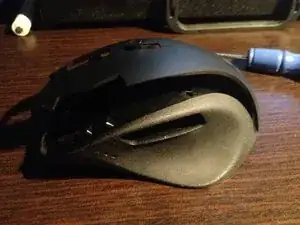
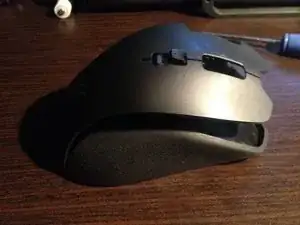
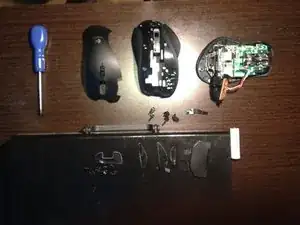
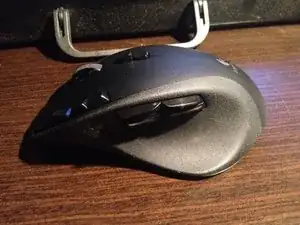
Diese Anleitung zeigt, wie man das Gehäuse der Maus auseinander nimmt. Dies ist insbesondere hilfreich, wenn man die Maus reinigen möchte.

Alles, was benötigt wird, ist ein Schraubendreher und etwas Geduld.

  1. TkC1VPcTjjEjDMYS
    TkC1VPcTjjEjDMYS
    tSMZXFSbkXUbX2nO
    • Entferne das Kabel.

  2. ilPUnSO16NUhEoC4
    ilPUnSO16NUhEoC4
    4vmIWuurC54egd2L
    N2IikSWNCNDas5aY
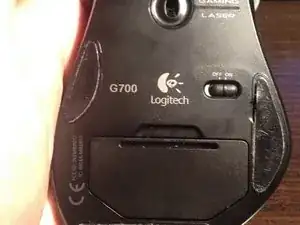
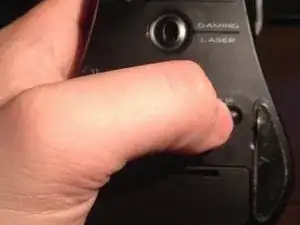
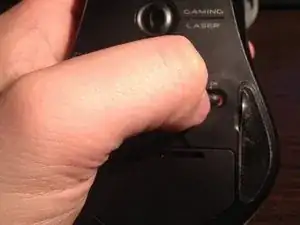
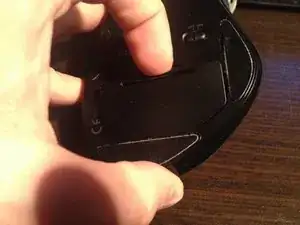
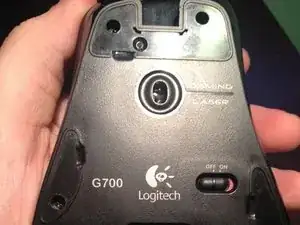
    • Schalte die Maus aus.

  3. Et21DRxPdROoWIJY
    Et21DRxPdROoWIJY
    BKwAWQPB4kbVmPOj
    WZuRK63Ga1TpLAtW
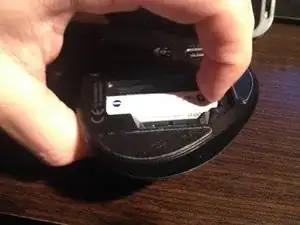
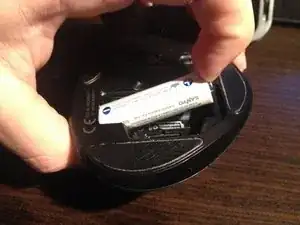
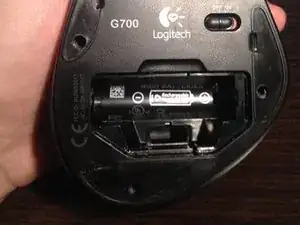
    • Entferne die Batterie.

  4. rjZoIZWCxJNHdTOf
    rjZoIZWCxJNHdTOf
    SFESWeyEvGRACegA
    q2RxlrkXCTDHMHCn
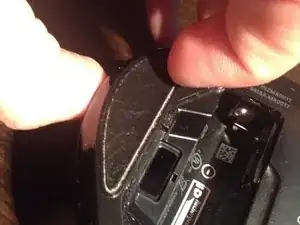
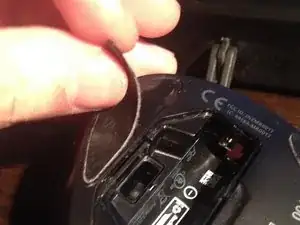
    • Fang an der markierten Stelle an die Teflon-Füße vorsichtig abzulösen.

    • Am besten klebst du die Füße während der Reparatur auf eine saubere, glatte Oberfläche. So kannst du sie später wieder benutzen.

    At this point it's very likely that you destroy the glides so it's probably a good idea to order some new before attempting the teardown.

    T_aus_M -

  5. o4NQFwwhunGQYaJP
    o4NQFwwhunGQYaJP
    QfZLwZ6QJZXbxNNL
    • Entferne die 5 Schrauben unter den Gleitfüßen.

  6. FVvbyVKtnGXUOqmN
    FVvbyVKtnGXUOqmN
    kvqyjJd4Pc6mKjRu
    • Öffne die Maus vorsichtig von der vorderen Seite aus.

  7. wAyfQNK5GheLZgVD
    wAyfQNK5GheLZgVD
    2AOa3ARyfMJh3EN1
    3F21GSKrQNk2ljrY
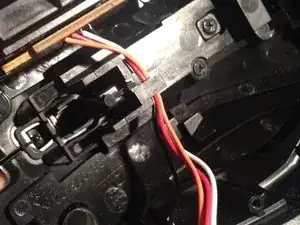
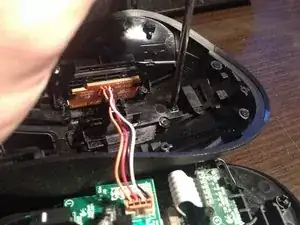
    • Zieh die vier Kabel vorsichtig aus ihrer Halterung im oberen Teil der Maus.

  8. bCflI2PPFlsvGwH2
    bCflI2PPFlsvGwH2
    NAkgaMCSX1qFcZrT
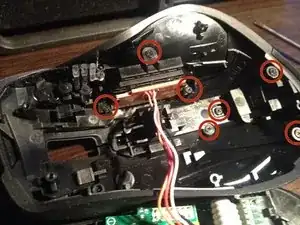
    • Entferne die 7 Schrauben, welche den oberen Teil und die seitlichen Knöpfe halten.

    • Du brauchst ausschließlich die 4 Schrauben im unteren Teil entfernen, um die obere Abdeckung zu entfernen.

  9. dIEqgOYLF6jNUROn
    dIEqgOYLF6jNUROn
    oBSXr6VX3qPEDBkc
    iG6OSMNye65dvNmW
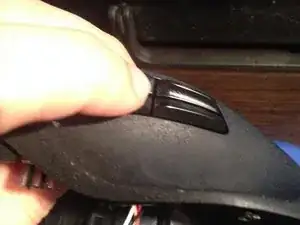
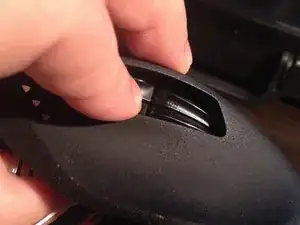
    • Drücke die seitlichen Knöpfe vorsichtig nach innen und schiebe sie nach unten.

    u need to push the inside upward out of the slot before pushing the side keys in. ive break part of the slot by following this….

    vampirex_88killer -

  10. tLVFar2PTjXD2BDX
    tLVFar2PTjXD2BDX
    UgUU2JmDDVRqGlfL
    YbiQgWFWIffGR3Wf
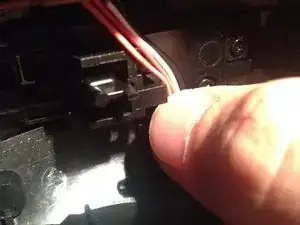
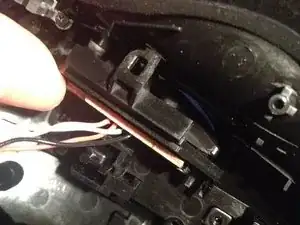
    • Drücke vorsichtig den Stift zur Seite, der die Tasten hält.

  11. aJwMXSLmo6J6eBPh
    aJwMXSLmo6J6eBPh
    5OuKmVGNGxFK25f1
    1rBIwZ52FfFCmQYt
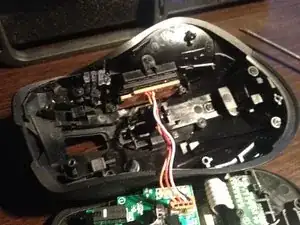
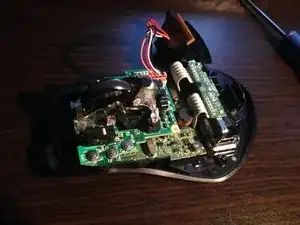
    • Nimm den oberen Teil des Gehäuses vorsichtig ab.

  12. FMSHCm4oTTBPnPZs
    FMSHCm4oTTBPnPZs
    Ctt4bPCX3JMVLRbZ
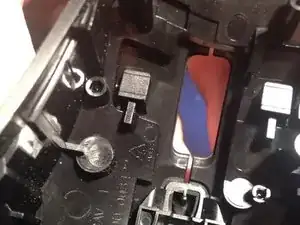
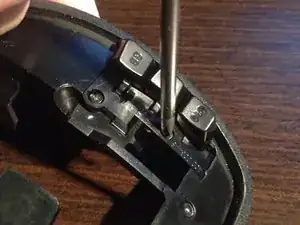
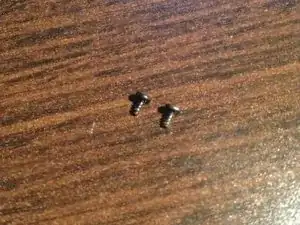
    • Entferne die beiden Schrauben, die das Plastikteil befestigen, welches wiederum die 3 oberen Tasten an ihrem Platz hält.

  13. JTTLrLJcPGmpnlmg
    JTTLrLJcPGmpnlmg
    3mZajHxGqYpSGlIG
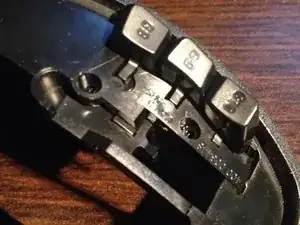
    • Entferne das Plastikteil.

  14. bQs5m3XMJUtItwAh
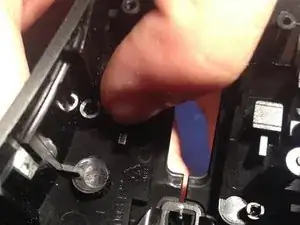
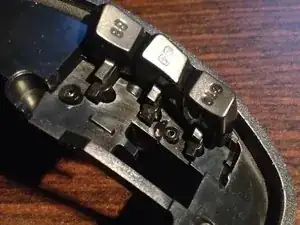
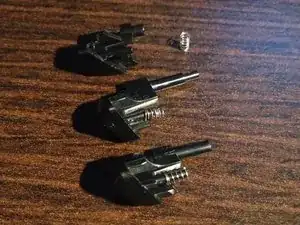
    • Ziehe die Knöpfe heraus. Achte auf die kleinen Federn!

  15. HD5YOH5dRDWlROKj
    HD5YOH5dRDWlROKj
    vTqkFLHJKWOTXYbl
    • Fertig! Herzlichen Glückwunsch - du kannst die Maus reinigen!

    • Sei beim Zusammenbauen vorsichtig: Die kleinen Schrauben überdrehen sehr leicht!

Abschluss

Um das Gerät wieder zusammenzusetzen, folge den Schritten der Anleitung in umgekehrter Reihenfolge.

Tomasz

Mitglied seit: 18/07/14

867 Reputation

7 Kommentare

Exactly what I was looking for. Guide worked perfectly. Thanks!

oscarsdg1 -

I need the clear image of components on the main board. Could you please help me? Do you have any image of components on the main board?

Thanks

Hupaa -

Thanks!! I got my mouse working again.

sm3333 -

Thanks! i got my mouse working again thanks to this article.

sm3333 -

I did open my mouse to clean but I open the wheel too. Inside are to support torqued springs that I do not know how to put them back. in this case my mouse wheel is not working properly. Can you please help me with some pictures or an advice?

Hellyworld -

The small springs are located in the front of the mouse, left and right from the switch which is used for the middle mouse button. i would take an photo if I could. I had the same problem before but found the solution.

egal -

Tengo un mouse logitech g502 de los primeros y la verdad que estaba muy contento con él, por el tema de que trae 2 botones a cada lado y me viene bien para macros. El uso sería juegos (CSGO o BF3/4) y autocad y Catia.

Yo utilizo tableta gráfica XP-Pen Star G430S para jugar al osu y hacer anotaciones, subrayar y corregir pequeñas cosas en los apuntes que tengo en formato word y PDF , pero he empezado a dibujar con ella y va genial.

https://www.xp-pen.es/product/256.html

qian -