Einleitung
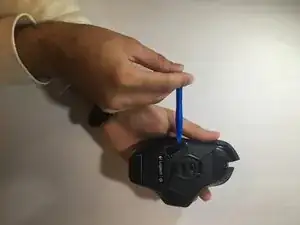
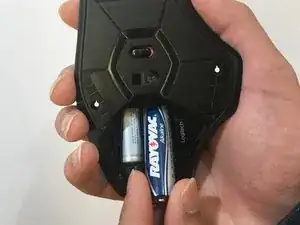
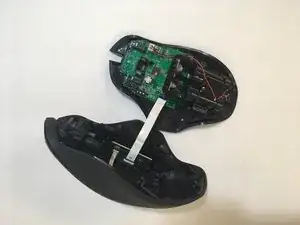
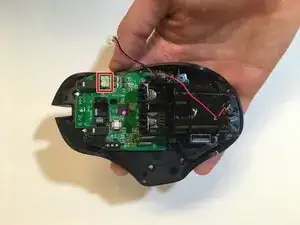
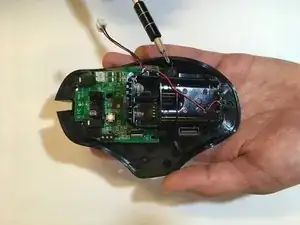
This guide will teach you how to fully deconstruct the mouse and remove the green motherboard.
Werkzeuge


-
-
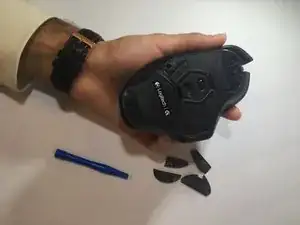
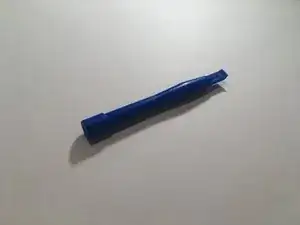
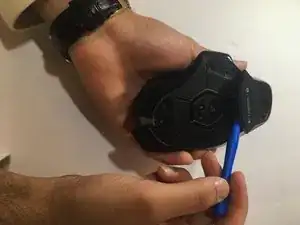
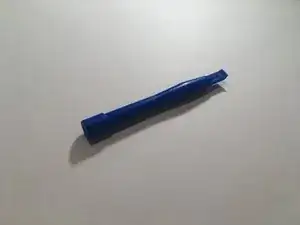
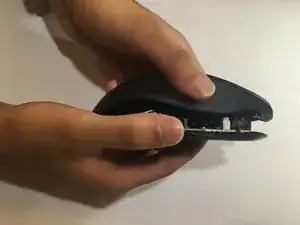
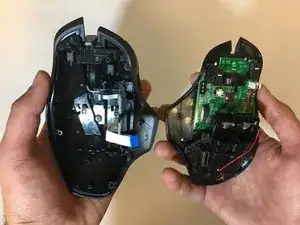
Lift the top of the mouse from the base of the mouse (separate mouse in half) to expose the mouse’s internal hardware.
-
-
-
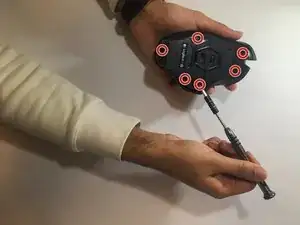
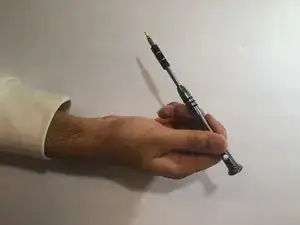
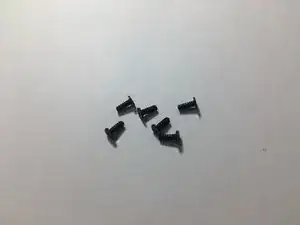
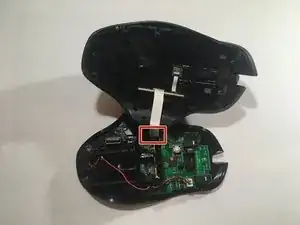
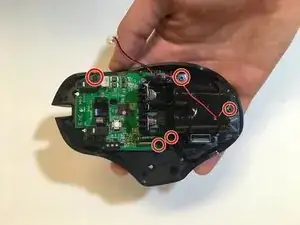
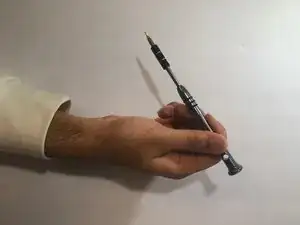
Use a Phillips #00 screwdriver to unscrew all 5 screws (3x5mm ) from the battery pack and motherboard.
-
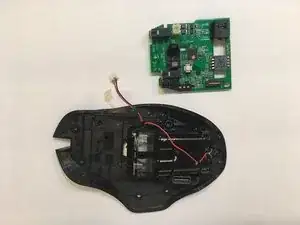
To reassemble your device, follow these instructions in reverse order.

3 Kommentare
So can I buy a new motherboard? Where? I don’t see one available on this site.
Kat -
Hi there Kat. Did you eventually find out where to get a new motherboard for your G602 mouse?
Jerico, I’ve got a problem with my g602, as the mouse is depleting new batteries energy. I put new batteries on, and they are immediately recognized as “low batteries” by the mouse system, flashing the led indicator as low battery as well. Any thoughts?