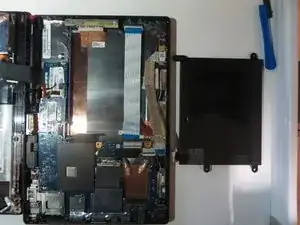
Einleitung
Werkzeuge


-
-
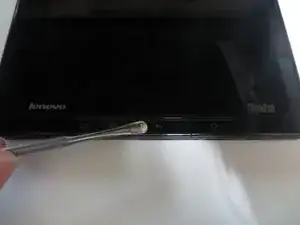
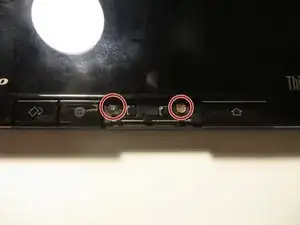
Remove the button with the arrow pointing left.
-
You can do this by putting your fingernail or a Spudger underneath the button and pulling up.
-
-
-
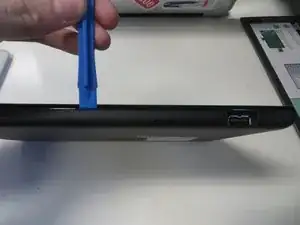
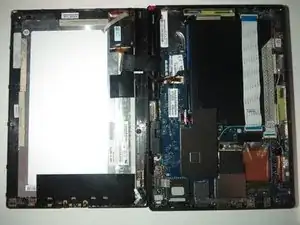
Open the tablet screen to the left. Making sure not to disconnect any of the wires connecting the screen and tablet.
-
-
-
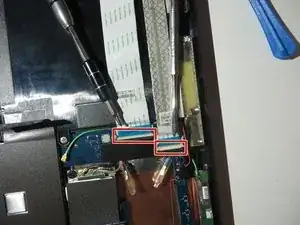
To peel back the ribbon connectors first gently open the white gates.
-
You can do this with a plastic Spudger or your fingernail.
-
-
-
After you have opened the white gates just simply pull out the ribbon connectors.
-
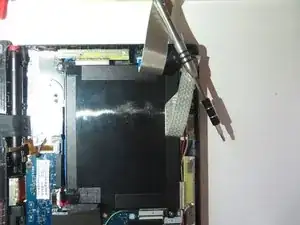
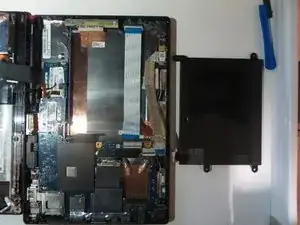
Peel them back so they are not sticking to the battery.
-
-
-
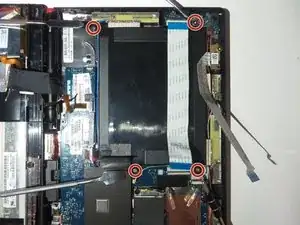
Remove the four 5mm screws that I am pointing to with the metal tools.
-
Use a Phillips head screwdriver using the #00 bit.
-
-
-
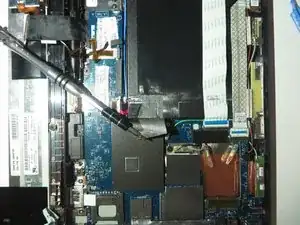
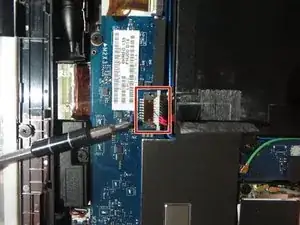
Disconnect this connector I am pointing to.
-
Remove it gently with your fingers pulling towards the battery.
-
To reassemble your device, follow these instructions in reverse order.
