Einleitung
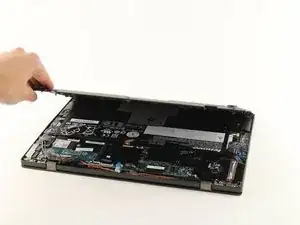
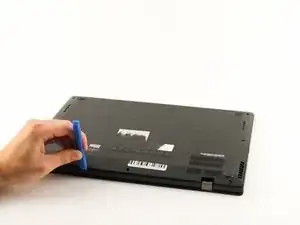
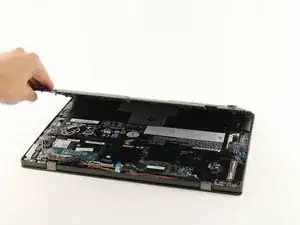
If an internal piece of your Lenovo ThinkPad X1 Carbon (2nd Gen) needs to be replaced, use this guide to remove the back cover to gain access to the internal parts.
Before you begin, make sure your computer is off.
Werkzeuge


-
-
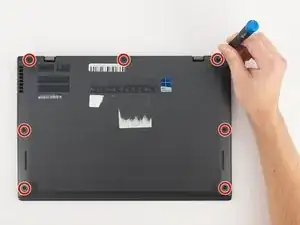
Using a Phillips #0 screwdriver, remove the seven 7mm screws holding the back cover onto your computer.
-
Abschluss
To reassemble your device, follow these instructions in reverse order.

Ein Kommentar
thank you, it’s useful
gongq -